Last Wednesday, a connector factory in Chang’an, Dongguan, dropped 37 STEP files into our shared drive and asked: “Can these become animations we can post on TikTok?” That is a familiar starting point for 3D animation production Dongguan projects—except the hard part is rarely the animation. It is the data behind it.
Let’s be precise: 3D animation production Dongguan is limited less by animation skill than by CAD hygiene. Most factories here work with STEP, IGES, DXF, or drawings that predate the smartphone. Turning those files into products that rotate, explode, and section on screen starts with geometry cleanup, not with opening an animation package. We covered path selection in from live action to AI+3D; this piece is about what happens after the engineering data lands in the animation scene.
Geometry cleanup: delete what the camera never sees
STEP is a B-rep boundary representation. Whether it lands in Blender, C4D, or Houdini, it eventually becomes a mesh. Higher tessellation is not automatically better: keep 0.1–0.2 mm chamfers for hero close-ups, merge sub-0.5 mm features in wide shots, and replace threads, cooling fins, internal ribs, and latches with low-poly proxies. A connector that looks small on a desk can hit eight million polygons untouched—your workstation will wave the white flag before the animation is half done. N-gons and overlapping faces also create dirty highlights that no amount of post-production fixes.
Assembly constraints: let the screw drive the slider
The fastest way to make a product demo feel fake is manual keyframing. On our precision machine tool animation breakdown, we align every joint pivot to the real rotation axis, then use parenting and drivers to build the transmission: a 1.25 mm lead screw advances the slider 1.25 mm per turn; a 2:1 gear ratio turns the driven gear at half speed. Change the stroke or speed later and one parameter updates the whole motion. When a client says “add 20 mm of travel to this model,” we change a number, not a night’s sleep.
Section reveals: don’t just make the housing transparent
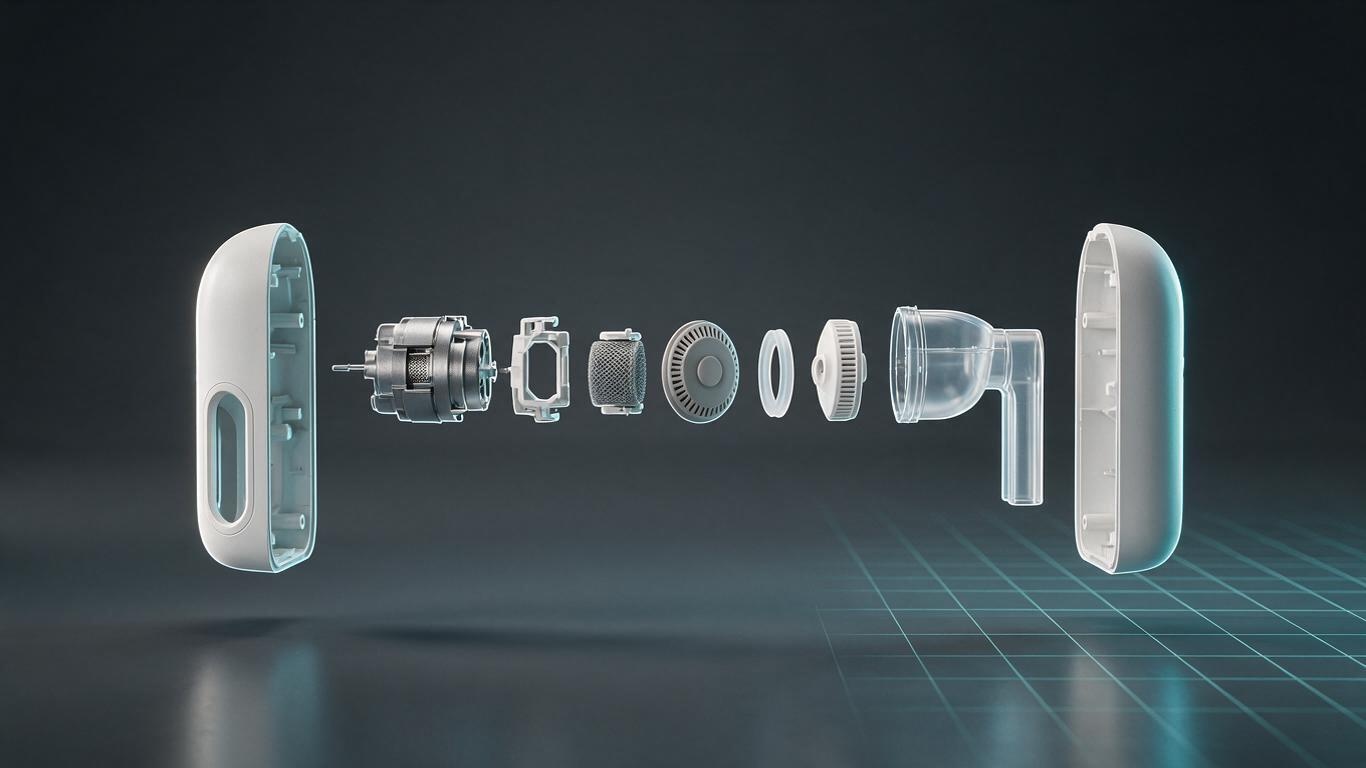
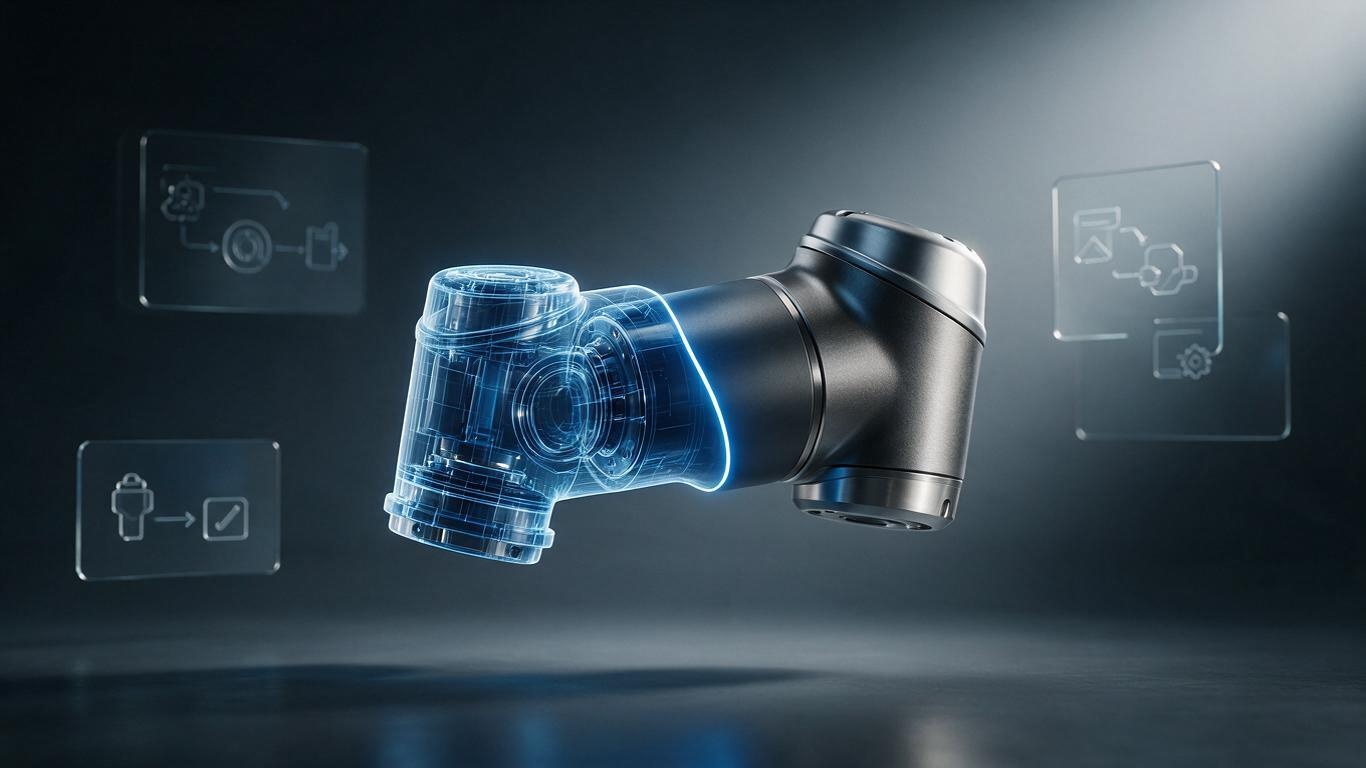
Factories often ask for a transparent shell to show internals. Fully transparent usually becomes visual soup: front and back structures overlap, and the viewer sees nothing. A section cut is more reliable—a clipping plane sweeps along the axis, the housing falls away, and bearings, coils, and seals appear in sequence. When the outer silhouette still matters, a Fresnel edge keeps the transparent part visible only at grazing angles. It reads as technical, not as an X-ray.
Batch output: one rig, twenty SKUs
Dongguan product families are long: one connector can have four pin counts, three plating options, and two latch types—twenty-plus variants. Animating each from scratch destroys the schedule. We put dimensions, colors, and port positions into a table, let the animation template read it, and reuse camera paths, motion logic, and section positions while swapping only variables. This connects to AI-generated geometry: AI can fill missing surfaces and chamfers, but assembly relationships and motion constraints still need a human decision. For delivery we output 16:9, 9:16, and 1:1 from the same scene, ready for TikTok, Reels, and a product page.
What local collaboration actually saves
Keeping engineering files inside the campus is the first condition many Dongguan clients raise. For factories in Chang’an, Humen, or Songshan Lake, we can sit down with the engineer and walk through the assembly in person—faster than twenty voice messages. When the structure changes, a fresh STEP goes in the same day and a rough preview is ready the next. In technical work, one less handoff usually means one less mistake.
If you have a folder of CAD files and want to know whether they can become a product demo, contact us and send one STEP file. We will start by checking whether the geometry is clean.