Tech#AI+3D#Tech Sharing#AI Modeling#Product Animation#3D Workflow#Efficiency

AI-Generated 3D Modeling Workflow: From Text to Cinematic Product Renders in 3 Steps

June 23, 2026

AI-Generated 3D Modeling Workflow: From Text to Cinematic Product Renders in 3 Steps

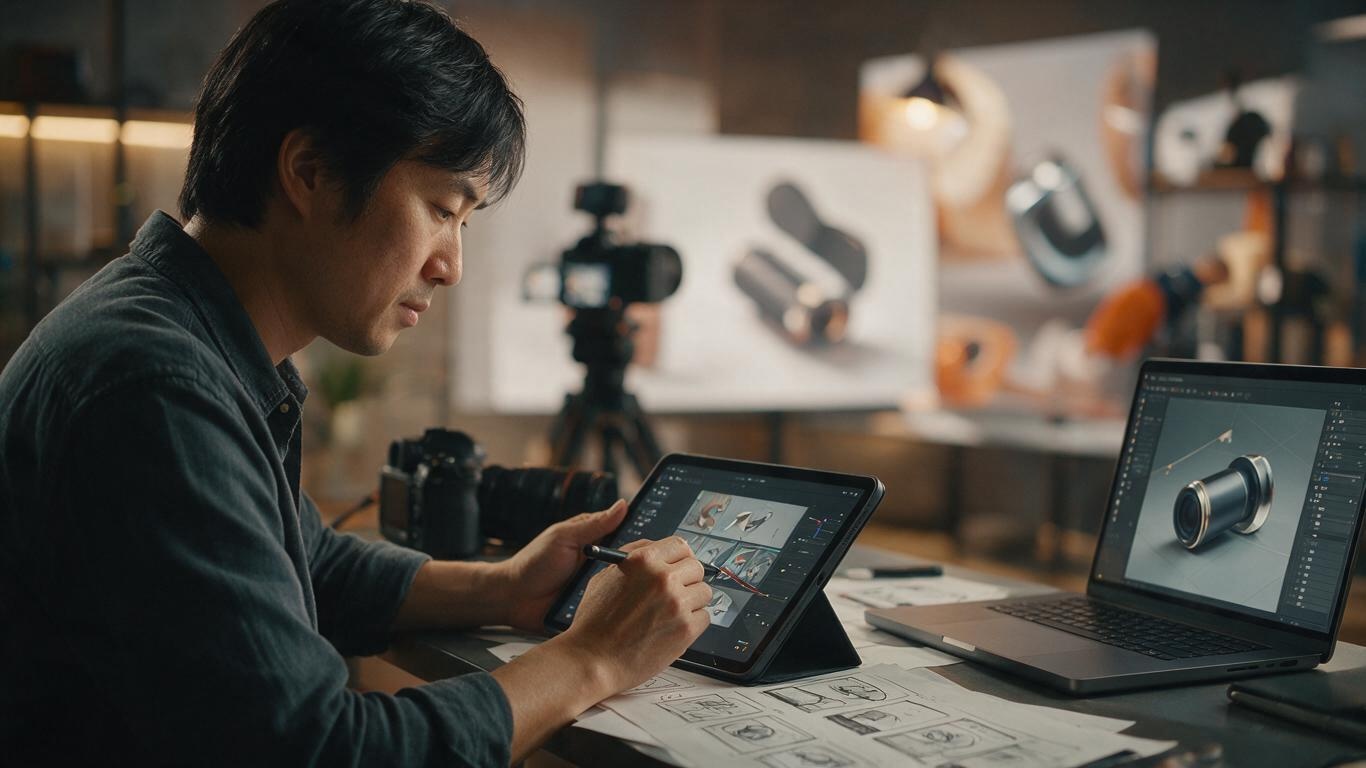
Modeling: The Last Bottleneck in 3D Product Animation

We've covered AI motion generation and product animation lighting. Now that motion and lighting can be accelerated by AI, the new bottleneck is modeling.

In 2026, AI-powered 3D generation has crossed the production-ready threshold. Our studio has deployed a mature AI+3D modeling workflow.

Step 1: Text/Image → 3D Base Model

Input a description and get a usable 3D mesh in seconds. Our tested tool stack: Meshy, Luma AI Genie, Tripo3D.

Step 2: AI Auto UV + Retopology

AI reduces millions of faces to clean 100-200K quads, auto UV unwraps, and bakes normal maps — all in 5-15 minutes vs 1-2 days manually.

Step 3: AI Material Generation

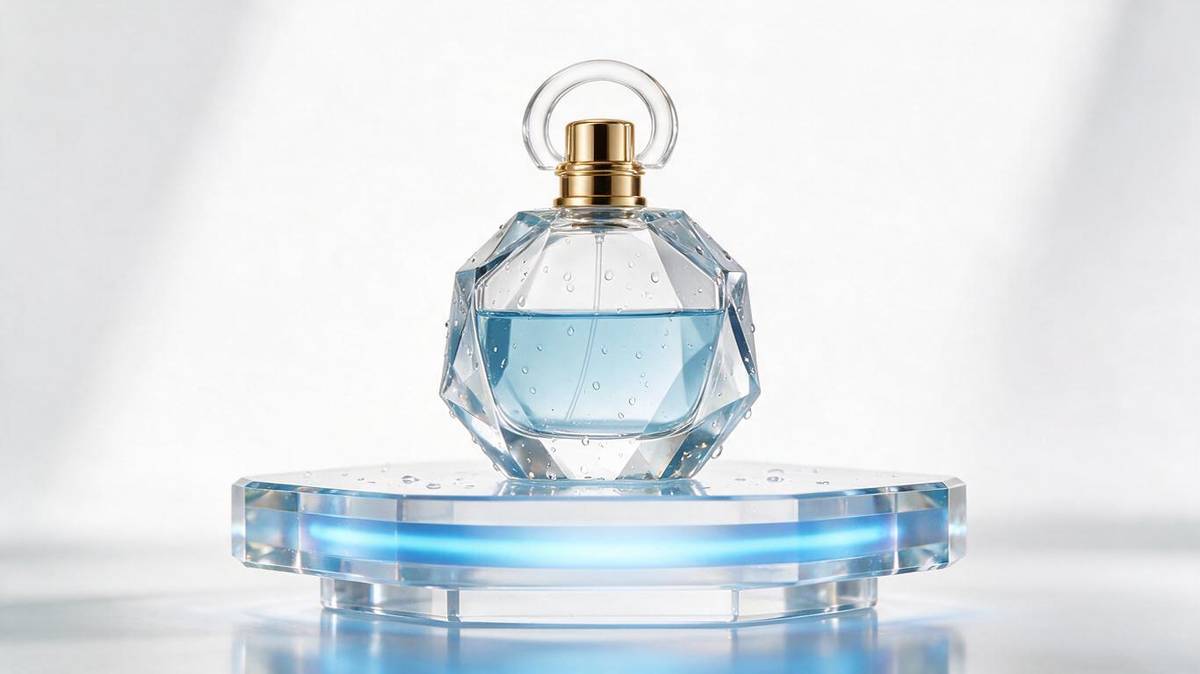
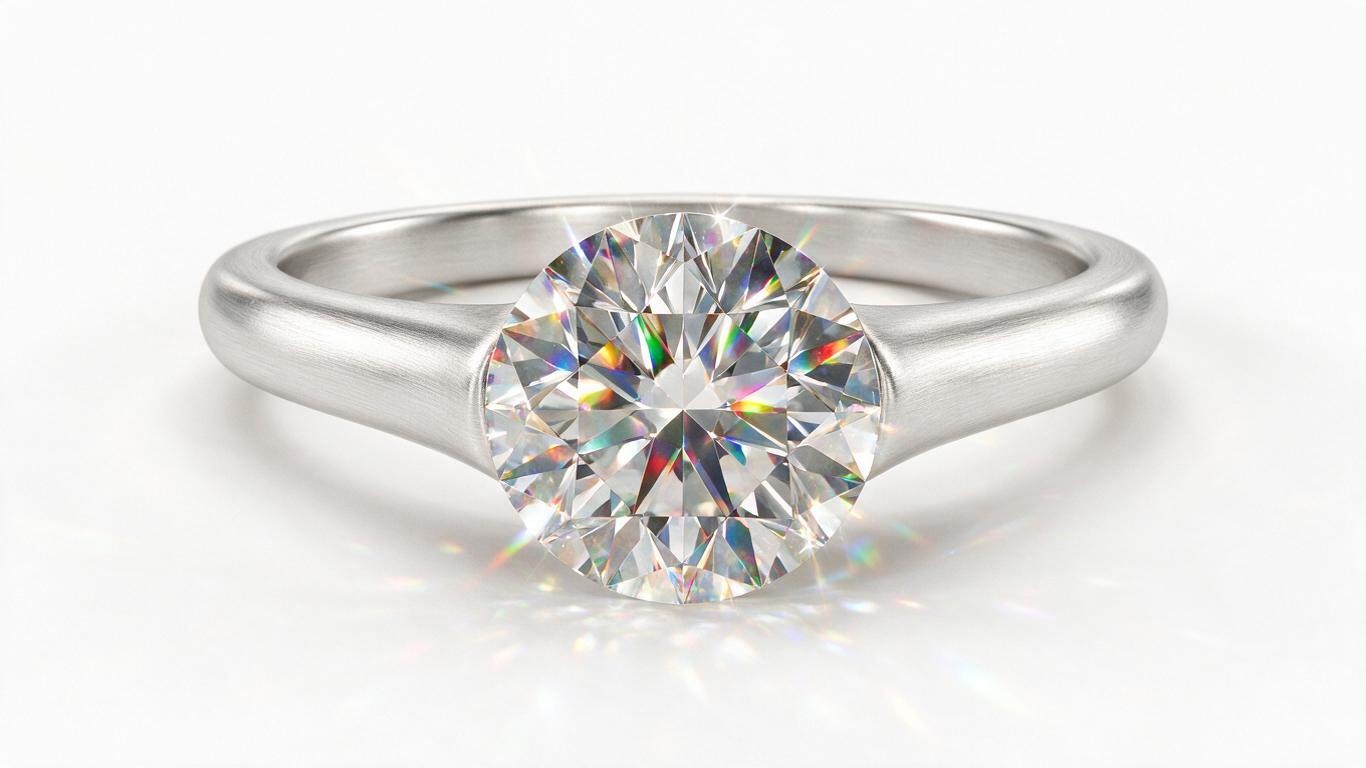
Describe the material and AI generates it: brushed metal, soft leather, frosted glass. Our internal AI material library now has 200+ validated materials.

Results

7 days traditional → 1.2 days AI workflow. 6x efficiency gain. And at 4K, clients can barely tell the difference.

Conclusion

AI+3D modeling is a production tool. Small and medium brands that previously could not afford 3D animation now can.

Contact us for a free consultation.
Share this article

Related Reading

AI-Driven Motion Generation: The End of Manual Keyframing for Product Animation

AI-Driven Motion Generation: The End of Manual Keyframing for Product Animation

What takes the most time in product animation? Not modeling, not rendering—but keyframing. For a 30-second product showcase, animators manually adjust hundreds of keyframes. AI-driven motion generation is changing this reality. This article explores how AI auto-generates natural product motion trajectories, boosting animation efficiency by over 300%.

How to Make AI Product Animation: Prompt Guide

How to Make AI Product Animation: Prompt Guide

A practical guide on how to make AI product animation: the four-layer prompt structure, 3D asset backbone, and shot-first iteration rhythm that keeps frames clean.

Product Animation Cinematography: Camera Movement Techniques

Product Animation Cinematography: Camera Movement Techniques

From storyboard to final edit, this guide breaks down cinematography and camera movement for product animation. Master push/pull, orbit, shot sizes, rhythm, and transitions to sell your product visually.

How to Choose a 3D Rendering Engine for Product Animation

How to Choose a 3D Rendering Engine for Product Animation

Product animation depends on choosing the right 3D rendering engine. This article breaks down Blender, Unreal, Octane and more from speed, realism, and AI workflow compatibility, offering practical guidance for brands.

Product Animation Material Secrets: Make Products Look 'Real' Beyond Animation

Product Animation Material Secrets: Make Products Look 'Real' Beyond Animation

Material and texture are the key to realism in product animation. This article shares practical tips for common materials like metal, glass, and plastic, and introduces AI-assisted PBR material generation workflow to help brands achieve cinematic product showcases.

From Live Action to AI 3D: Evolution and Comparison of Product Animation Workflows

From Live Action to AI 3D: Evolution and Comparison of Product Animation Workflows

Compare traditional live-action and AI+3D product animation workflows from cost, timeline, and creative freedom perspectives, helping brands make optimal decisions for e-commerce visuals.

微信咨询