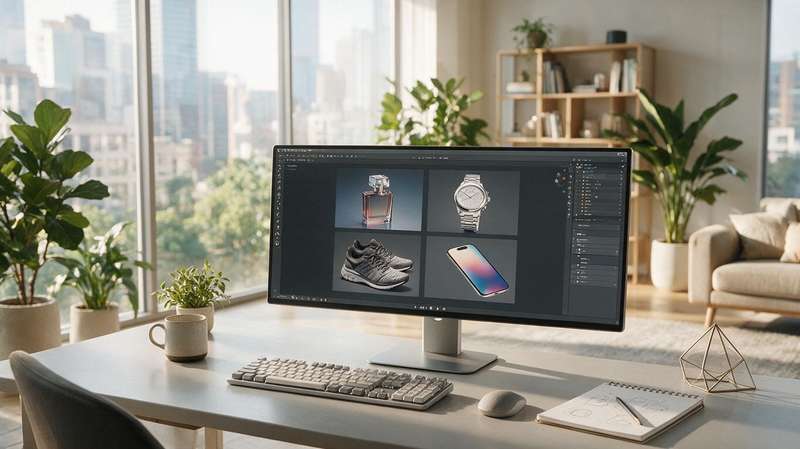

At 1 a.m., only my computer and I were still in the office, running a test render. The progress bar was stuck at 97%, the fans whirring away. This was the third time this week I'd switched engines — my client's words still echoed: can't you use a more advanced renderer?
In product animation, choosing a 3D rendering engine often feels like a myth. Some people swear by 'the more expensive, the better'; others just say 'as long as it renders.' As an animation studio that has served over a hundred brands, we've tried nearly every mainstream engine. Today I won't talk abstract — I'll share the pitfalls we've hit and the criteria we've developed.
We only look at three hard metrics

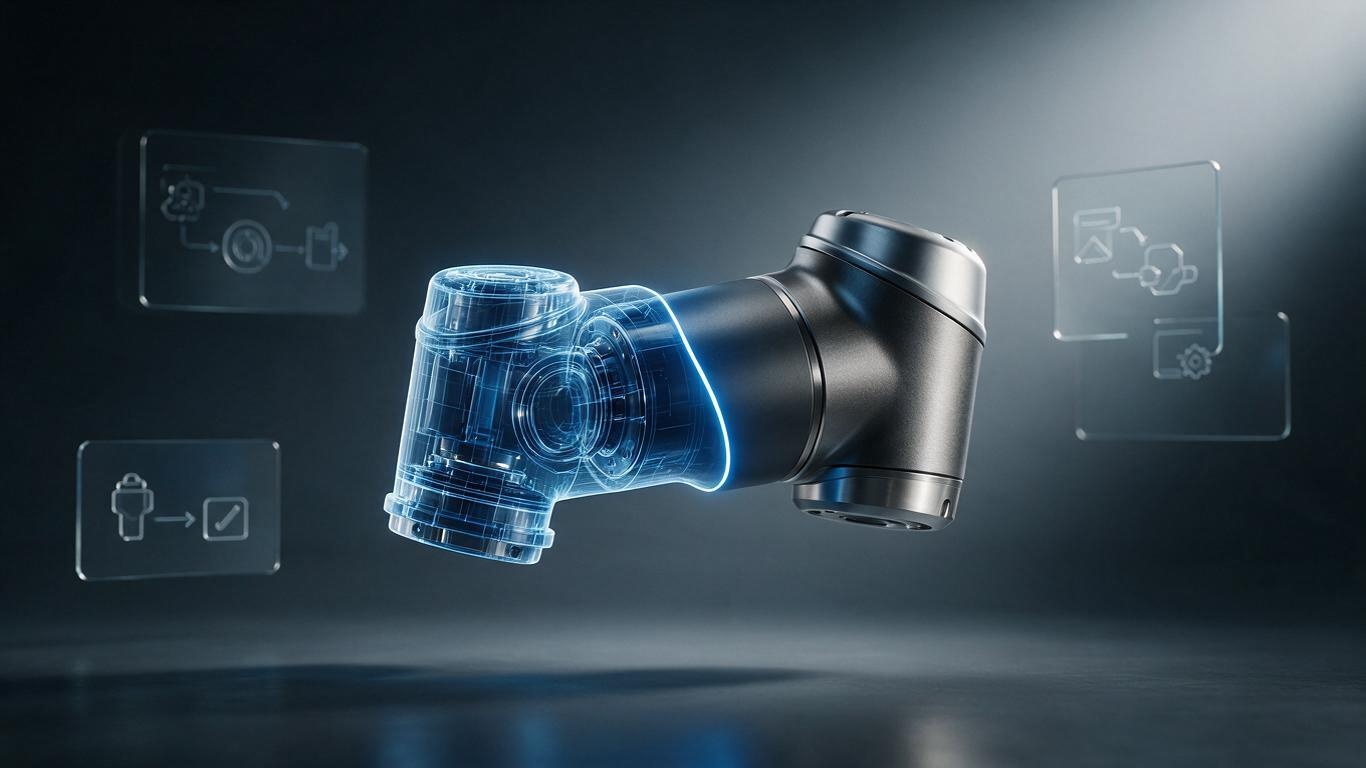
When evaluating a rendering engine, we focus on three things: render speed, realism ceiling, and AI workflow compatibility. The first two are easy to understand; the third has only become relevant recently — as AI-generated 3D models and textures become more common, whether an engine can smoothly ingest those files directly impacts your project timeline. As we mentioned in our AI 3D modeling workflow guide, AI-exported formats vary wildly, and a poorly compatible engine can burn half a day just on import.
Mainstream engines tested: who's fast and who's not

Let's start with Blender. Its Cycles renderer is nearly flawless in physical realism — depth of field and diffuse shading are particularly great for high-reflection products like perfumes and skincare. But it's slow: a single 4K frame can take over ten minutes on an average machine. Eevee is fast, yet the quality often lacks that final polish. Unreal Engine, on the other hand, is a champion of real-time rendering — perfect for 360° turntables and interactive experiences, and many auto and tech brands use it for launch events. But it requires a skilled art team; if you don't know how to tweak settings, the result can look like a video game.
As for veteran GPU renderers like Octane and Redshift, motion blur and volumetric light remain their strengths — plenty of cinematic commercials are rendered with them. But they demand serious GPU hardware, and their integration with AI-generated assets isn't as smooth as newer alternatives. We've discussed this in our product animation lighting guide — lighting quality comes more from art skill than from burning expensive graphics cards.
The new challenge of AI+3D workflows

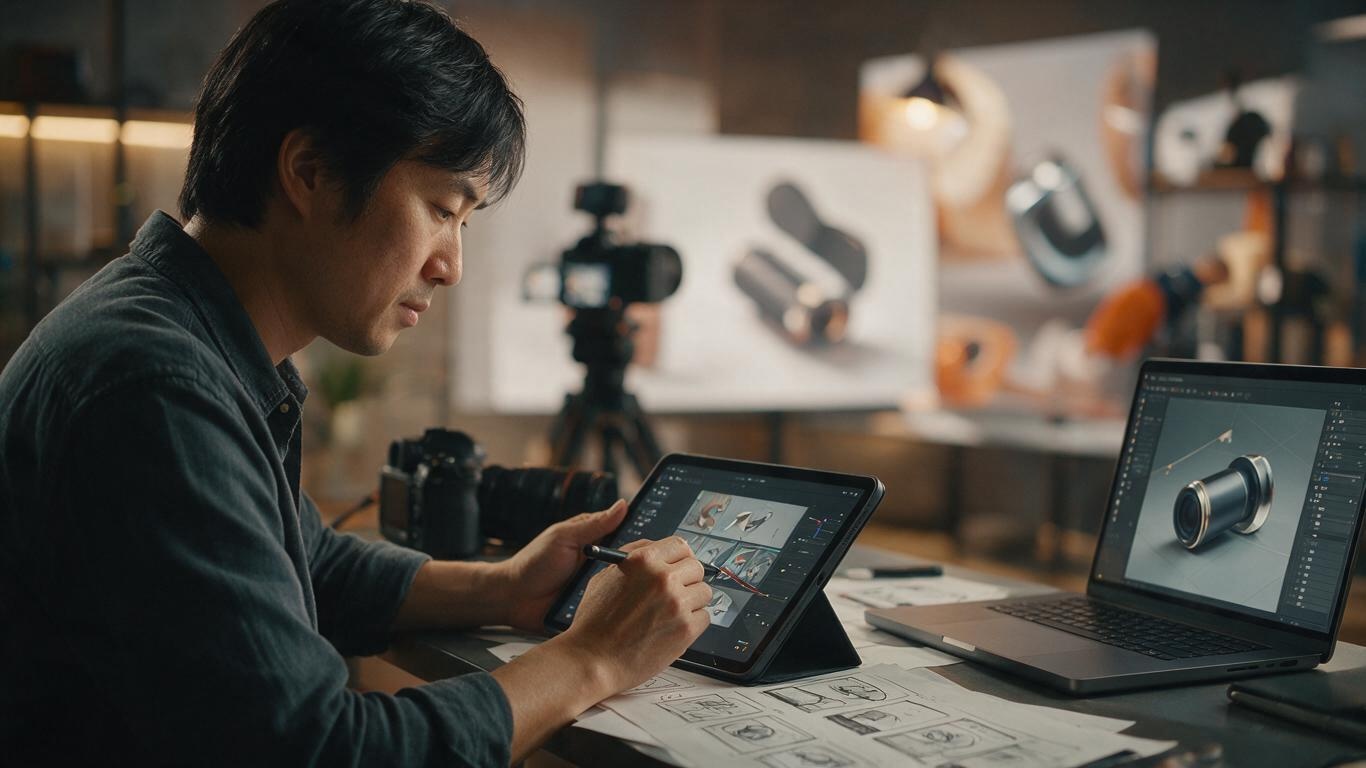
After years of AI+3D product animation, our deepest insight is: the workflow matters more than the renderer itself. When you generate a base model with AI, you need to import it into an engine, adjust materials and lights quickly. If one engine's import process takes half a day and another takes just thirty minutes, the choice is obvious. Plus, many projects now demand 'what you see is what you get' — clients want to preview and iterate on the fly, which makes real-time engines even more attractive.
Advice for brands
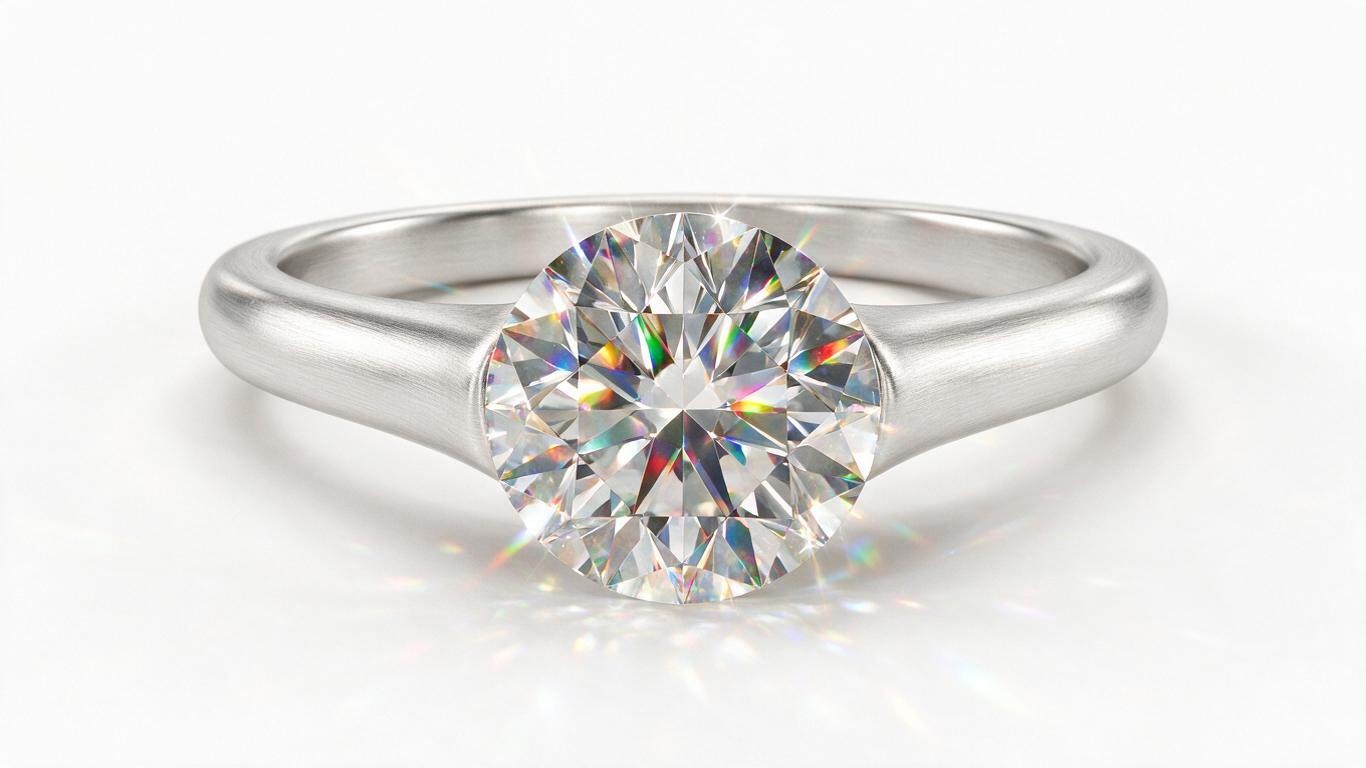
So don't just look at the renderer's logo — look at how the team uses it. Given the same empty bottle model, one artist can make it look like crystal-clear glass, while another delivers a plastic finish. That's art experience, not tooling. We eventually chose Blender as our primary tool because it's open-source, controllable, and pairs well with our in-house AI pipeline, letting us balance quality and turnaround.
Next time you ask 'What rendering engine do you use?', try asking instead: 'How many days does it take to produce one product animation?' That number holds the real answer.