
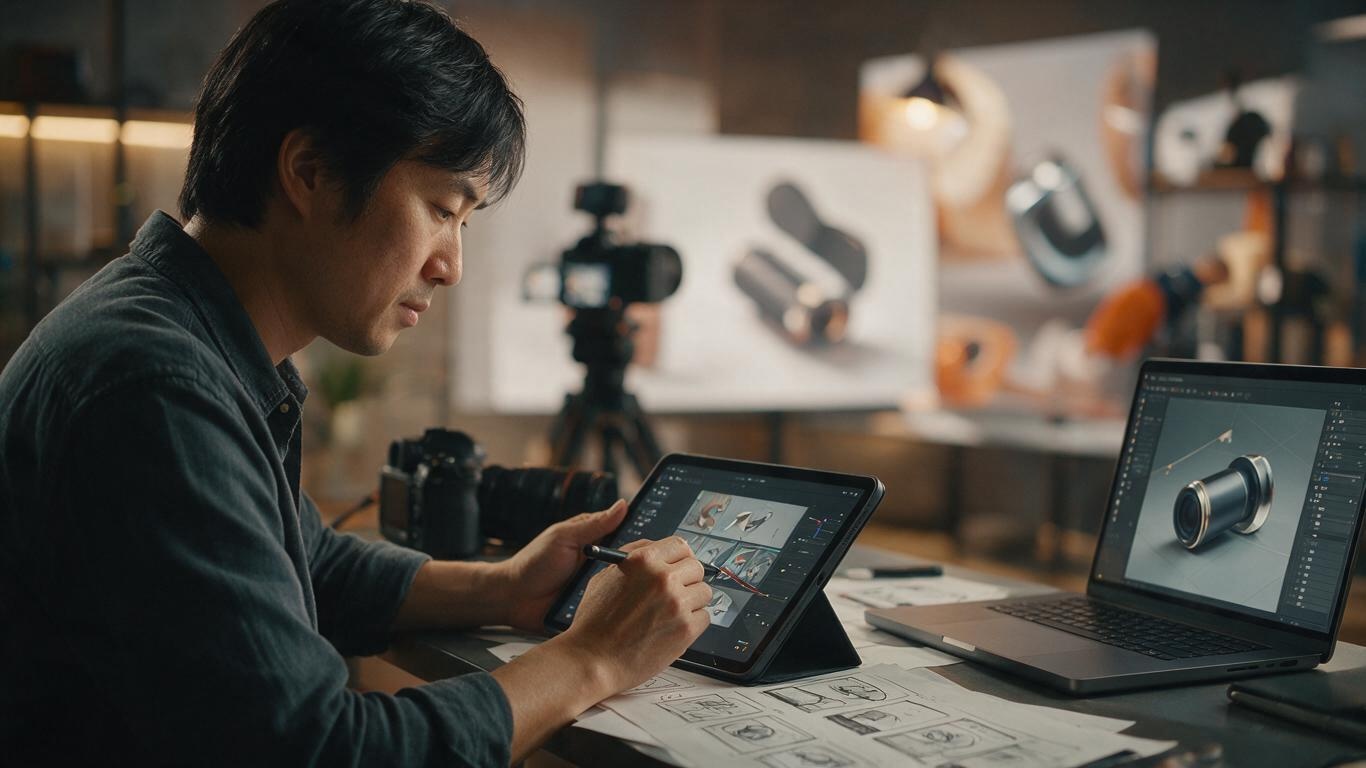
Have you ever had that moment? You scroll past a product video, the product itself is ordinary, but the camera moves, the music hits, and you find yourself scrolling back to watch it again. On the flip side, some products are amazing, yet stiff camera work makes the animation feel like a PowerPoint slide deck — and viewers just swipe away. The success of a product animation often has less to do with the product itself, and everything to do with cinematography.
As a team that lives and breathes product animation, the question we get most isn't 'which renderer do you use?' — it's 'how do we make our product look more premium?' The answer lives in the language of the camera. So let's set aside rendering and materials for now, and talk about camera movement, shot sizes, rhythm, and transitions — the core techniques that decide how your product story is told.
Start with shot sizes. In product animation, shot sizes are not arbitrary. Extreme close-ups reveal texture, logo engravings, even a single screw — perfect for highlighting craftsmanship. Medium shots are ideal for showing product-user interaction, like holding a smartphone or adjusting a backpack strap. Wide shots establish scale and context, showing the product in its environment. A well-made product animation usually opens with an extreme close-up to build tactile perception, then pulls to a wide shot to establish spatial awareness — a combination that gives viewers a rounded impression. The most common mistake beginners make is using close-ups for the entire video, leaving the audience with no idea what the product actually looks like.
Camera movement is the heart of it all. The five fundamentals: push, pull, pan, dolly, and follow. The push moves from far to near, focusing on a specific selling point — great for opening a scene. The pull does the opposite: it starts with detail and reveals the whole, unveiling 'what this is'. The pan sweeps across a static camera, perfect for elongated products like grills or fishing rods. The dolly translates the camera linearly, creating a sense of passing inspection. The follow tracks a moving product, ideal for dynamic items like skateboards or drones. Never underestimate these basics — 80% of shots in e-commerce product videos are variations. What matters is speed and control: push too fast and you'll scare viewers, too slow and you'll lose their interest.
If the basics are walking, advanced moves are parkour. The three most useful: orbit, pedestal, and one-take. The orbit circles around the product for a 360° view — perfect for bottles, vapes, or sneakers that need multi-angle appreciation. The pedestal moves the camera from low to high, creating a ritualistic lift — great for large equipment or furniture. The one-take is the ultimate test of skill; it merges multiple shots into a single continuous take, with natural transitions via movement and framing. Viewers feel like they're 'watching reality' — the texture is impeccable. We recently animated a CNC machine using a three-part one-take: starting on a ground-level screw, gliding along the rail, then pulling back to a wide shot as the spindle rotates — a 15-second shot told the full story from detail to whole machine. The client's reaction? Three words: 'That's premium.'
Rhythm is the breathing of cinematography. A beautiful shot loses its power if the rhythm is off. We break rhythm into three layers: internal rhythm (motion speed within a shot), external rhythm (cutting frequency between shots), and the macro rhythm of music. A common rule of thumb: keep each shot between 1.5 and 3 seconds, and vary motion speed — avoid constant velocity. For a push-in, starting slow and accelerating at the end creates a sense of discovery. For cutting frequency, rapid cuts suit 3C electronics and sports gear; slower cuts suit fragrances, watches, and home goods that demand a sense of texture. Also, sync cuts with the music's BPM. We typically place the visual cut on the downbeat, so sight and sound land together — viewers perceive it as 'smooth' without knowing why.
Transitions are the rhetoric of cinematography. Hard cuts are commas, dissolves are ellipses, and match cuts are exclamation marks. The most common in product animation is the match cut: connecting two unrelated shots via similar shape, color, or motion direction to create the illusion of a 'silky morph'. For example, a circular lens cap rotates 90 degrees and transitions into a watch dial — the audience smiles and says 'clever'. Whip-pan transitions are practical too: a hand or the product itself passes in front of the lens, and you cutaway on that occlusion — zero visual disruption. Another is the zoom transition, simulating a rapid zoom burst in editing, like a colliding warp — great for fast-paced short videos. But note: transitions are seasoning, not the main dish. We've seen many animations overloaded with flashy transitions, ending up fragmenting the product story. That's showing off, not storytelling.
Finally, the storyboard. All the camera tricks in the world mean nothing without a plan. Our storyboard process is simple: first a text script, noting what selling point each shot expresses; then a hand-drawn storyboard — it doesn't need to be beautiful, but it must specify shot size, camera move, and duration; finally a rough animatic to test the pacing. This process eliminates 80% of potential issues. For example, if you write 'push-in on the screen', the storyboard might reveal distortion at too-close a focal length — so you adjust the angle in advance. Storyboards also keep you on time: we demand that a 30-second animation's storyboard length deviates by no more than 3 seconds. More importantly, the storyboard phase is when you must ask 'why does the camera move?' — is it guiding the eye, creating emotion, or just a change of angle? If you don't have a clear answer, cut the move.
Cinematography is the invisible designer of product animation. It doesn't have the immediate visual impact of materials or rendering, but it decides whether viewers forget or remember and trust. Our team works with the camera every single day, and we know a good camera move can raise a product's perceived value by 30% — while a bad one can undermine a million-dollar launch. If you're planning a product animation, start by talking storyboards and camera logic with the director, not just asking for a price. And if you want to see how camera language works with other elements, check out our previous piece on lighting — light and camera always tell stories together. Or, of course, just come talk to us.


