The Pain of Keyframing: Product Animation's True Bottleneck
Anyone who's worked in product animation knows the real time sink.
It's not modeling. It's not rendering.
It's keyframing.
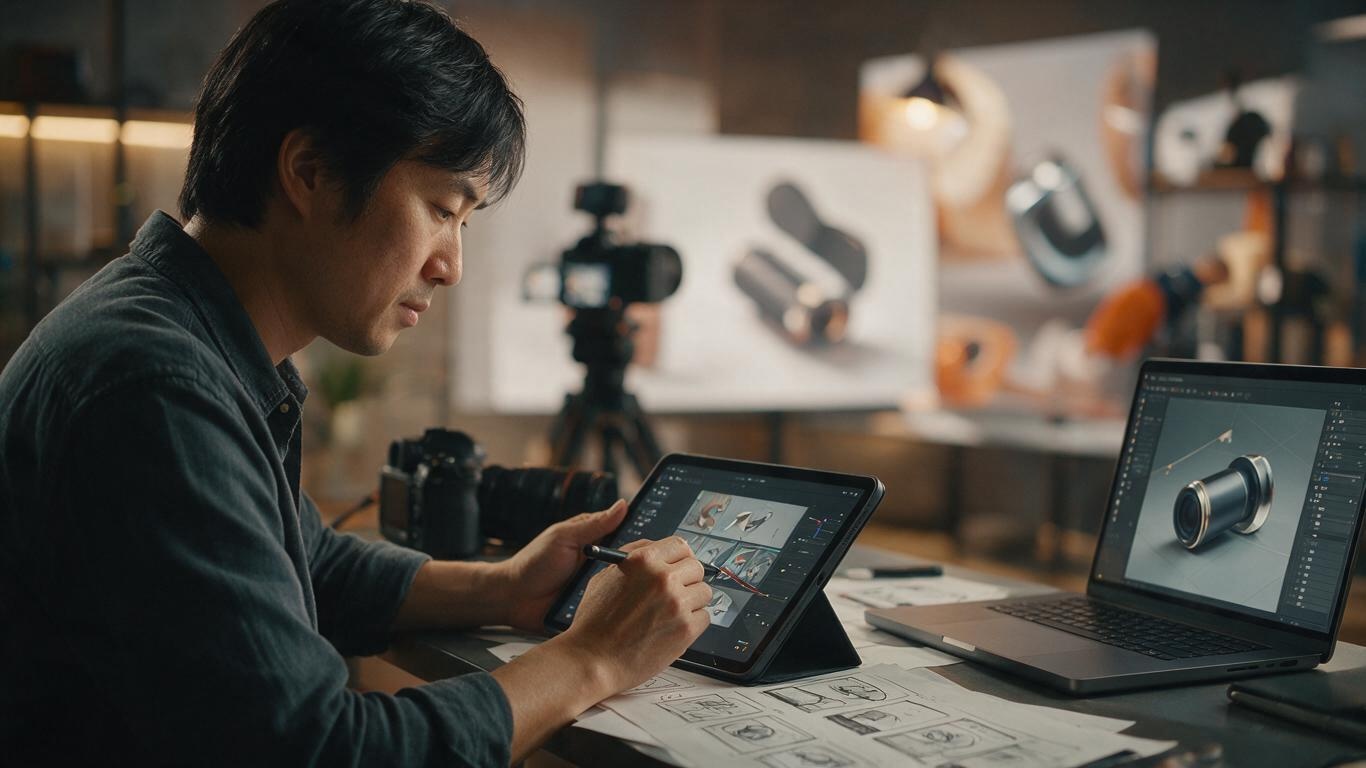
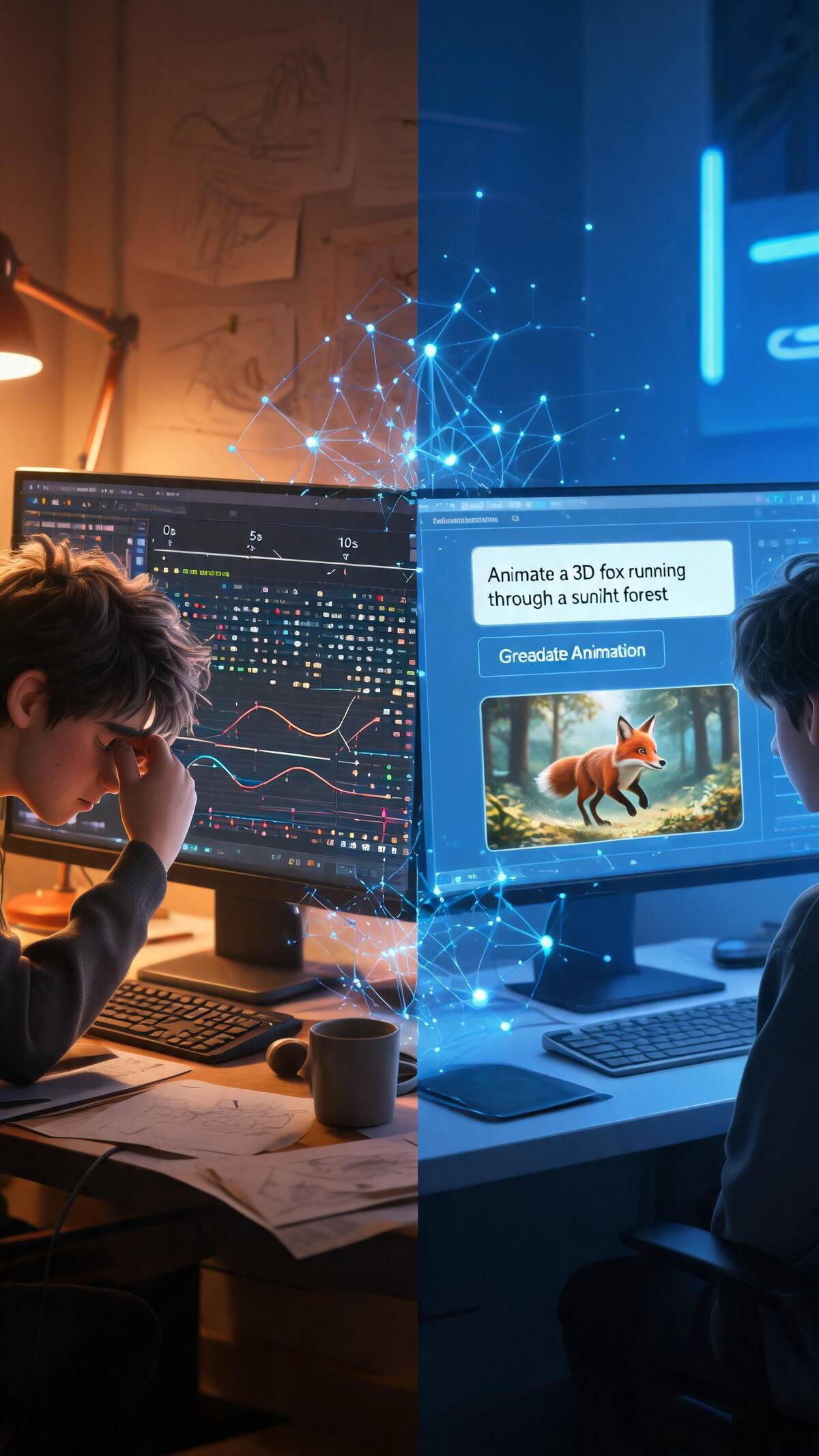
A 30-second product showcase can involve: 360° rotations, exploded views, feature demonstrations, close-ups, transitions… Every single movement requires an animator to adjust curves frame by frame, fine-tuning the rhythm. An experienced animator typically needs 3-5 working days just for the keyframing of a high-quality 30-second product animation.
And whether the keyframing is done well ultimately determines whether the final animation feels "premium" or "cheap." The same rotation—smooth and natural curves feel like an Apple keynote; stiff mechanical curves feel like a knockoff ad.
This is exactly the core problem that AI-driven motion generation aims to solve.
For a deeper dive into the full product animation pipeline, check out our earlier case study on AI+3D product animation for 3C electronics.
The Mechanics Behind AI Motion Generation
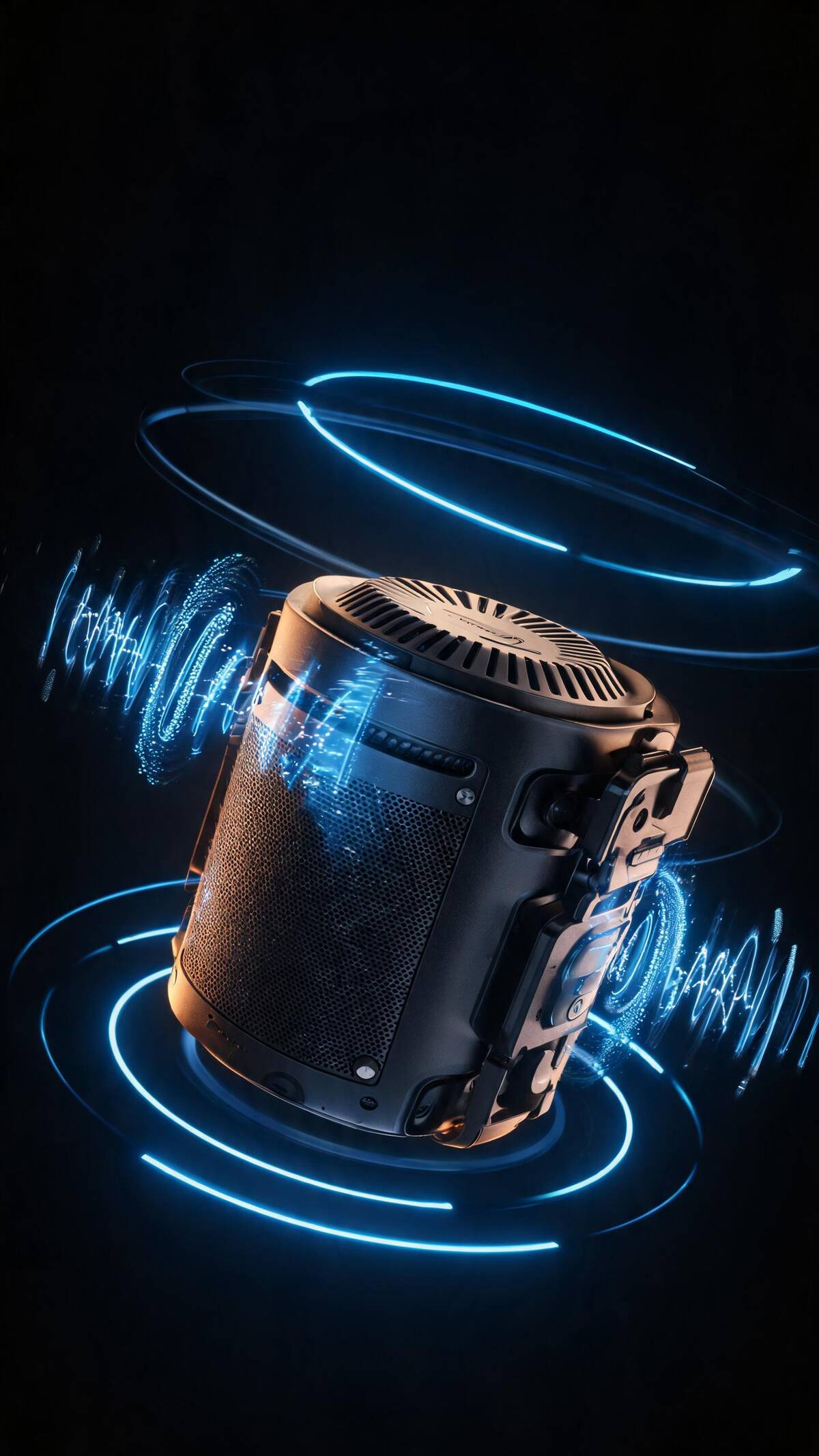
AI-driven motion generation is not a "magic button"—behind it are finely trained models and rigorous kinematics principles.
1. Motion Data Learning
The AI learns what "looks premium" from massive datasets of high-quality product animations:
- Curve aesthetics: AI has learned from hundreds of thousands of animation curves (ease in/out, elasticity, damping), understanding which acceleration profiles feel "buttery smooth"
- Rhythm perception: AI learns the optimal tempo for different product categories—electronics suit fast, crisp movements; home goods suit slow, elegant camera moves
- Physics simulation: AI incorporates rigid-body physics constraints, ensuring generated animation respects real-world mechanics (gravity, inertia, collision)
2. Semantic Understanding
The most exciting advancement: you can now describe the desired motion in natural language, and AI generates the corresponding animation:
- "Headphones slowly spin down from above, ear cups unfold, ANC sound waves radiate outward" → AI understands the timing and spatial relationships of each action
- "Coffee machine assembles from exploded state, steam rises at the end" → AI generates mechanically logical assembly animation
- You don't need to specify keyframe positions or curve parameters—AI inherently understands what "slowly" means
3. Product-Adaptive Binding
In traditional workflows, an animation template built for headphones can't be reused for a watch—products differ too much. AI-driven solutions solve this:
- Automatic rigging: AI recognizes product geometry and automatically generates appropriate joints and rotation axes
- Adaptive cinematography: Based on product dimensions and shape, AI recommends optimal camera angles and paths
In Practice: AI Motion Generation in Real Projects
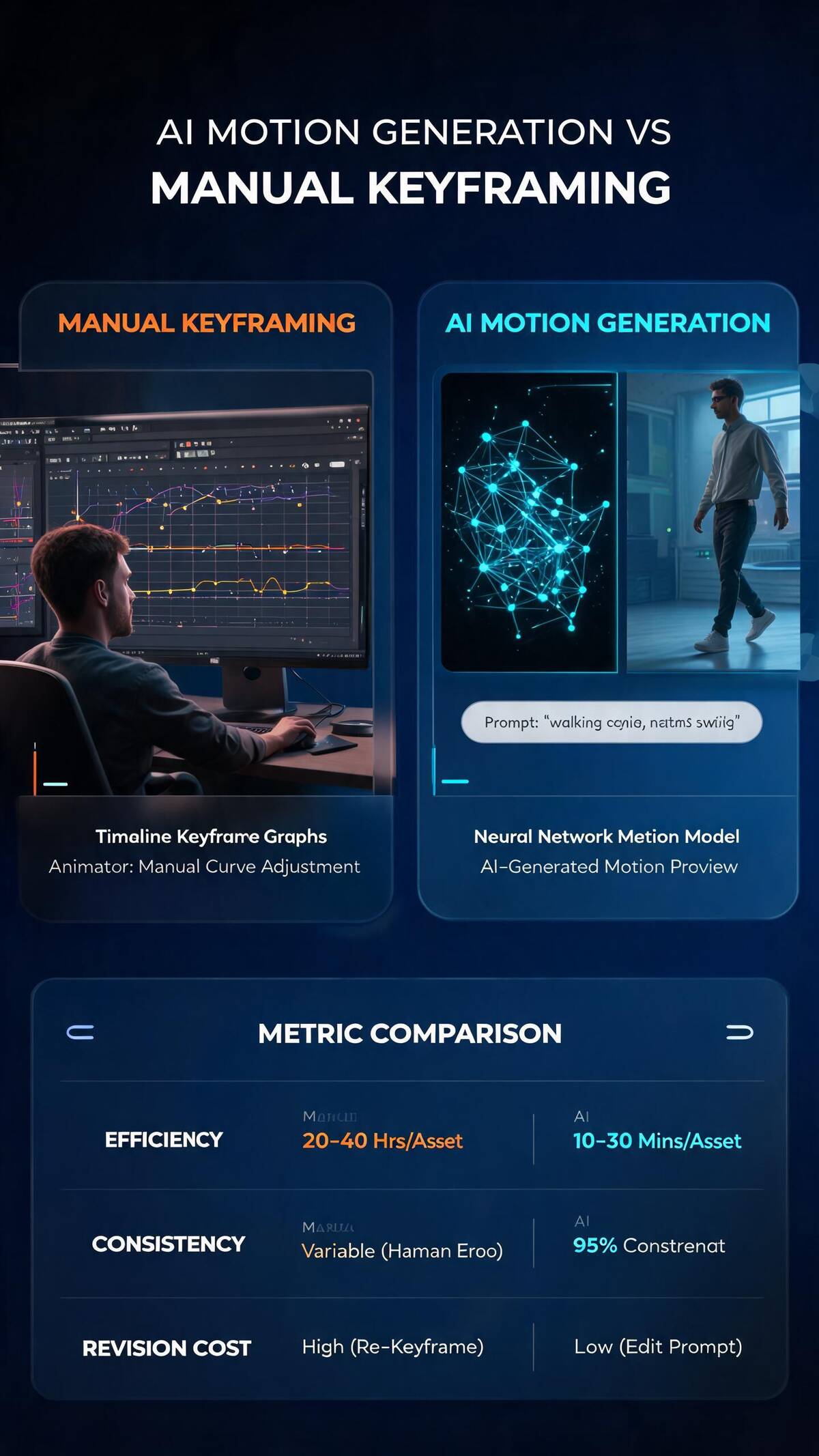
In a recent Southeast Asian cross-border e-commerce project, we used AI motion generation to animate a set of 5 products. The results were striking:
- Keyframing time reduced by 75%: From an average of 4 days/product to 1 day/product
- Animation quality consistency improved: All 5 products shared a unified animation style—no "style fragmentation" from different human animators
- Revision costs dropped dramatically: Client revision requests only required adjusting the semantic description—AI regenerated, no manual redo needed
In our other article on lighting techniques for product animation, we also explored how motion and lighting complement each other to elevate visual quality.
AI Motion Generation vs Manual Keyframing: A Detailed Comparison
| Dimension | Manual Keyframing | AI Motion Generation |
|---|---|---|
| Efficiency | 3-5 days / 30 seconds | 0.5-1 day / 30 seconds |
| Consistency | Depends on animator; high variance | Highly consistent, unified style |
| Revision cost | High (re-work curves) | Low (adjust description, regenerate) |
| Creative space | Limited by animator experience | AI can propose motions humans wouldn't think of |
| Physical realism | Relies on animator judgment | Built-in physics constraints, automatically plausible |
| Applicable scenarios | All scenarios | Standard product showcases; extreme creative still needs humans |
Core Toolchain for AI Motion Generation
Our studio's current core toolchain includes:
- Motion Generation Engine: Deep learning-based product animation model supporting multiple product categories
- Semantic→Animation Translator: Converts CN/EN motion descriptions into 3D animation data
- Physics Validation Module: Automatically detects and fixes animation segments that violate physical laws
- Style Transfer System: Learns the "motion style" from reference videos and transfers it to new product animations
Demo: A Simple Case Study
Let's say we're creating a 15-second product showcase for a Bluetooth speaker brand:
- Input the 3D model → AI automatically recognizes the structure, binds rotation axes
- Input the motion description: "Speaker slides in from the right and rotates 90° to face the camera, woofer diaphragm pulses with the music beat, brand logo rises from the bottom"
- AI generates first draft → Complete animation sequence in ~3 minutes
- Human refinement → Animator fine-tunes transition pacing on top of AI output (~1 hour)
- Final output → High-quality, consistently styled 15-second product animation
This pipeline compresses a traditional 3-day timeline to under half a day.
Limitations and the Future of AI Motion Generation
Of course, AI motion generation isn't a universal solution:
- Extreme creative scenarios: When you need surreal animations that break physics, AI constraints can actually get in the way
- Complex narrative animation: Multi-character or multi-product animations with sophisticated cinematography and narrative structure still require human leadership
- Emotional expression: AI can make "smooth" movements, but making movements that are "moving" still requires a human animator's aesthetic judgment
But the trend is unmistakable: AI is not replacing animators—it's freeing them from repetitive keyframing work so they can focus on creativity and emotional expression. It's like photography—autofocus didn't make photographers obsolete; it let them focus on composition and lighting.
Ready to double your product animation efficiency? Contact us to experience the efficiency revolution of AI-driven motion generation!