Last week a client who makes automotive parts asked me on the phone: "You keep talking about AI product animation — how is it actually made? I've never touched a modeling package. Can I do it myself?" We answer some version of this question a hundred times a year, and the answer keeps shifting. Two years ago I would have told him to spend three months learning software. Today I'd rather say: understand what AI can and cannot do first, then decide whether to pick up the tools yourself. So let's open up our real 3d animation production chain — from a vague brief to a video that can actually go on a product page.
Here's the short version: AI product animation is not "type a sentence, get a film." It is a method for embedding AI tools inside a 3d animation production pipeline. AI is genuinely good at three things right now — turning text and images into rough 3D blockouts fast, filling in repetitive in-between frames, and stitching live-action plates into CG scenes. And the places it fails are exactly the places brands care about most: proportions, structural detail, logo placement, material realism. So "how to make it" is really "which steps to hand to AI, and which steps a human must guard."
We break a standard product video into five stages: script and boards, model and assets, motion, lighting and rendering, then compositing and multi-version delivery. Below, each stage comes with a note on how much AI is involved and where beginners usually get stuck.
1. Translate "what am I selling" into one describable frame
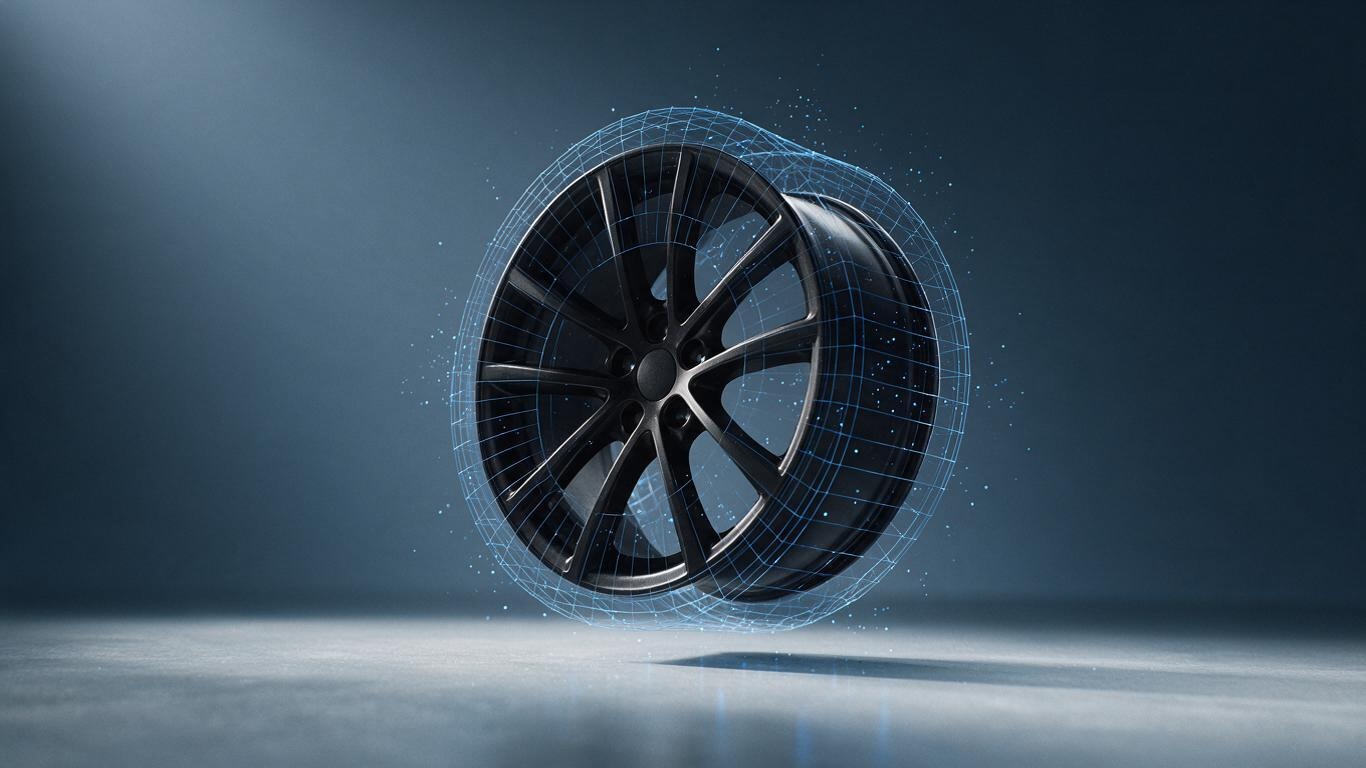
Most beginners fail at the first sentence. They hand the AI a prompt like "make a cool video of my product," which is the equivalent of telling a chef "make me something tasty." A useful input is an executable frame description: "A matte black aluminium wheel rim floating above a light grey surface, rotating slowly on its axis from the rear left, with blue light running through the spoke gaps, against a deep grey-blue gradient." That sentence carries five variables — subject, material, motion, light effect, background. Miss one and you get something that isn't yours.
AI can barely help here; this step depends on human understanding of the product. My advice: write the script without thinking about technology. List the shots one by one — three to five is plenty, since e-commerce hero videos rarely run past 15 seconds. Then decide which shots live action can handle and which need CG. That decision sets 60% of the workload downstream. If the live-action vs CG split is still fuzzy, our earlier breakdown of moving from live action to an AI+3D pipeline has a comparison table that makes it concrete.
2. Where the model comes from: three routes, three times the cost difference
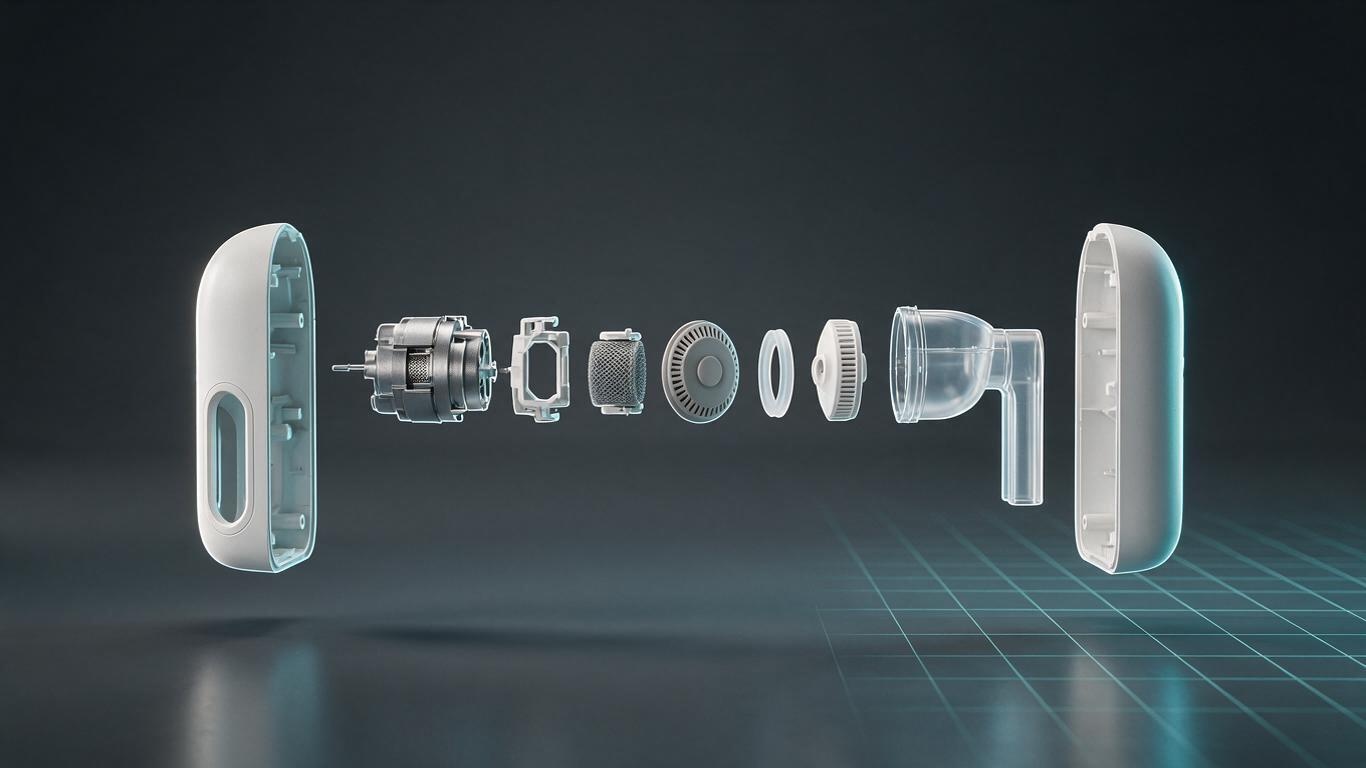
Models are the foundation of any AI product animation, and the stage beginners underestimate most. There are three routes. First, the client has CAD files (STEP, IGES, SolidWorks) — convert and go, highest fidelity, almost no rework. Second, only a physical sample exists — shoot photogrammetry or generate a rough mesh from images, then retopologise by hand. Third, nothing exists and you generate purely from text — fastest by far, but mostly for concept demos, not commercial delivery.
Why the caution? AI-generated meshes tend to look right and work wrong: uneven wall thickness, missing chamfers, screw holes fused into mush. On a 15-second phone video nobody may notice. Your distributor and your engineer will notice instantly. So our practice is: let AI produce three form directions in half an hour, then have a human rebuild the chosen one as a production-grade asset. For the actual clicks and settings, the AI 3D modeling workflow breakdown walks through it step by step.
3. Motion is what makes viewers believe the product
The hard part of product animation isn't beauty, it's believable weight. A two-kilogram metal part and a two-hundred-gram plastic shell cannot move with the same rhythm — heavy things ease in and out slowly, light things can carry a bit of snap. AI motion capture and motion generation let you test several rhythms quickly, but the final curve work is still human. We generate a first-pass trajectory with AI, then an animator adjusts the ease-in and ease-out on keyframes. That usually compresses a day of trial and error into two hours.
The classic beginner mistake is making the product spin nonstop. The most persuasive shot in an e-commerce video is often three seconds of stillness with one detail moving: a button pressed, a wisp of mist rising, a door opening slowly. Restraint reads as quality. We learned that the hard way over several years.
4. The final 20% decides whether it ships or sells
Lighting and rendering are the dividing line. The same model lit two different ways can read as two different price tiers. Our habit: set the key light direction first, add a very weak fill to lift shadow detail, then a faint environment reflection so metal and plastic stop looking identical. It doesn't take long, but it's pure experience — and it's where AI is least reliable today, since generated highlights often don't line up with a real light source and need to be rebuilt by hand.
After rendering comes compositing and versioning. One film usually ships in landscape, vertical and square, plus 6-second, 15-second and 30-second cuts. That part is now semi-automated: render once, crop many, with auto-generated subtitles. If distribution across platforms is your headache, the four criteria brands use to choose an AI+3D vendor includes a section on writing the delivery list into the contract.
5. Three things beginners always skip
First, negative space. Beginners cram every feature into 15 seconds and nothing lands. One idea per shot. Second, sound. A picture with no room tone and no action audio reads as fake, and the fix is cheap. Third, testing. Before delivery, watch the film on an ordinary phone in daylight — you'll find a list of problems a desktop monitor never showed you.
Back to the original question: can a beginner do it alone? Yes, with expectations set. AI lifts you from "no idea" to "there's something on screen." The distance from "something" to "something that sells" is product understanding and patience with detail. If time costs more than money in your case, working with a team is still the better trade — contact us with your product and timeline and we'll give you a read before we talk business.