
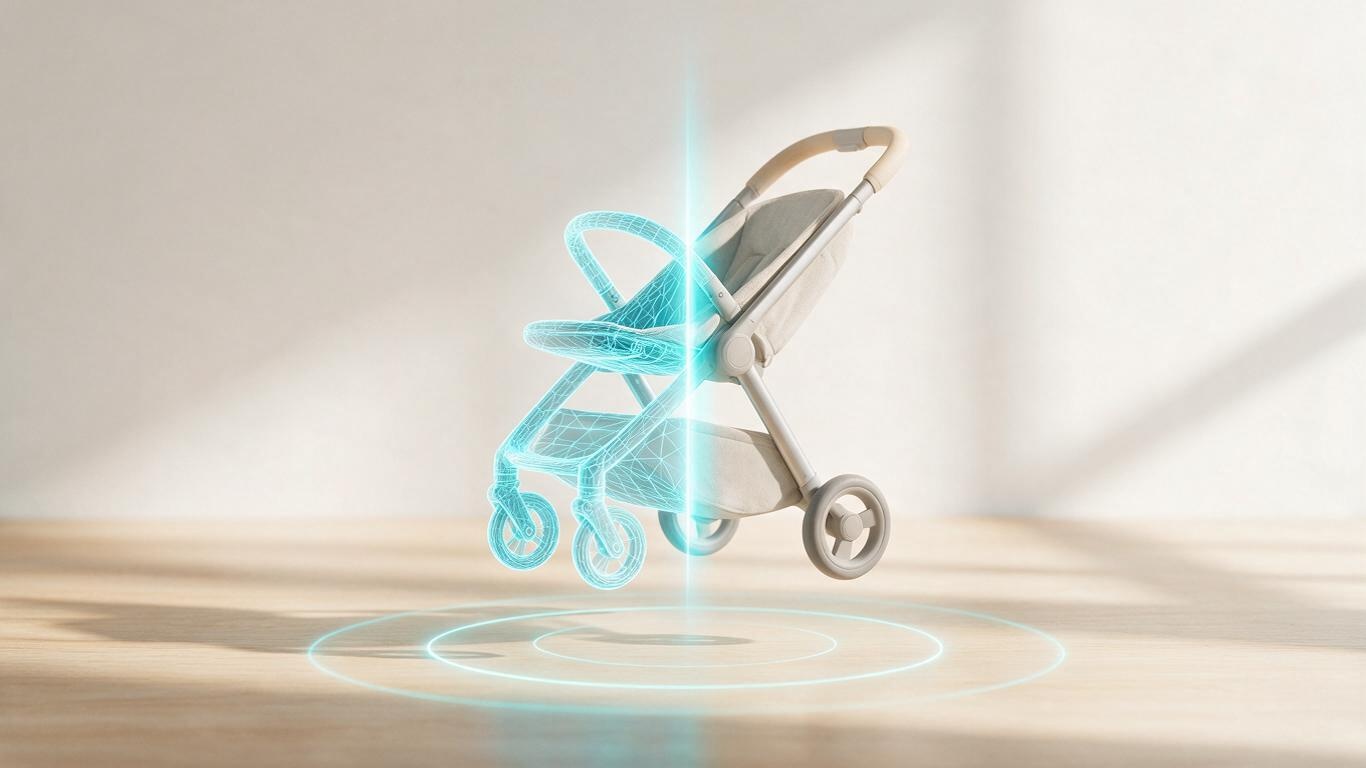
Two brands spend the same money on a 15-second product film. One looks cinematic; the other looks like a cutscene from a 2011 video game. Nine times out of ten the gap isn't budget — it's how well the team handles the six layers of 3D product animation techniques. Geometry, materials, lighting, motion, simulation and compositing: every layer has to hold, and a weak link gets magnified tenfold on screen.
The counterintuitive part: software matters least. Blender, Cinema 4D, Maya and Houdini all ship commercial-grade work. What separates studios is process judgement and detail control. We covered the procurement angle in how brands choose an AI+3D animation vendor; this one goes after the technical side of 3d animation production, layer by layer.
Layer 1 — Geometry: your ceiling is set here
Edge highlights, chamfer quality and overall crispness all come from geometry. The classic failure mode: someone drops a STEP or IGES industrial file straight into a 3D package, gets triangulated garbage, and every highlight turns jagged the moment a light hits it. The professional move is retopology — rebuild edge flow around the animation, densify curvature transitions, decimate flat regions. Useful ranges: small consumer goods (a tumbler, a hair dryer, an electric toothbrush) sit comfortably at 300k–800k polygons per hero object; large equipment can go to 2M with normal and displacement detail doing the rest. More polygons is not better — density where it matters is. Same logic behind our AI-generated 3D modeling workflow: AI can cut three days to three hours, but topology judgement still belongs to a human.
Layer 2 — Materials and surfaces: where real and fake diverge
PBR is table stakes; the craft lives in the extras. Subsurface scattering for creams, gels and food. Clearcoat for glossy appliance finishes. Anisotropy for brushed metal. The tell-tale sign of an amateur render is uniform roughness across every surface — everything reads as the same plastic. A single hair dryer has an ABS shell, a rubber grip, a metal grille and a translucent nozzle, and none of those four should share a roughness value.
Layer 3 — Lighting: you are not borrowing light, you are building it
Live action borrows light; animation builds it. A working setup is HDRI environment plus a key, a rim and bounce cards — and knowing exactly when to break that rule. Reflection detail across a curved surface is often what tells the viewer “this is metal, and it was expensive”. This layer is the hardest to automate, because it isn't reproduction — it's translation. You're translating a selling point into the language of light.
Layer 4 — Motion: performance on a timeline
Ease-in, ease-out, curve shape, hold frames. Most animation that “looks cheap” is actually a timing problem, not a shading problem. AI motion generation now returns a usable first pass on camera moves and object rotation in minutes, freeing the animation lead to spend time on the two or three seconds buyers actually stare at. Machine drafts, human finals — that split works today.
Layer 5 — Simulation: physical correctness sells
Liquid pouring, gel squeezing, fabric draping, rigid-body contact. Audiences can't articulate why a shot feels fake, but they register wrong gravity instantly. Simulation is a compute black hole, and your caching strategy — full-shot versus segmented — decides whether the workstation goes home tonight. Projects with simulation typically run 30%–50% longer than those without. That time can't be squeezed out, only scheduled for.
Layer 6 — Compositing and delivery
One master, many outputs: 16:9, 9:16, 1:1, safe areas for subtitles, bitrate targets, colour space (sRGB / Rec.709) and a compression rehearsal per platform. Vertical short-form and Amazon hero video are cut to completely different rhythms, and a simple crop almost never works. We went deeper on that in the short-video product showcase revolution.
Where AI actually takes over
Honestly: geometry (image-to-3D and text-to-3D first passes), material assignment and motion pre-vis. Lighting, simulation and compositing remain assistant-level today, with human taste making the final call. So when someone sells you “fully automated AI, one-click delivery”, you can safely assume the output is a draft — commercial polish still needs a person.
Three questions that reveal a studio's real level
One: what retopology standard do you use, and what polygon budget do you set for animation assets? Two: do you cache simulation per shot or per sequence, and how do you handle revisions? Three: how do you define colour space at delivery, and do you run platform compression rehearsals? Teams that answer without hesitation have shipped real work. Teams that pivot to “we have 500 templates” have not.
If you have a product to shoot — or an industrial model you'd like turned into animation directly — get in touch. Technical conversations are free.