A Friday afternoon, a whiteboard, and one awkward question
Last Friday a client who makes smart pet hardware drew a circle on our meeting room whiteboard, wrote “45 days” inside it, and asked: “So what exactly happens during those 45 days?” It is the question we hear most often — not pricing, not lead time, but the product animation production process itself.
This industry has never been great at transparency. Quotes often list five vague words — concept, modeling, animation, rendering, post — and the timeline reads “depends on complexity.” You pay, but you never quite know which stage your money went into, or when you are supposed to show up. The product animation production process deserves better than that, so here it is, broken into seven stages you can actually verify.
The short version: a standardized AI+3D product animation production process runs brief → script and storyboard → modeling and assets → materials and lighting → animation and camera → rendering and compositing → post and delivery. Traditional 3D follows the same skeleton. The real difference sits in three middle stages, and in how expensive it is when something goes wrong.
Stage 1 | Brief: turning “make it look premium” into instructions
Time: 1–2 days. Plenty of projects die right here. The client says “premium feel,” the studio nods and says “got it,” and three months later nobody is happy.
Four answers have to be forced out: who watches it, where they watch it (marketplace listing, paid social feed, homepage hero, trade show screen), how long they watch (6, 15 or 60 seconds), and the single thing they should remember. If those four are fuzzy, every later stage is guesswork.
The deliverable is a brief confirmation sheet: benefit priority, reference films, banned elements, aspect ratio and duration list. This is also the moment to hand over product samples, engineering drawings, CAD files and brand color values. Get us the CAD file here and we save two or three days in modeling.
Stage 2 | Script and storyboard: the cheapest place to change your mind
Time: 2–3 days. A 15-second film usually breaks into 3–4 shots; a 30-second film into 6–8. Information density is routinely overestimated — cram five selling points into 15 seconds and viewers remember none, so we cap it at two.
You get a written script, a storyboard, and a shot-duration table. Storyboards are the cheapest thing in the entire pipeline to revise: one storyboard change costs ten minutes, one render change costs a full day. Our honest advice is to be picky here. Very picky.
Stage 3 | Modeling and assets: from engineering file to rigged grey model
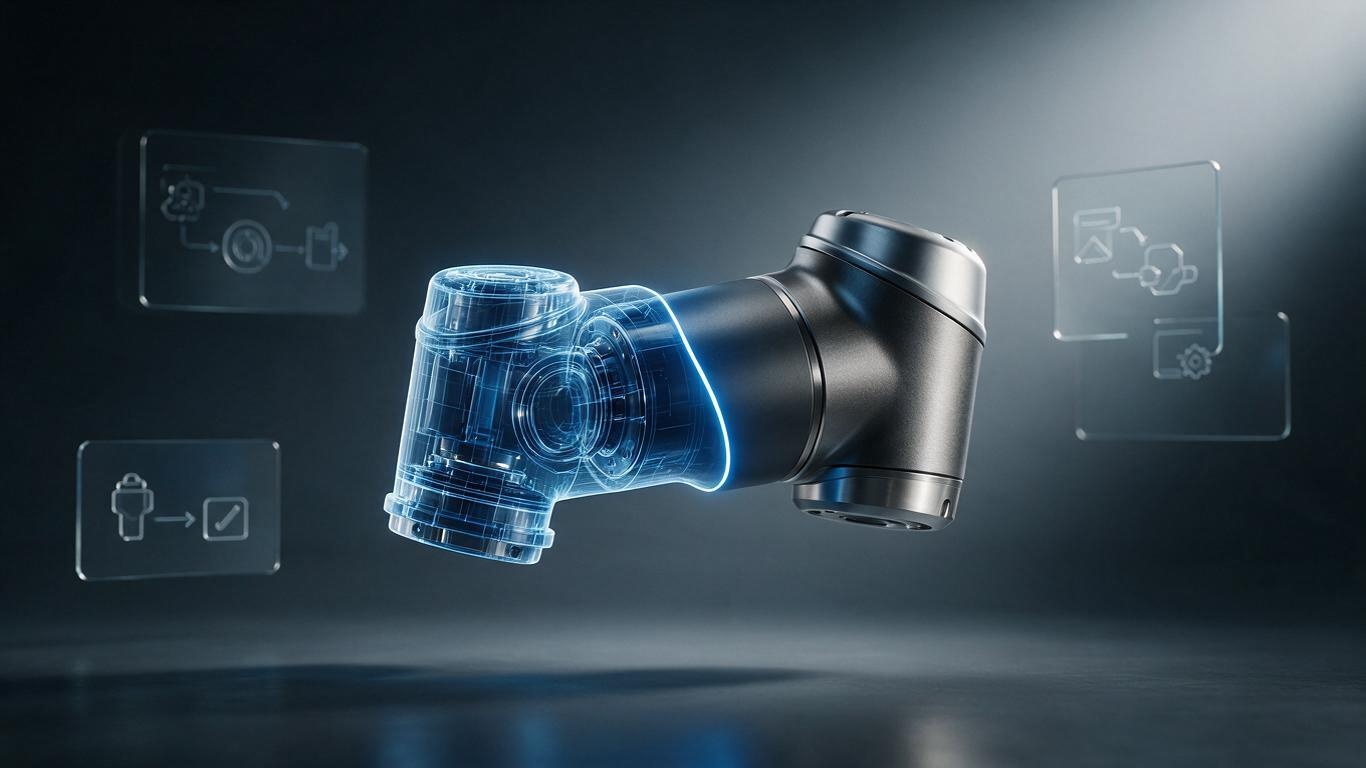
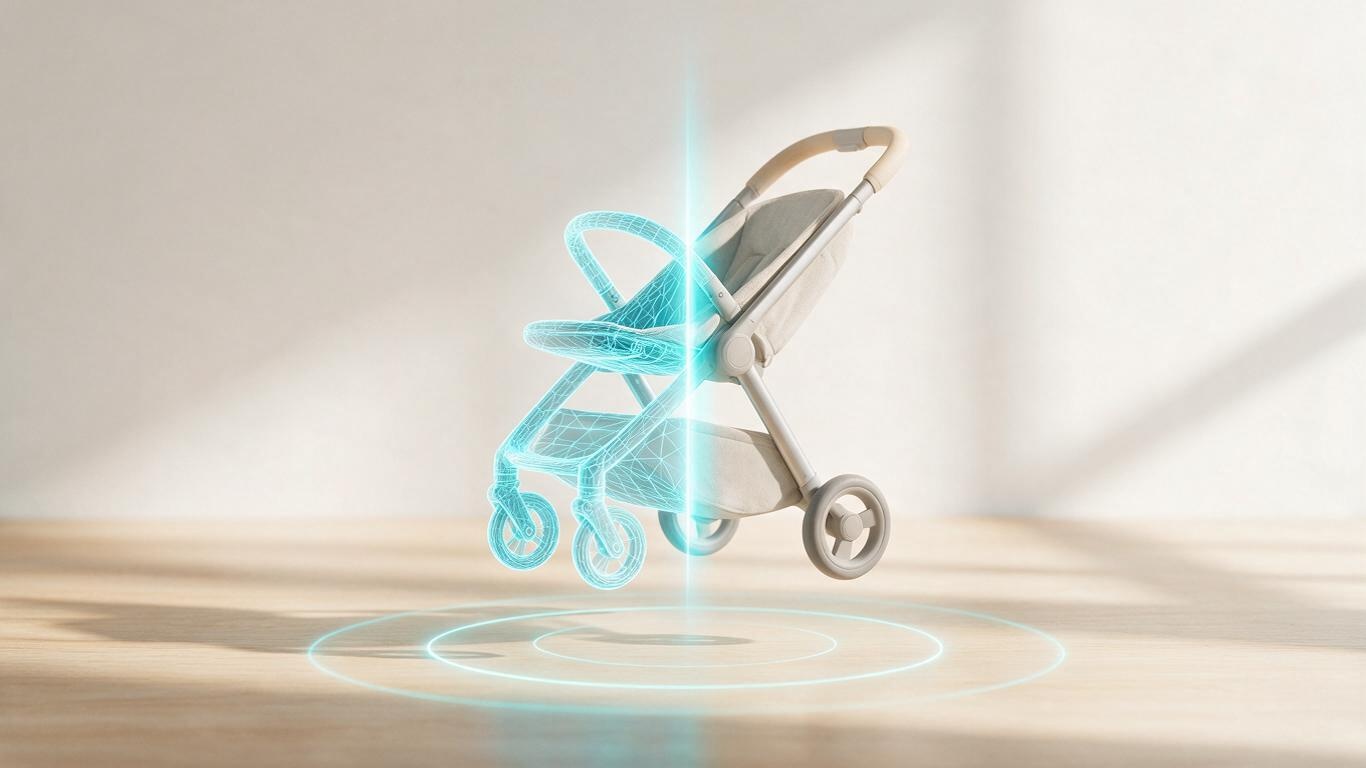
Time: 3–7 days, depending on what you send us. A complete 3D engineering file is the easy path. If all we have are product photos, we reverse-engineer structure and proportion from multiple angles and fill the gaps with experience.
AI now plays a serious role here: image-assisted modeling, automatic retopology, batch UV unwrapping. We documented our internal approach in AI-generated 3D modeling workflow if you want the details.
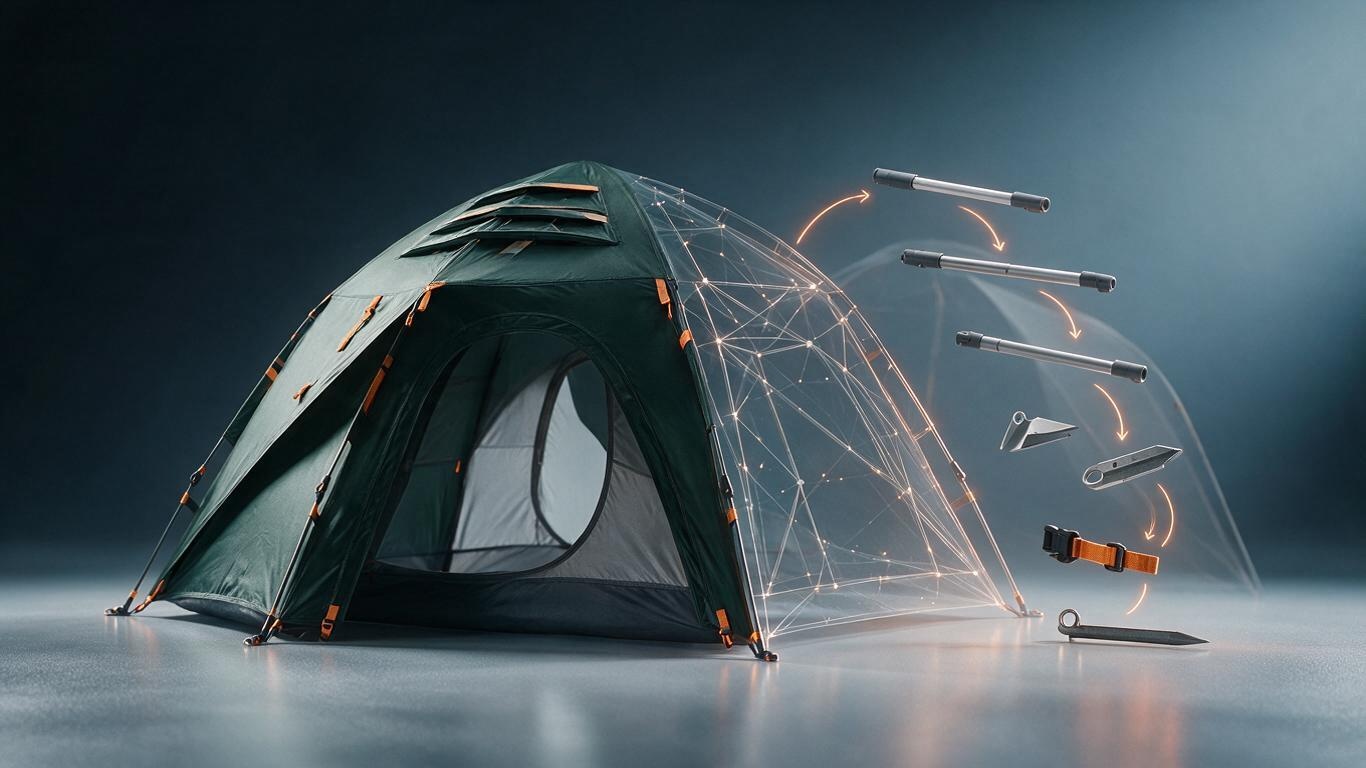
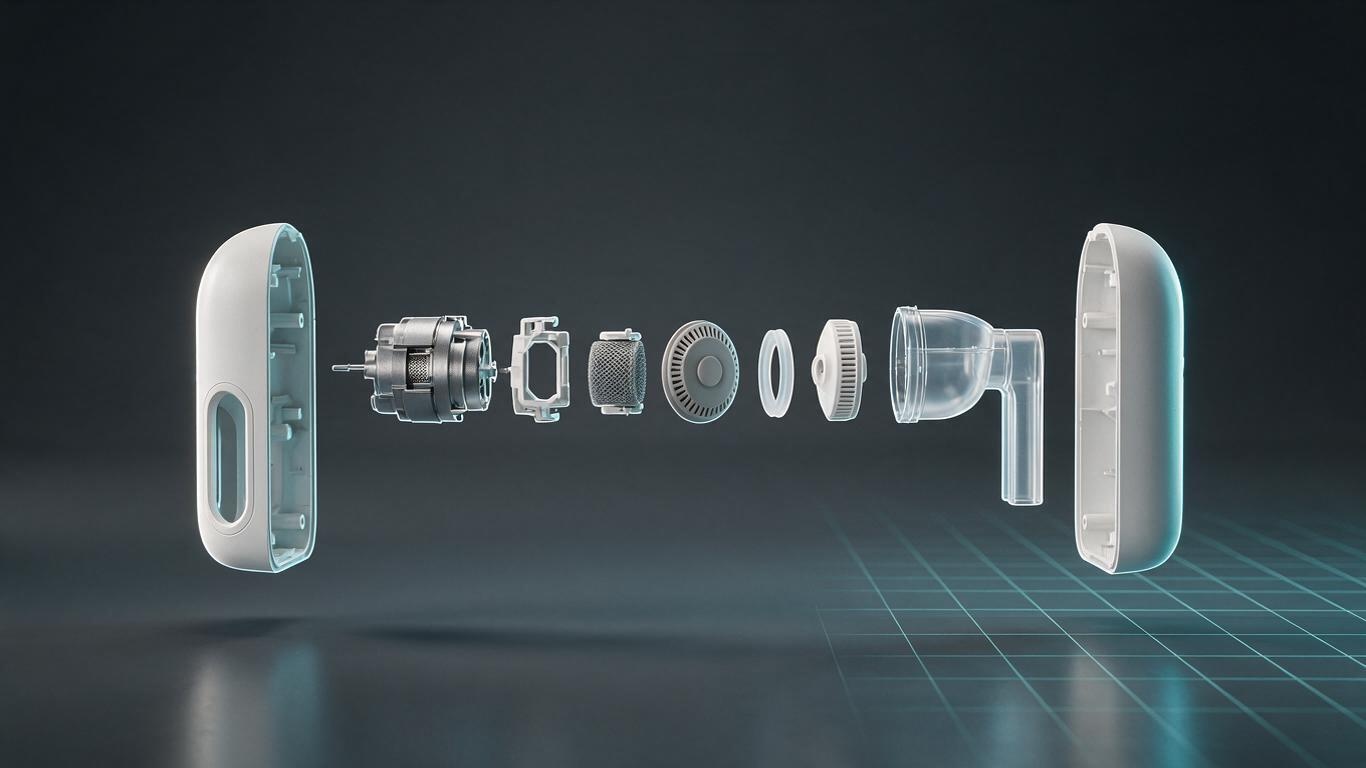
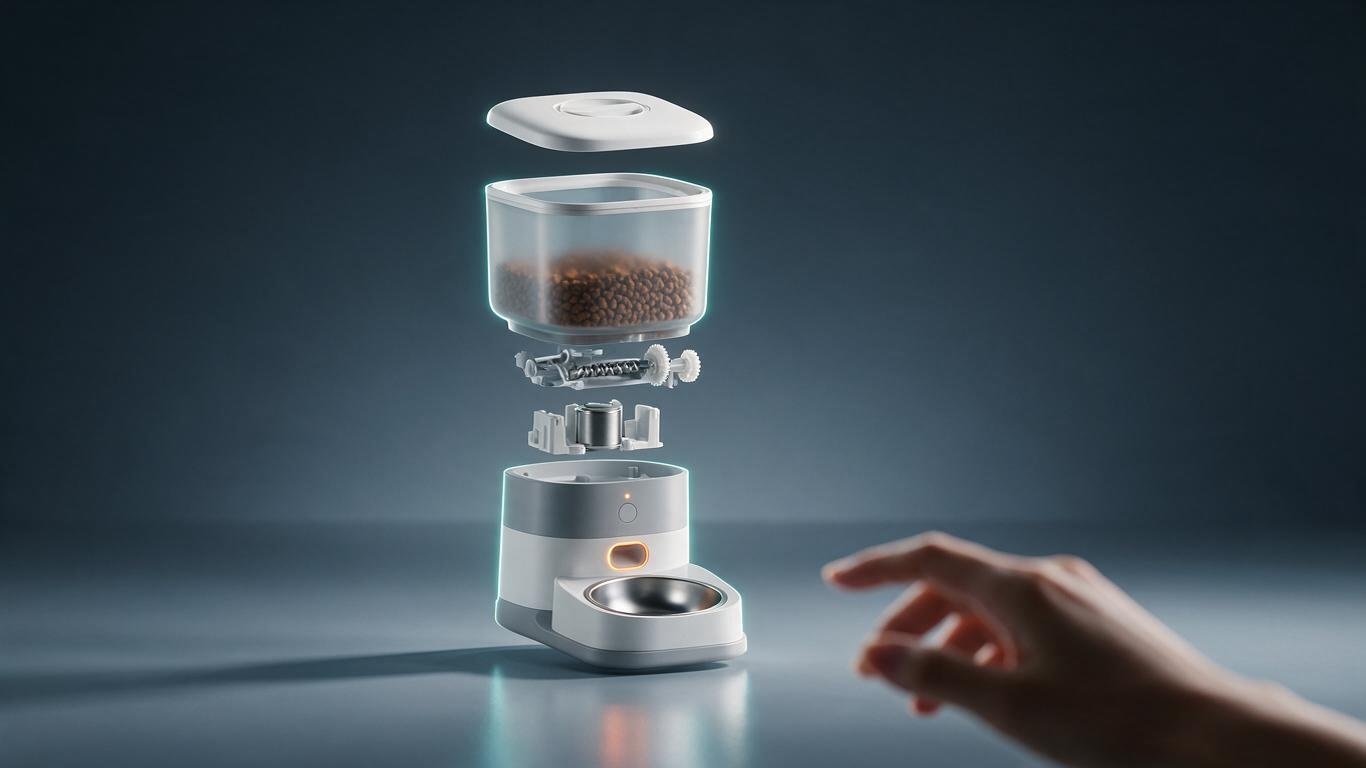
Deliverables: the grey model, exploded-view structure, and rigged moving parts. For appliances, machinery and pet products with internal mechanisms, the exploded shots that audiences love are decided at this stage.
Stage 4 | Materials and lighting: where “real” is won or lost
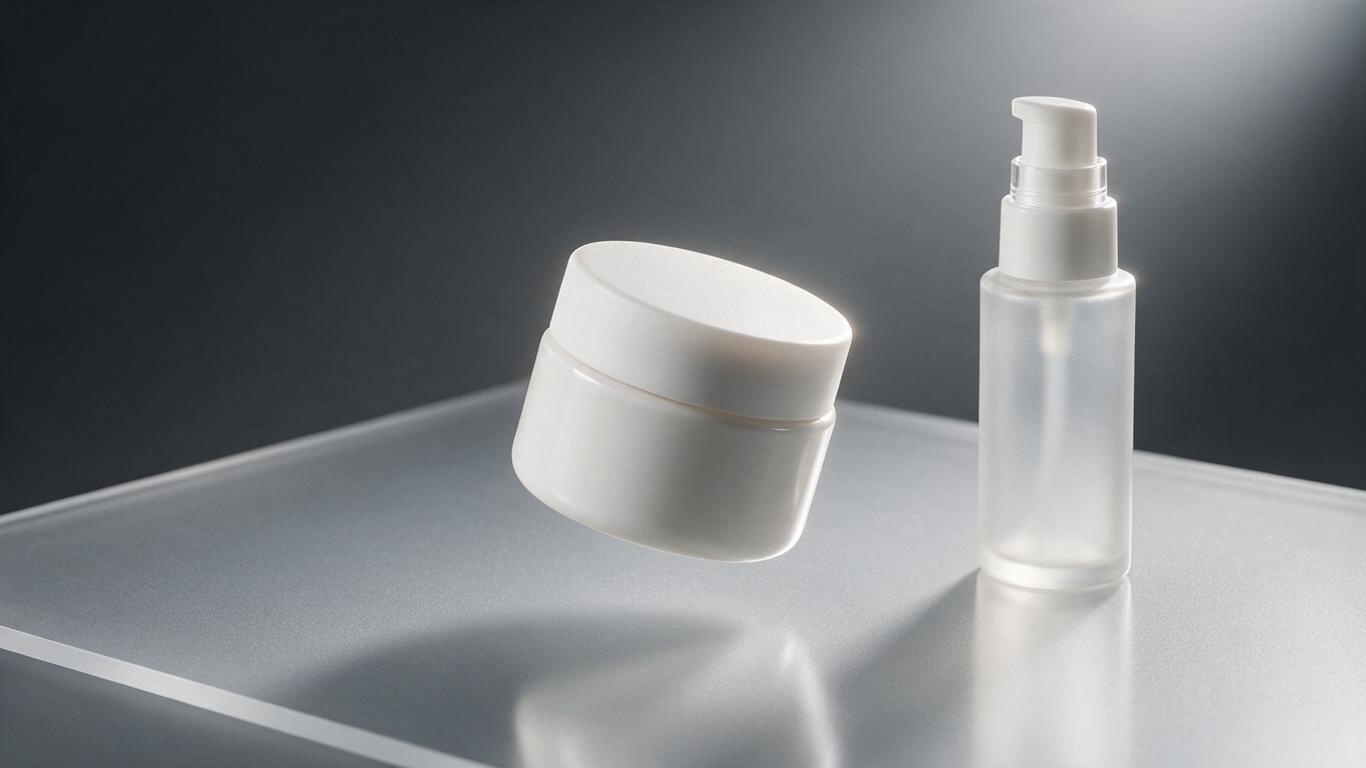
Time: 2–4 days. These two are usually merged because they fight each other. PBR answers “what material is this,” lighting answers “what environment is it in.” Metal roughness, refraction through transparent housings, subsurface scattering on soft rubber — miss by a hair and viewers feel something is fake without being able to name it.
If you want a product to look more expensive, adjust lighting before materials. For the deeper version, see lighting techniques in product animation.
Stage 5 | Animation and camera: letting the product speak
Time: 3–6 days. Product motion follows advertising-cinematography logic rather than character animation: ease in and out, sense of weight, deliberate pauses. Doors opening, parts rotating, assemblies clicking together, liquid pouring — physical plausibility decides whether anyone believes you.
This used to mean hand-keying every frame, occasionally for days on a single assembly sequence. AI-driven motion generation now proposes motion curves that animators refine, which is a meaningful speedup — the mechanics are covered in AI-driven motion generation.
Stage 6 | Rendering and compositing: pure compute
Time: 3–8 days. Render layers (AOVs) split color, reflection, shadow and depth so post-production still has room to move; sampling rate and denoising settings walk a tightrope between quality and cost. Cloud render farms made overnight rendering less brutal, but budgets still diverge most sharply here.
One practical tip: when budget is tight, cut shots rather than quality. Six polished shots beat twelve mediocre ones every time.
Stage 7 | Post and delivery: one master, many placements
Time: 2–3 days. Edit, sound design, voiceover, color grade, subtitles, then multi-version output. A single master should yield 16:9, 9:16 and 1:1 crops plus a 6-second silent hook — the first second of paid media decides everything after it.
Three client checkpoints that keep the pipeline alive
Pipeline health usually depends less on the studio and more on feedback rhythm. We fix three hard checkpoints: storyboard approval, grey-model approval, animation preview approval. Feedback before those points costs almost nothing; feedback after them is billed by the day. Most delays we see are not slow production — they are scattered decisions, where the brand owner’s opinion arrives two weeks late.
For the most common pipeline traps, see our write-up on the five mistakes brands keep repeating (available in our Chinese blog archive).
Traditional 3D vs AI+3D, side by side
Read the comparison table above and a pattern appears: AI compresses modeling, materials and animation — the labor-heavy zones. Rendering and post-production still take real time, because those stages trade in compute and taste, not repetition.
So what happens during those 45 days? Now you have a map. The product animation production process was never a black box — nobody simply bothered to open it. Send us your product files and placement plan and we will draft a stage-by-stage schedule with a cost breakdown, so you know exactly where every dollar goes. Contact us and let’s talk about your project.