Have you ever received a product animation that felt dazzling but somehow wrong — like it wasn't quite good enough for a major brand? Or the opposite: a video that seemed unremarkable, yet a certain brand paid a premium for it? The truth usually isn't in the overall aesthetics. It's in the tiny details you look at: Is the modeling clean? Do the materials transition logically? Does the motion follow physical inertia? These are the aspects where professional 3D product animation techniques separate the experts from the amateurs.
In this article, we're not going to dive into obscure technical theory. Instead, we'll walk through seven truly critical details behind a 60-second product film from the perspective of a brand owner or reviewer. You don't need to model or code. Once you understand these seven points, you'll have a solid yardstick when evaluating any proposal or sample.
1. Modeling Precision: More Edge Loops, More Credibility
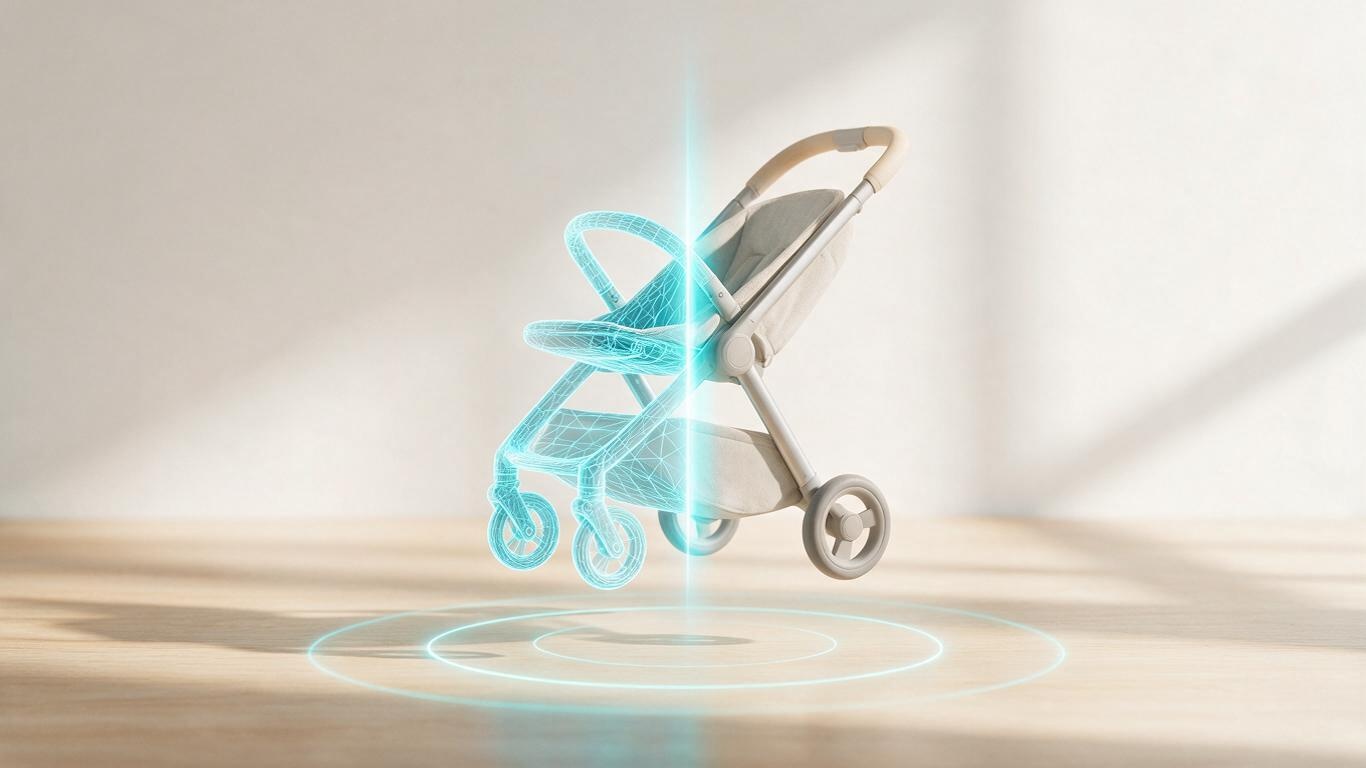
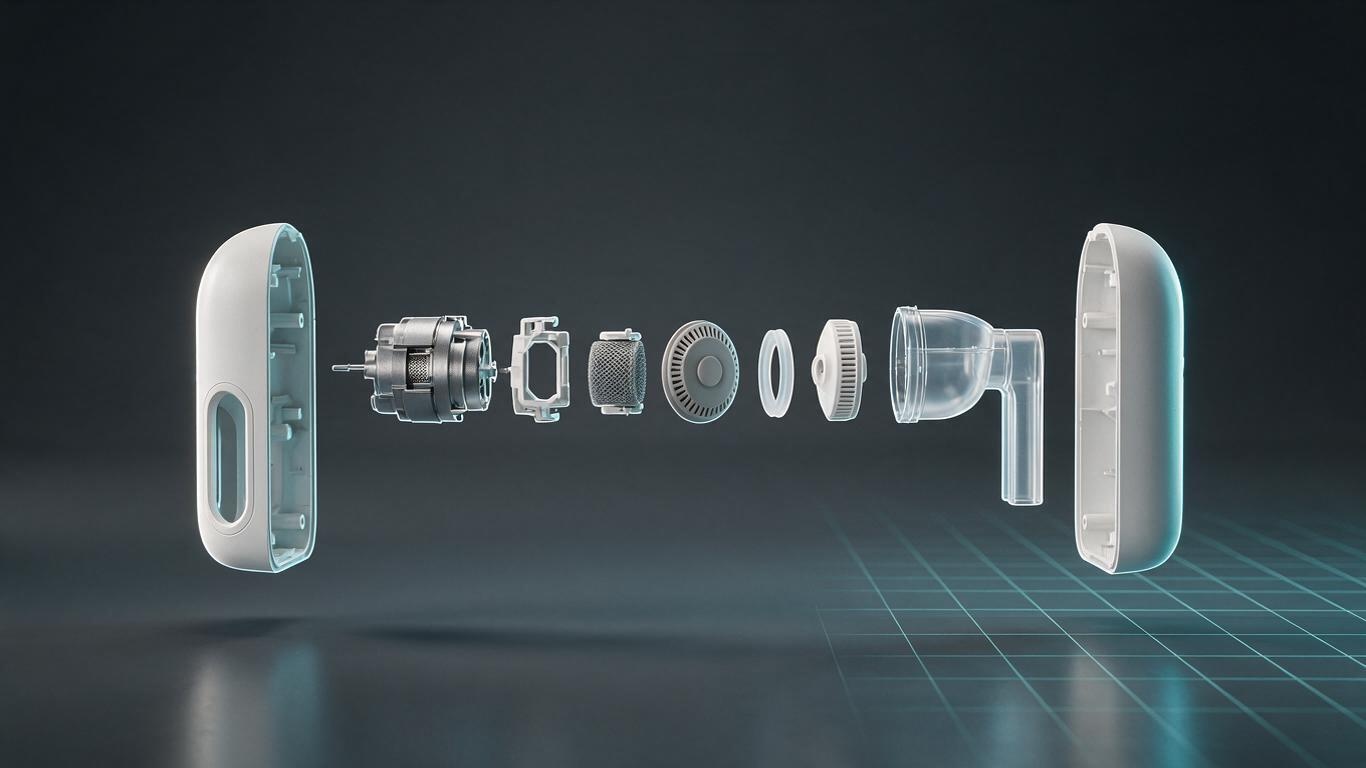
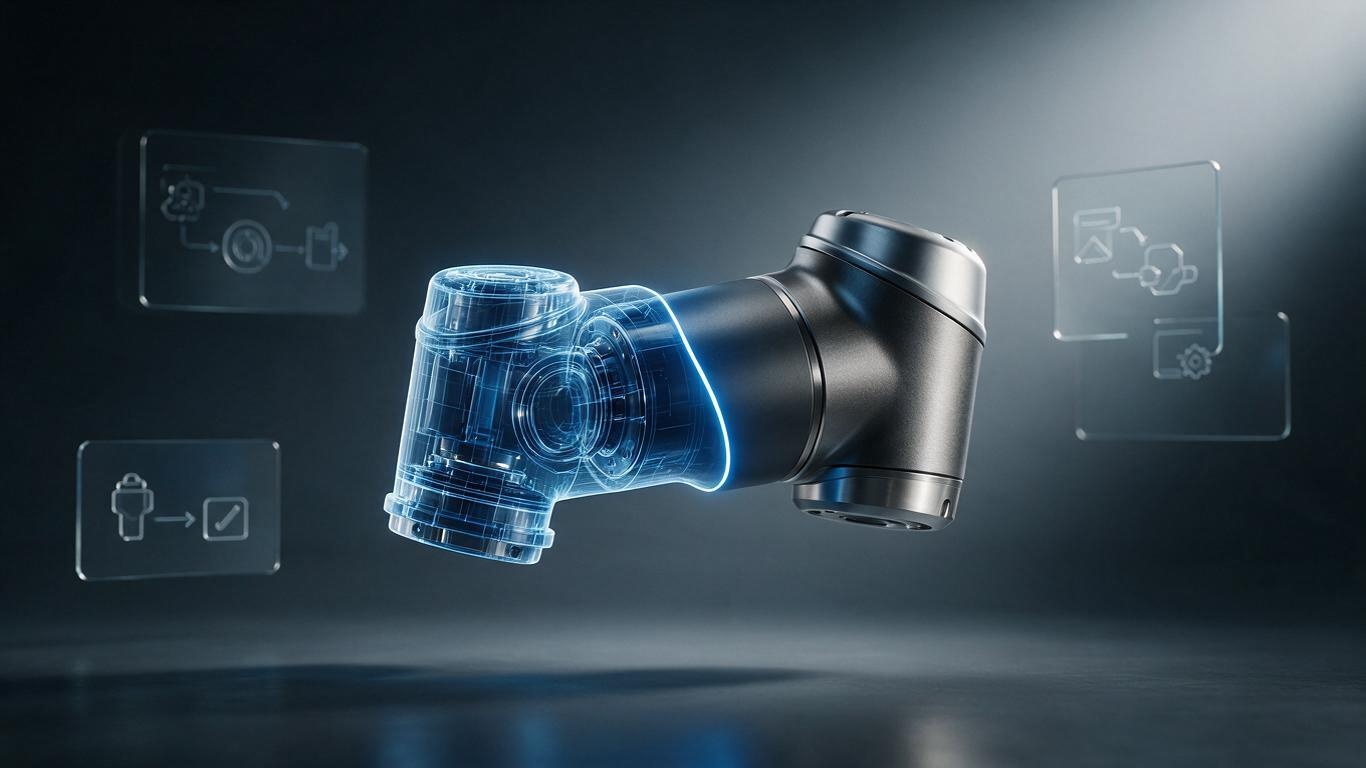
An outsider looks at a product animation and first asks, “Does it look like the real thing?” An insider checks the topology — the invisible wireframes. For example, the threads on a plastic bottle or the concave grooves on the base might be simplified to save render time, causing blurry transitions and unnatural reflections. Professional modelers deliberately keep functional structural lines, even if the product only appears in one close-up. They make sure the chamfers and edge loops are on point.
The real skill shows in places you never notice: Is the model built to real-world scale? Is its pivot aligned with the center of mass? These parameters directly affect subsequent physics simulations and rotational stability. We once received a massage gun's CAD drawings from a client; the modeler rebuilt every millimeter, and the vibration trajectories in the animation perfectly matched the feel of the real device. Don't underestimate such foundational work — it's the source of all quality.
2. Materials & Textures: “Smooth” Is Not Enough
Material technology has evolved quickly, but the underlying principle remains: you must convince the eye that the object truly exists. Sun-aged plastic surfaces should have a subtle oxidized graininess. Brushed metal needs consistent directional highlights. Even the film lamination on food packaging is simulated using Fresnel reflections to convey the thin air gap between film and paper. None of this can be done with just a single “roughness” slider.
We have an unwritten rule in our studio: if a material starts with a shiny, full-specular “toys plastic” look, half the job is already doomed. A professional workflow builds a complete texture set — including base color, normal, roughness, metallic, emissive, and displacement maps — while separately adding natural wear like scratches, fingerprints, and dust. Because real products are never flawless; subtle imperfections actually make them more believable. Without this mindset, you'll never achieve photorealistic close-ups.
By the way, material tuning and lighting go hand in hand. If you'd like to explore the subtle relationships between light positions and shadows further, read our previous article on product animation lighting techniques — it's full of practical experience.
3. Lighting Is Not About Brightness — It's About Story
Many assume product animation lighting just means “bright enough and noise-free.” If it were that simple, studio gaffers would be out of a job. Professional lighting divides into key, fill, rim, and ambient layers, each answering a question: What should the viewer notice first? What impression should the product leave?
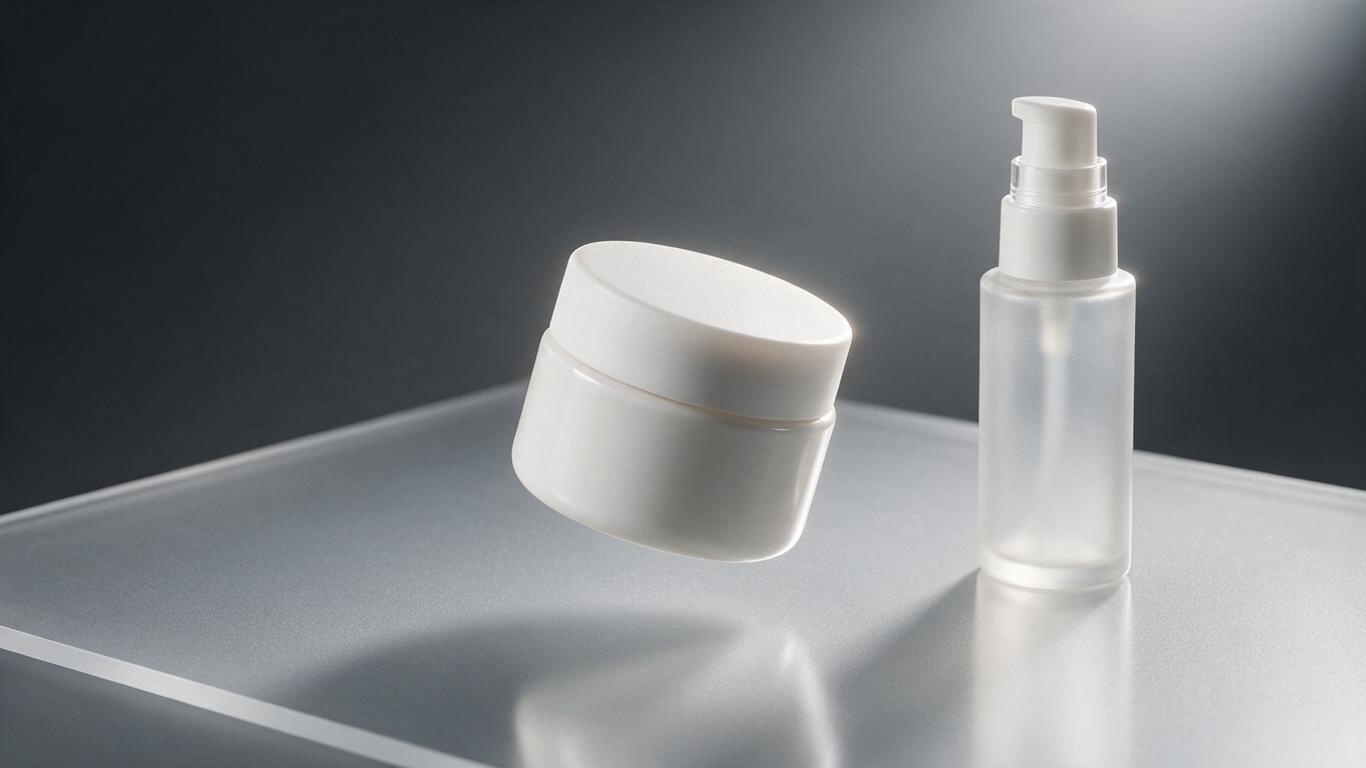
For prestige skincare, huge softboxes simulate sky light to make the bottle appear warm and translucent. For a rugged outdoor flashlight, harder light creates edgy shadows, even deliberately producing a thin exposure band along the metal edge to convey aggressiveness. Ironically, night scenes are often the hardest because if the dark details are poorly handled, the product looks dirty. That's when fill lights and reflectors painstakingly pull the silhouette out of the shadows.
4. Motion Curves: Physical Inertia Matters More Than Flashy Moves
The biggest gap between professional and amateur is often visible in motion curve tweaking. Amateurs write a constant-speed rotation, making the product spin like a clock. Those who know motion principles understand that every object needs acceleration to start, deceleration to stop. In professional software, this is called “ease-in/ease-out,” but in complex combined actions, you also handle small rebound after collision, downward settling from gravity, and tiny delays in secondary motion.
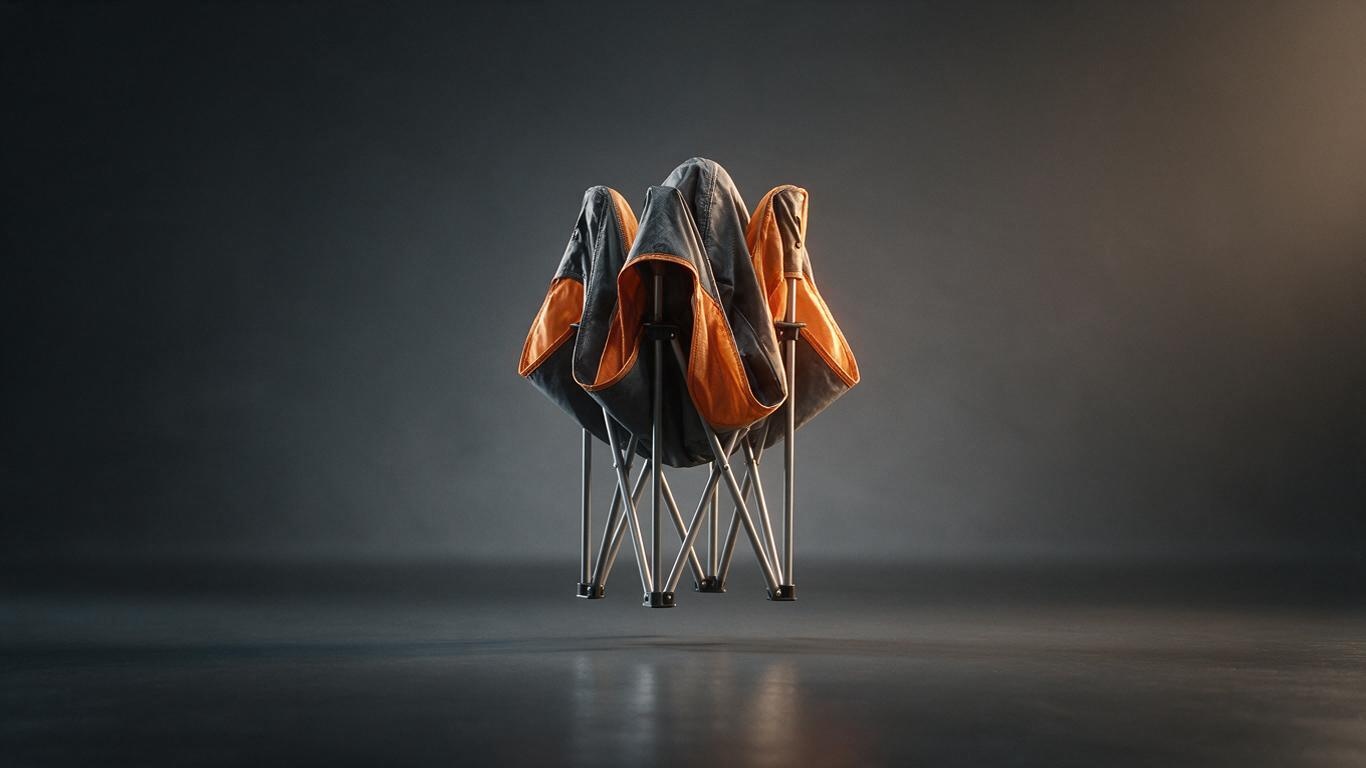
Take a flip-phone cover animation: a real hinge has a slight overshoot at maximum opening, then rebounds a few degrees from the spring. If the motion is constant-speed, viewers may not point out exactly what's wrong — they just feel “unreal.” Capturing inertia is the foundation that gives 3D product animation its vitality. We often tell clients: mute the sound and watch how the product starts and stops. If that feels comfortable, the rest is likely handled well.
5. Camera Language: When It Pushes In, Don't Hestitate
A product animation isn't a looping turntable. It's a mini-film with a beginning, development, and end. How the camera moves — panning, orbiting, or starting on a detail and pulling back — where the depth of field focuses, and whether the background should blur slightly are all technical decisions more important than simply having a good “camera.”
Some brand owners say, “Can we show every angle equally?” Well-intentioned, but if you really give each angle equal time, the video becomes a boring rotating pedestal. Smart camera choreography suggests a visual hierarchy: first a quick push-in to lock the logo, then glide along the side curve to the feature buttons, and finally a slow surround to reveal the overall silhouette — like a well-structured essay with a subject, predicate, and tone. This layer comes from cinematographic taste, not just adding a few keyframes.
6. AI-Assisted Workflow: Old Skills, Smarter Shoulders
The biggest variable in recent 3D product animation techniques is AI. In the past, creating a high-precision scene required manually placing hundreds of models. Now generative AI can block out conceptual environments first, and modelers refine them. Cloth and fluid simulations that once took days can be accelerated by AI initial guesses, boosting iteration speed. But designers can't sit back — AI results often carry a “common average face.” Responsible teams treat AI as a concept partner, not as the final deliverable.
We've shared deeper AI workflows in other areas, such as the AI-generated 3D modeling workflow, where we discuss the text-to-model technical route. Keep in mind: no matter how smart AI becomes, the final aesthetic checkpoint must still pass human eyes.
7. Compositing & Grading: Make the Product Live in Frame
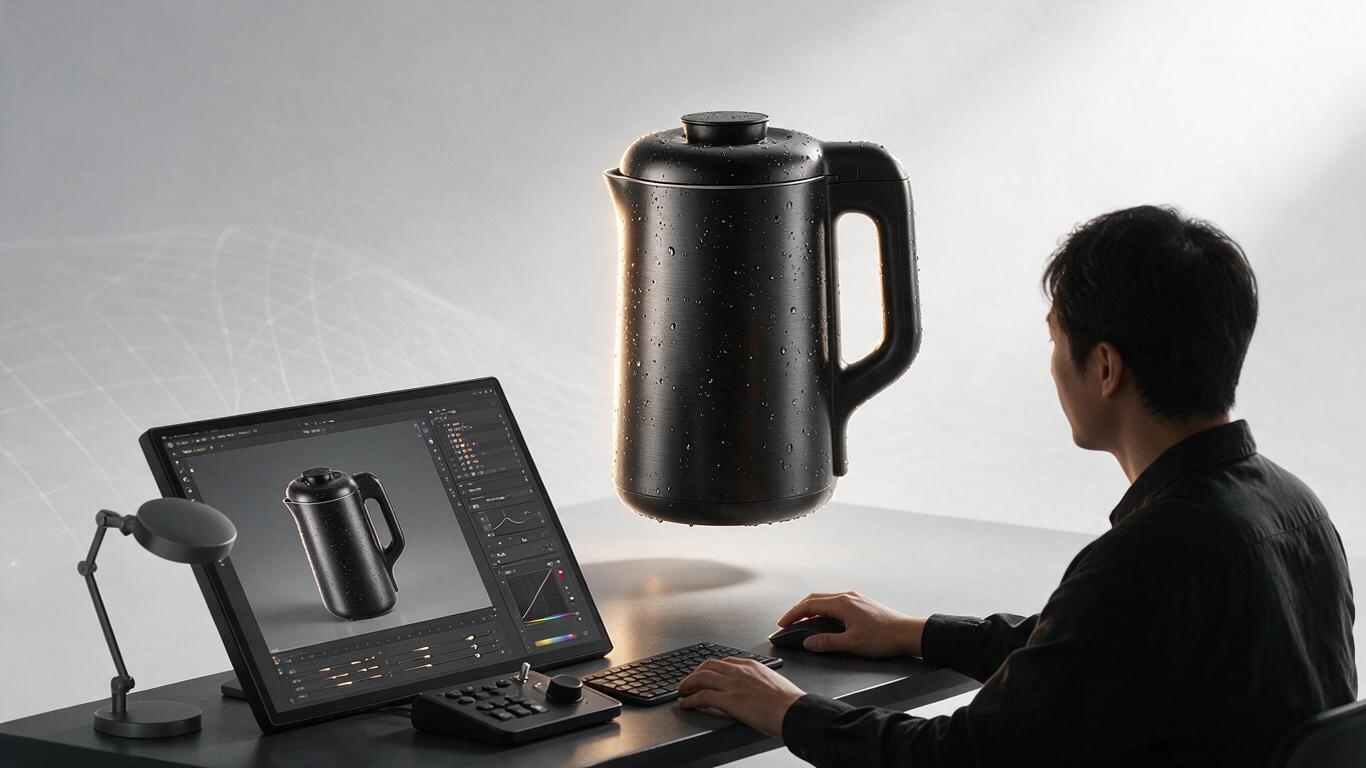
The final technical detail is often underestimated: how do you seamlessly integrate a 3D-rendered product with background shadows and reflections? If the hero product is a photograph but the background is rebuilt in 3D, the white balance, grain, color temperature, and depth of field must be precisely matched. A professional pipeline exports separate reflection, shadow, and depth channels, then layers them in compositing software like an unretouched photo editor — not by throwing the final render onto the frame.
Another telltale sign is environment reflection. In some animations, a matte plastic casing somehow reflects sharp window and lamp shapes — that's wrong. A professional material blurs reflections based on roughness and tints them with the correct color spill. When the technique is right, viewers can't even tell whether it's CGI or live-action — they only think, “That ad looks expensive.”
Final Thoughts
When it comes down to it, 3D product animation isn't just a pile of cold technical parameters; it's a digital way to recreate the warmth of the real world. All seven links are interconnected, and every subtle choice affects premium brand perception. We've seen too many brands waste budget on the wrong aspects — like demanding 10K textures while ignoring basic dynamic inertia. We hope this article gives you a magnifying glass to evaluate animation not just by gut feeling, but by logic.
If you're planning a product animation soon and aren't sure about technical specifications, try asking vendors how they approach these seven dimensions. A good team's eyes will light up at those questions.