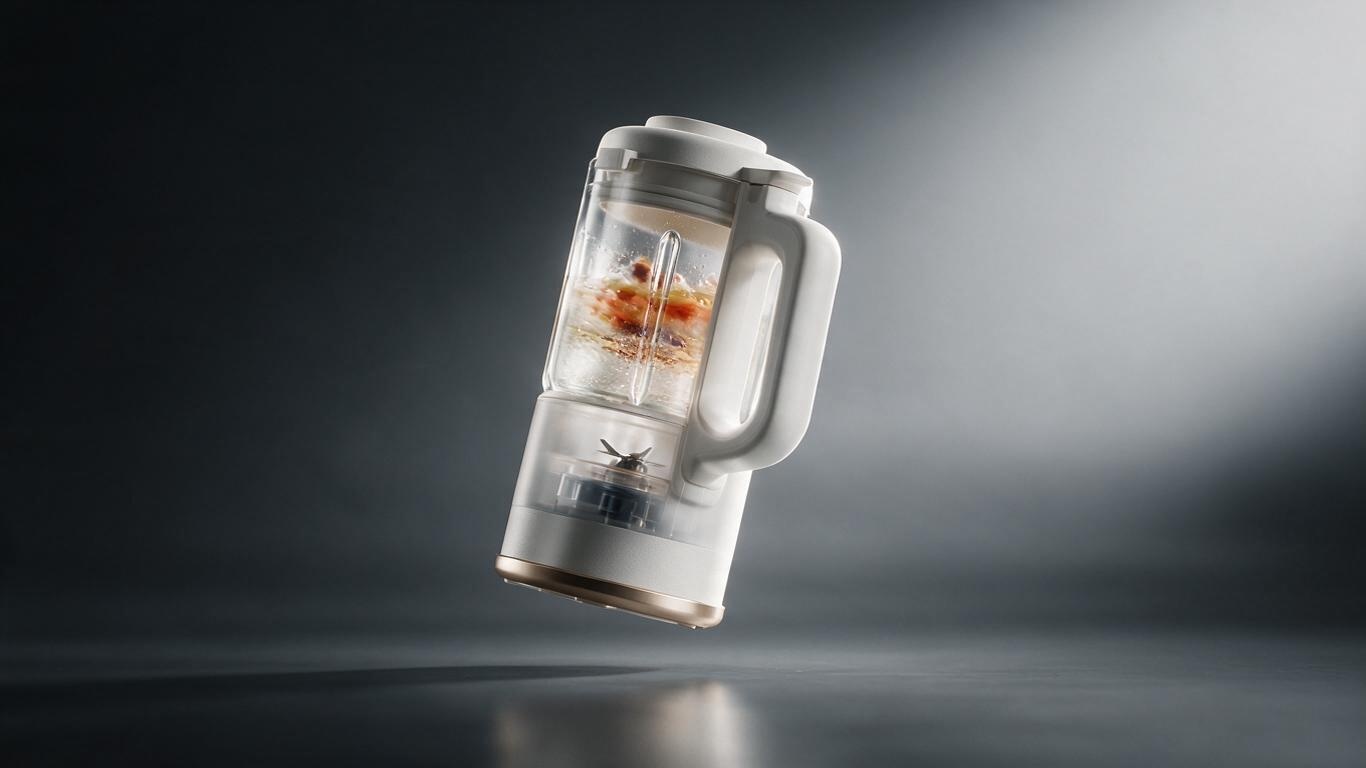
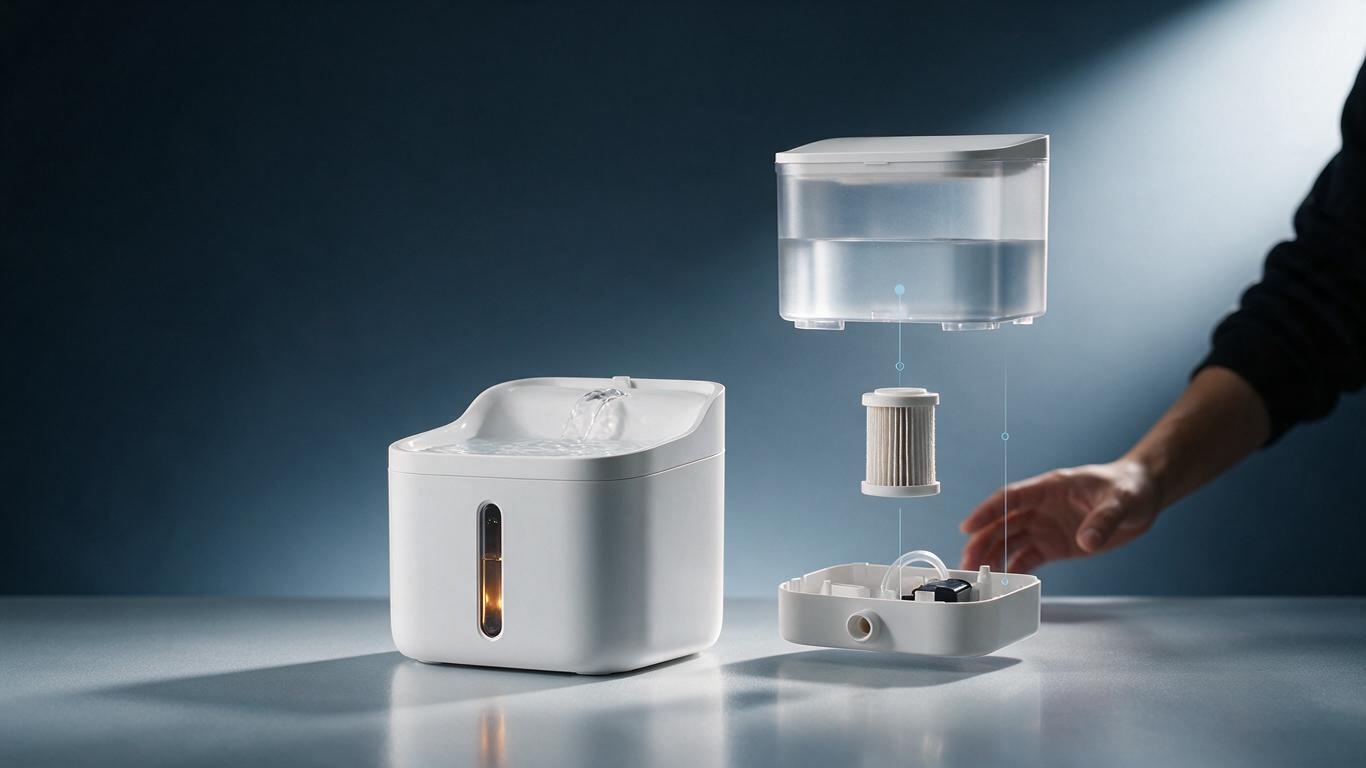
Last month a client from a smart pet-product brand sat in our meeting room, stared at a slowly rotating water fountain on screen for a full thirty seconds, and asked a very plain question: is that drawn, or is it filmed?
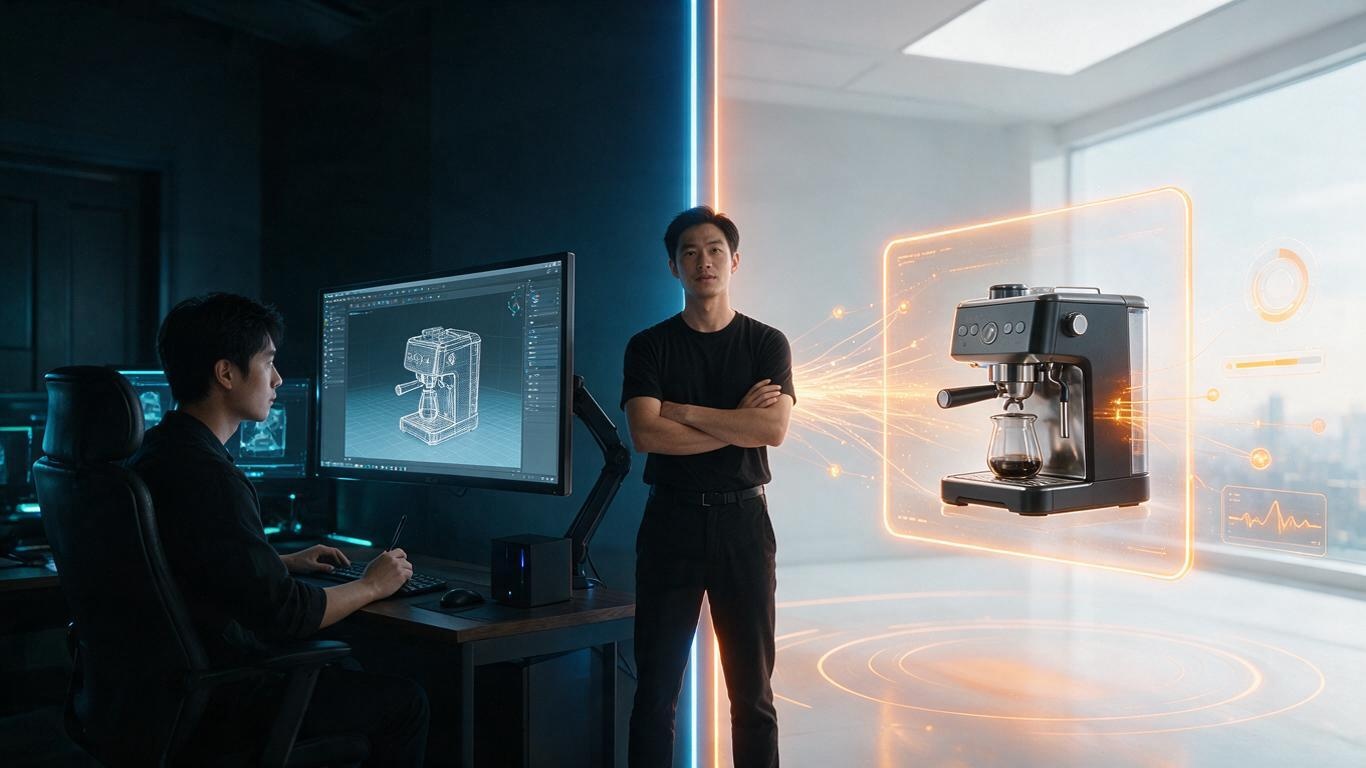
It goes to the heart of the matter. The answer is neither. It is 3D modeling and rendering — a product that may not even exist as a physical mould yet, or that no camera could ever film properly, gets built once inside a computer and then filmed inside that same computer.
So if you are trying to work out what 3D modeling and rendering actually means, whether it applies to your product, and whether the budget is justified, the next few sections should give you an answer without requiring an engineering degree.
Split the two words apart and it becomes simple
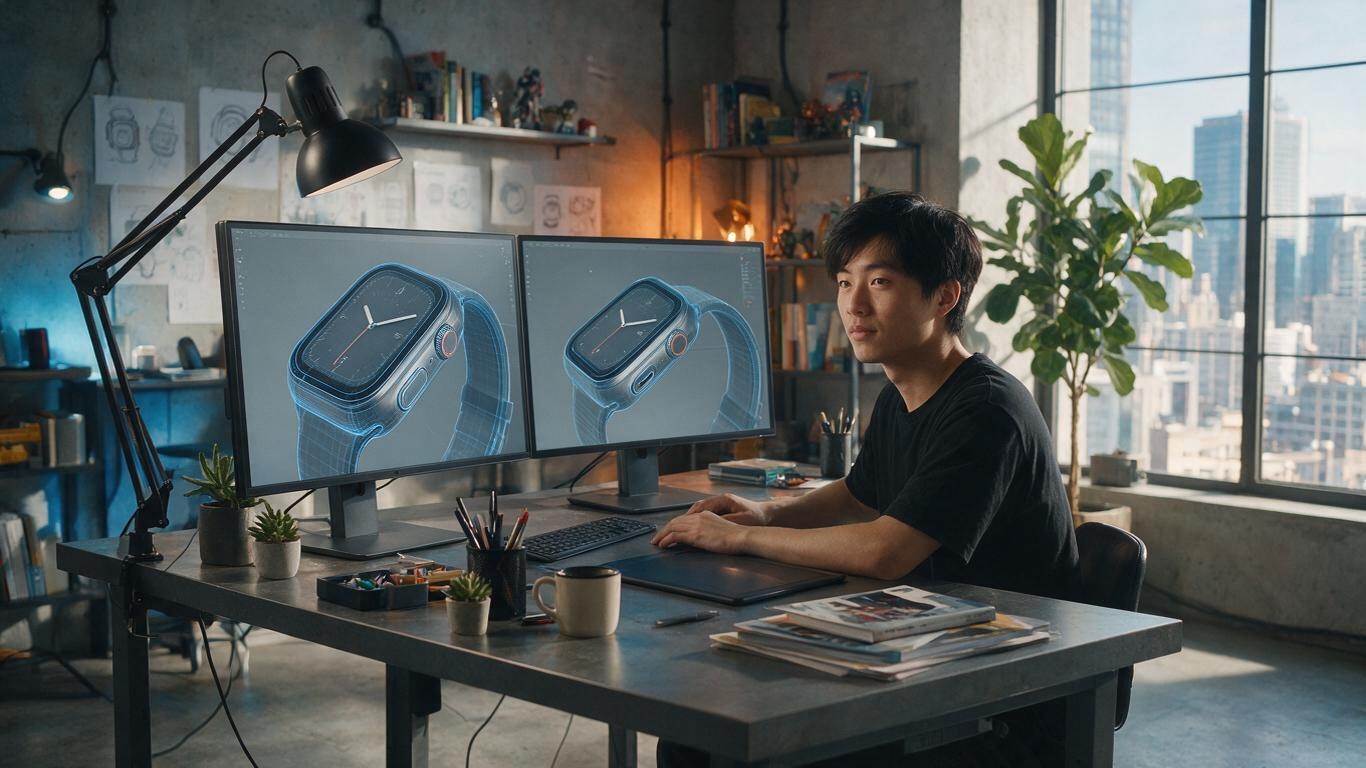
Modeling answers the question "what does it look like and what is it made of." An engineer hands over a drawing or a CAD file, and a modeler turns it into a three-dimensional body with thickness, chamfers, assembly gaps: housing, buttons, ports, internal brackets, screw bosses. Nothing gets skipped. A well-built model can be cut open and still show you the water channel and the airflow path inside. The output of this stage is geometry. It is not attractive on its own, but it sets the ceiling for everything that follows.
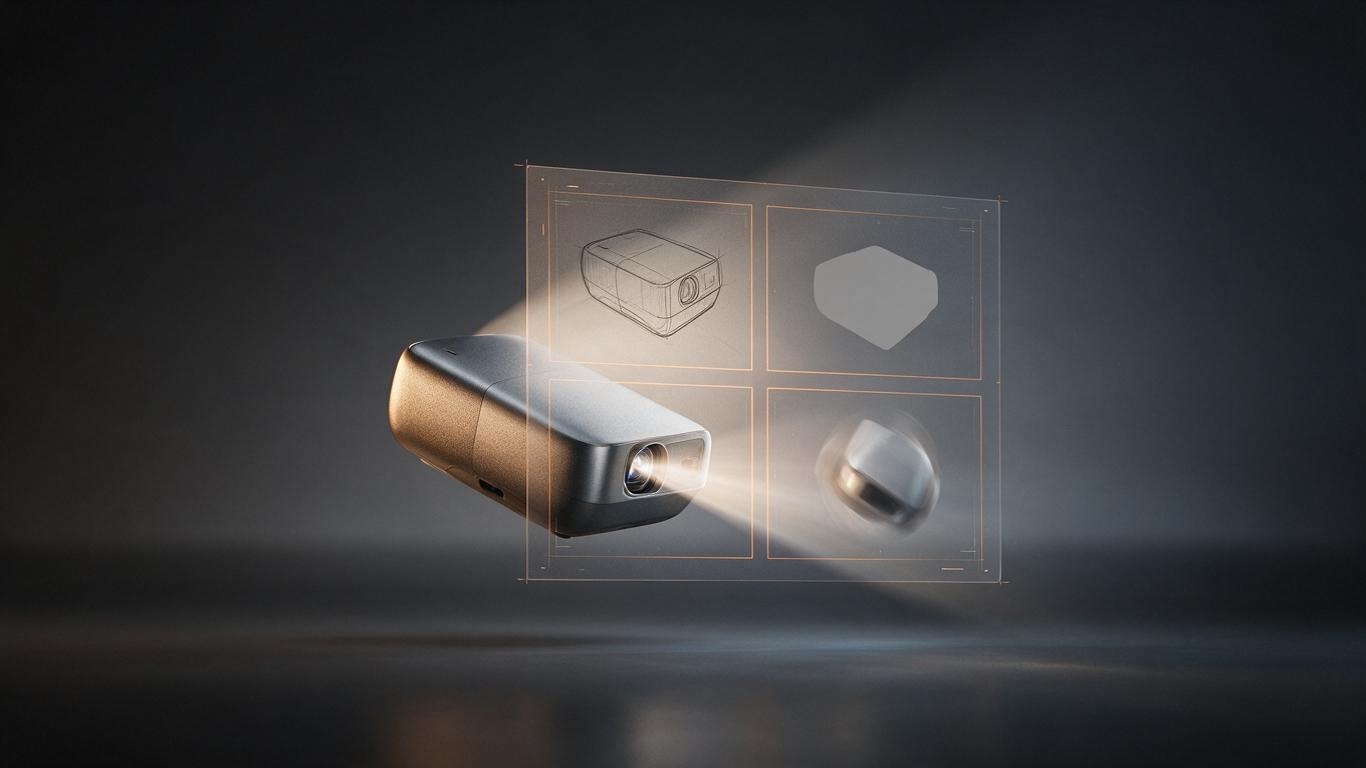
Rendering answers "what does it look like through a lens." Take the same geometry, swap the lighting and the surface parameters, and it can be soft morning light in a kitchen or hard overhead light in a lab. Rendering is not colouring in a model — it simulates how light leaves a source, hits a surface, gets partly absorbed, partly bounced, partly transmitted and refracted, and finally lands in a virtual camera.
The industry says the two words together, but on a real production line they are separate stages, with animation, rigging, simulation and compositing sitting between them. A useful shorthand: modeling decides whether it looks right, rendering decides whether it looks expensive, and animation decides whether anyone cares.
There are three modeling routes, and none is superior
Manual polygonal modeling is the most common, and suits外观-driven categories: consumer electronics, appliances, beauty packaging. It is flexible and lets you push proportions and details freely; the cost is time, since a complex textured shell can take days of refinement.
CAD conversion suits machinery, industrial parts and anything with genuine structural logic. The client supplies CAD data, which is converted and retopologised. Accuracy is the highest here — dimensions, hole positions and assembly relationships are all real. The difficulty is that industrial data is usually far too heavy, with hundreds of thousands of faces, and must be decimated and rebuilt before it can animate. We ran into exactly this on our CNC machine tool animation project, where cleaning up the converted data took longer than the modeling itself.
Scanning and AI-assisted generation is the fastest-growing route. If a physical sample exists, photogrammetry or laser scanning captures it; if not, AI generates a base form from reference images and a human refines it. This path suits categories with many SKUs and variations: home accessories, pet products, hardware tools. We covered the practical side in our breakdown of the AI-generated 3D modeling workflow, and the short version is: AI takes you from zero to sixty, and the remaining forty still needs a person.
What rendering is actually calculating
Many people assume rendering is a filter. In reality it does something rather dumb: it traces light. A ray leaves a lamp, hits the product housing, bounces onto a nearby wall, bounces back and adds a little ambient fill — all of which happens instantly in the physical world, and has to be computed ray by ray, hundreds of thousands of times, before it converges into a clean image. Noise, fireflies and flicker are all symptoms of "not calculated enough yet."
So why do some 3D shots look obviously fake? Usually three reasons. First, mismatched lighting: the product is lit by a perfect parallel beam while sitting in a cluttered kitchen, so the light logic does not hold. Second, surfaces that are too clean: real products carry fingerprints, fine scratches and a thin film of dust, while renders often look factory-fresh. Third, missing optical imperfection: real lenses have slight distortion, chromatic aberration and vignetting, and those flaws are precisely what makes an image believable. Remove all of them and you get plastic.
Handle those three and the gap between a rendered frame and a photographed one becomes invisible to a consumer on a phone screen.
Where the line sits against live action
Let us be fair about what live action still wins: real hands, real emotional reactions, the juice when food is bitten into, the instant a pet lunges. Anything carrying life and accident still belongs to the camera.
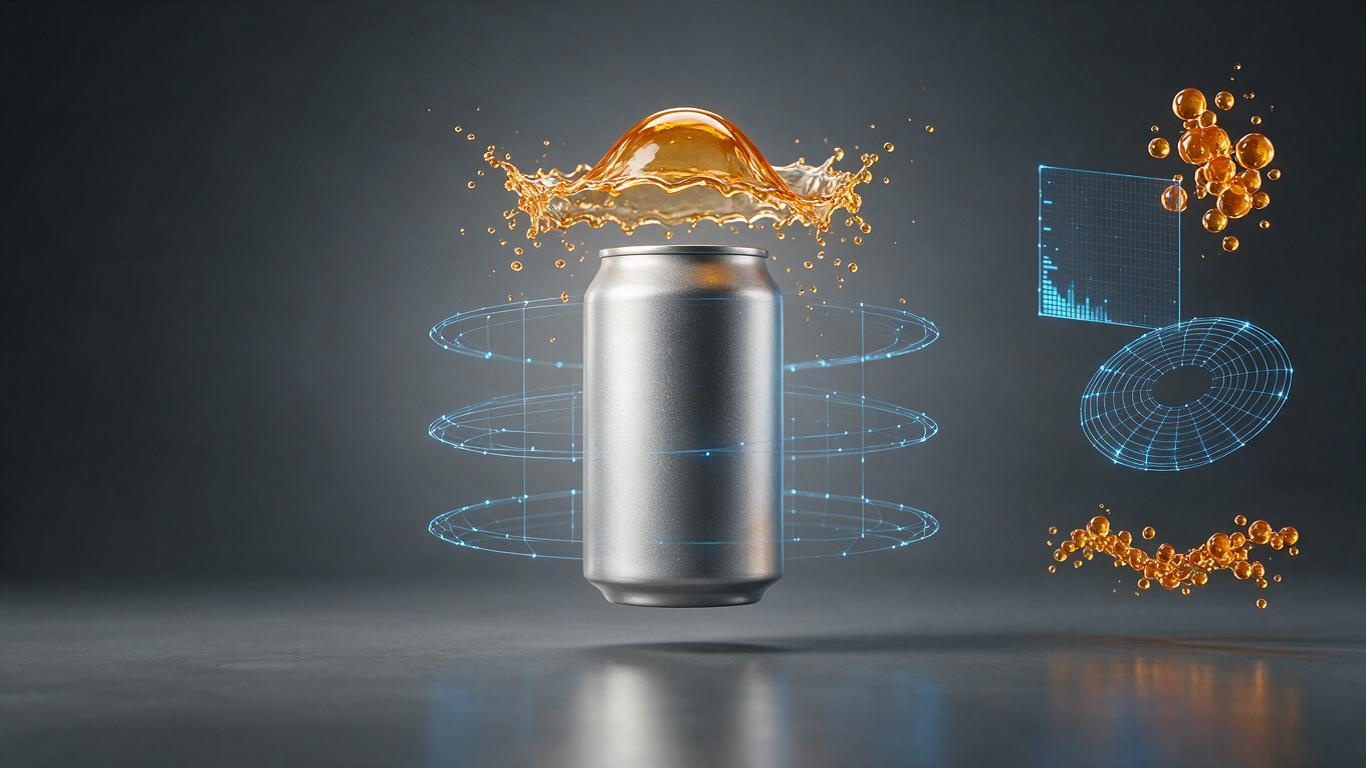
3D modeling and rendering wins in a different set of situations. The product is not in production yet and only concept renders exist. The product has precision internals no lens can reach, so it must be cut open. The product is transparent liquid, flowing gas or molten metal, where filming is expensive and dangerous. The product comes in twelve colours and six configurations — seventy-two setups to photograph, one parameter to change in 3D. The product needs a single unbroken move from full assembly down to a screw boss, which no motion control rig can deliver smoothly.
The cost structures differ completely. Live action is a heavy one-off: studio, gear, talent, set dressing, post — money spent on a single shoot, where changing one detail may mean reshooting. 3D front-loads the investment: modeling is the expensive part, but once the model exists, changing angle, colour, scene or duration costs almost nothing. That is why brands with long product lines tend to find 3D cheaper from the second film onward. For a fuller comparison of both pipelines, see our comparison of live-action and AI+3D workflows.
Which products justify the investment
Not every product does. If you only need a box rotating on a desk, a phone and a turntable will do. But if your product meets any two of the following, the return on 3D modeling and rendering rises sharply:
- Complex structure with selling points hidden inside (water paths, airflow, drivetrains, seals)
- Not yet in production, or the production version differs from the sample
- Many SKUs and colourways requiring batch output
- Extreme viewpoints needed (cutaways, exploded views, liquid filling, macro detail)
- Long-term reuse across a dozen assets a year on different platforms
One smart pet hardware brand we worked with is a textbook case: the product was still in prototyping, and the housing colour and structure changed four times. With live action, every round means rebuilding the set. In 3D, you change a file, not a room.
Three things to check before hiring anyone
First, ask for a still. Request a single frame with no post-processing, then zoom to 200% and look for odd creases in the curvature, whether chamfers are clean, and whether detail survives inside metal reflections. One still frame cannot lie.
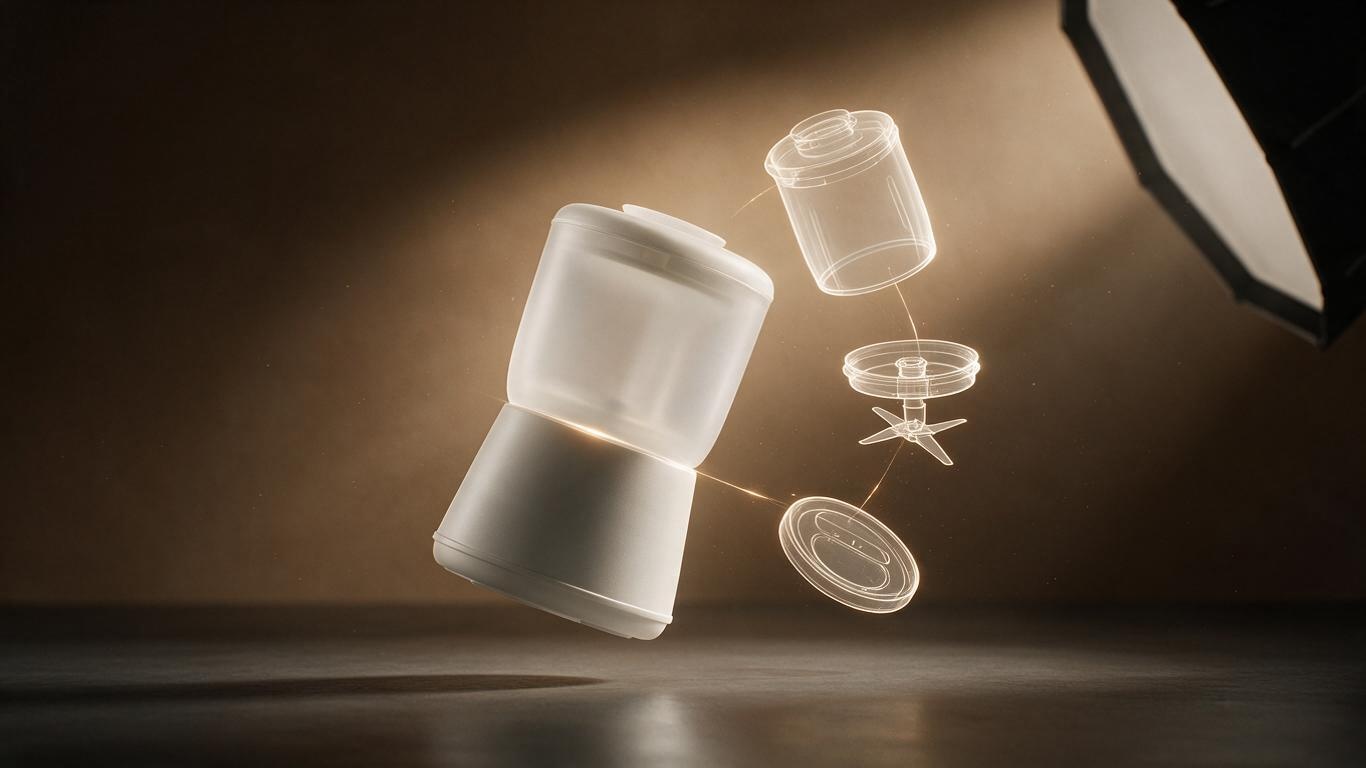
Second, ask for a breakdown. Have them show an exploded view animating apart and reassembling. This reveals whether the model is solid or hollow — plenty of cheap vendors only build the outer shell, and it falls apart the moment it opens.
Third, ask about delivery specs. Resolution, frame rate, formats, layer separation, whether source files are included. Some studios hand over a finished video only, and changing a colour later means paying again. We put the full checklist in the four dimensions brands should use to choose an AI+3D animation vendor.
One last thing
3D modeling and rendering sounds like two technical terms, but for a brand it means one thing: turning a product that cannot be filmed into a product that can be seen. Tools will keep changing. This test will not — when a camera can no longer explain your product properly, it is time. If you have one of those products on your desk, contact us and we will send you a still frame first.