
What a storyboard script actually is
A client pings you: "Send the storyboard script over when it's ready." And a lot of brand teams freeze at that moment — not because they distrust the studio, but because nobody ever explained what this document is supposed to look like or which parts matter. So they either wave everything through, or they argue about details that don't change the outcome.
Here's the plain version: a storyboard script is the construction drawing of a video. It defines what gets made before anyone spends real money making it.
The definition, without the jargon
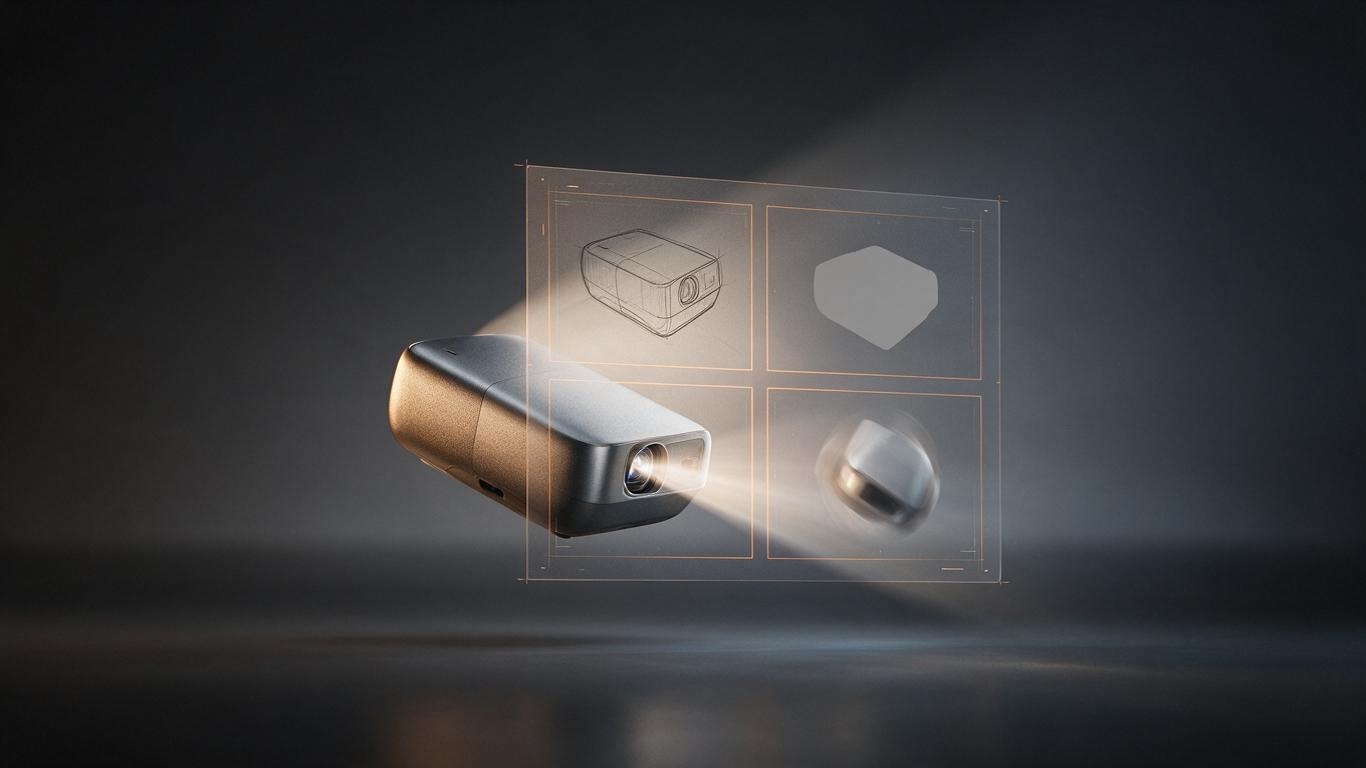
A storyboard script — sometimes called a shooting board or simply a storyboard — is a frame-by-frame record that pairs a visual with an instruction. Each panel shows what happens, how long it lasts, how the camera or product moves, what sound sits underneath, and what text appears on screen.
It isn't the same as two things people mix it up with. A script answers "what is the story," with dialogue and action. A storyboard answers "what does it look like," usually with images and light notes. A storyboard script stitches the two together and adds executable parameters: duration, transitions, audio cues, references, remarks. In most commercial product animation projects, this is the document the client signs off on — which makes it the shared basis for production, review, and any later change request.
The eight fields every usable storyboard script needs
- Shot and version numbers — S01, S02, v2, v3. Never let "I thought that was the old version" happen.
- Duration — accurate to half a second. Total runtime is just the sum of the panels.
- Visual description — subject, framing, environment, and the specific detail this shot must communicate.
- Motion and transitions — how the camera travels, how the product rotates, how this panel connects to the next.
- Audio cues — beat points, ambience, foley. Even a note like "metal lands on table here."
- On-screen text — locked word for word. Not "something about durability."
- References — mood, lighting, competitor frames. This is where three rounds of rework get avoided.
- Remarks and risks — what needs client confirmation, what depends on supplied assets, what is expensive.
Why product animation should never skip this step
Run the math. Changing a line of copy or reordering shots at the storyboard stage costs about ten minutes of conversation. Changing the same thing after 3D production means repositioning models, re-animating, and re-rendering. Changing it after delivery means re-editing, re-recording voiceover, and re-grading. The same sentence gets more expensive at every stage.
The real function of a storyboard script is that it separates creative debate from production execution. Argue freely beforehand. Once it's signed, everyone builds the same film. It's also the only moment where a brand can redirect a project cheaply — miss it, and every later step pays for earlier ambiguity.
How to write one: a five-step method
Rank the selling points before you imagine a single frame. A 30-second film usually carries three messages well. List everything, cut half, and only the survivors earn a shot.
Set runtime and rhythm first. Allocate opening, body, and closing seconds before filling panels, so you never discover a 40-second cut in a 30-second slot.
One idea per shot. Three claims crammed into one panel means the viewer remembers none of them.
Clarity beats drawing skill. Stick figures, blocks, and screenshots with arrows outperform a beautifully rendered board nobody can read.
Flag reusable digital assets. Mark which shots share a model, set, or lighting setup — that annotation compresses the schedule later. It connects directly to how 3D assets get built; we broke that down in our guide to the AI 3D modeling workflow.
How 3D storyboard scripts differ from live-action boards
Live-action boards are constrained by physics: can the crane reach, is there room for the light, can the product actually be disassembled on camera. A 3D board plays by different rules. The camera can pass through a housing. Time can slow tenfold. A machine can float mid-air while it demonstrates an assembly sequence.
That freedom is also the trap. A shot is easy to write and expensive to build if it needs a fresh model or a never-before-seen environment. Solid studios annotate complexity and estimated hours right on the board, or cut a rough previz to test the rhythm before committing. We compared the two pipelines in detail in live action vs. AI 3D production.
What brand teams should check before signing off
First, factual accuracy — product names, model numbers, specs, and every on-screen word. Second, rhythm: divide total runtime by panel count and ask whether each message has room to land. Third, evidence: if a panel's reference is vague, you've handed the decision back to the studio, and you'll have no fair basis to object later.
If you're comparing vendors, read how they talk about the board — it says more than a showreel does. Our four-point checklist in how brands choose an AI 3D animation vendor is a decent starting filter. Have a project in mind? Contact us — early storyboard discussion costs nothing.
The short version
A storyboard script isn't mysterious. It's just the translation of "I think this feels right" into "panel 3, two seconds, 45-degree top angle, subtitle reads exactly this." Good boards aren't necessarily pretty; they make everyone imagine the same film. Get that right and everything downstream gets easier.