
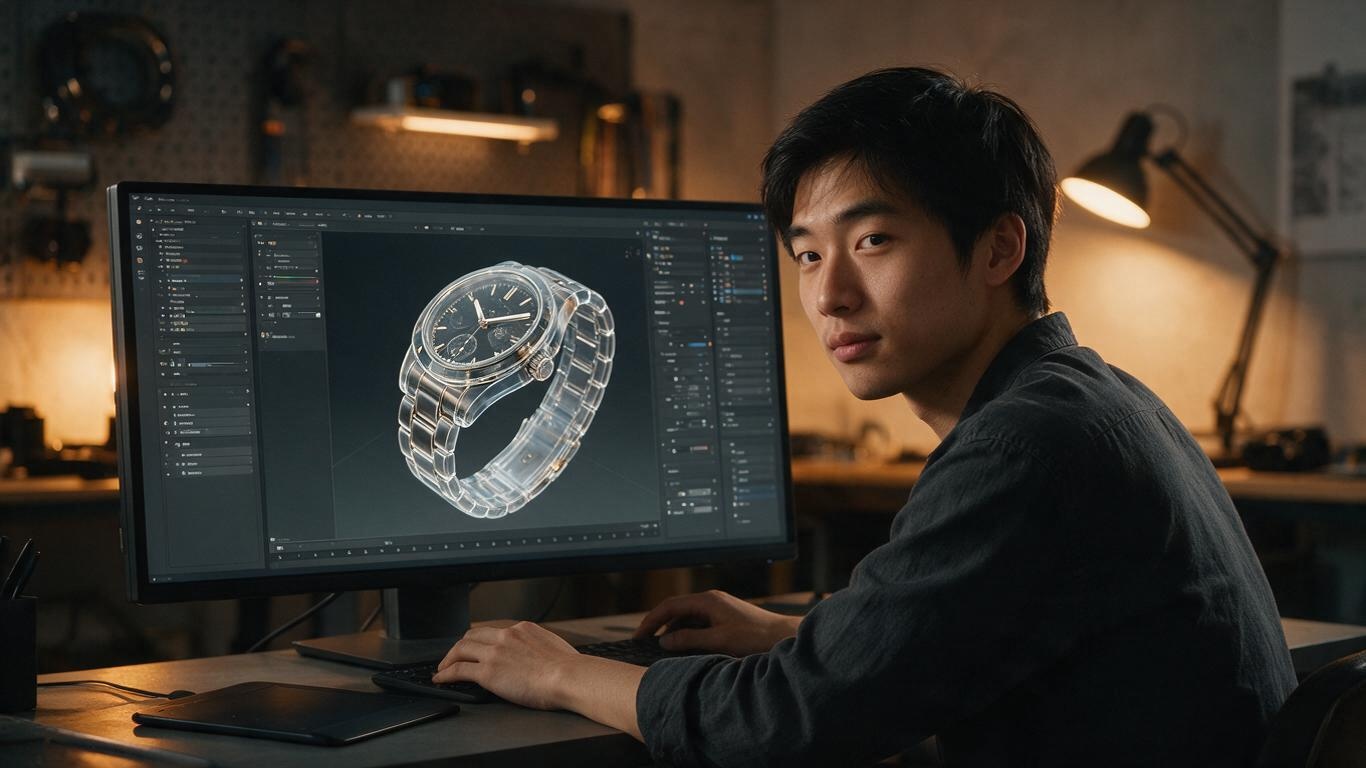
Have you ever had this experience? You model a product to perfection, but as soon as you hit render, your computer's fans start screaming and the progress bar crawls like it's stuck in molasses. When the image finally finishes, noise speckles are all over the bottle like snow. At that moment, the thing you want to smash isn't the computer — it's the renderer. As a product animation studio that obsesses over our clients' products, we've put every major engine through the wringer. This comparison isn't about specs — it's about real-world results.
Choosing a rendering engine is essentially a trade-off between speed and visual quality. Today's mainstream options fall into two camps: Blender's Cycles/Eevee, and Cinema 4D paired with Octane/Redshift. The former is free, open-source, and easy to start; the latter is the "standard answer" for commercial projects, delivering richer, more cinematic material quality. If you want quick previews and zero startup cost, Blender is more than enough. If clients demand flawless reflections and fine material detail, C4D + Octane is the safer bet.
Take Blender first. Cycles is physically accurate — light falloff, subsurface scattering, and translucent materials like product bottles are reproduced beautifully. Eevee, on the other hand, is a real-time renderer that's fast enough for interactive look-dev, making it ideal for pre-viz. Thanks to Blender's open ecosystem, many AI-assisted modeling tools can export directly to it — check out our article on AI-Generated 3D Modeling Workflow, which was built around Blender. The downside? Its material node logic is quite different from traditional CG software, so beginners often get lost. And when collaborating with external teams, Blender's file compatibility can occasionally be a headache.
Now, Cinema 4D + Octane. Most commercial product animation studios in China run on this combo. Octane is a GPU renderer that leverages parallel computation, delivering images far faster than CPU-based engines. Its spectral rendering excels at metal, plastic, and glass — the reflective gradients on a metallic phone frame look practically photoshopped. Redshift is also excellent, but Octane tends to win over clients for its photorealistic reflections. The cost? A Cinema 4D subscription, an Octane license, and a beefy NVIDIA GPU can easily exceed a few thousand dollars. But for high-value product animations, it pays for itself.
After producing hundreds of product videos, we've learned a few unorthodox rules: For 3C electronics — metallic bodies, glass panels, glowing logos — Octane is the king of high-reflection surfaces. For food and beverages — liquids, frost, and food textures rely on subsurface scattering, where Cycles and Redshift deliver more appetizing results. For industrial machinery — large scenes, deep depth of field, and multi-part animation — Eevee's real-time speed is perfect for preview animatics, while final frames go through Cycles or Octane. Of course, these rules can change with new versions — our team runs benchmark tests every month.
At the end of the day, choosing an engine isn't about benchmark scores. It's about delivering stunning results in the shortest time. A solo freelancer on a budget? Blender is the value king. A studio of three or more? C4D + Octane offers a better return on investment. In the AI era, rendering engines are becoming a commodity. What truly separates your work is how you use light and tell the product's story. To avoid the common pitfalls, start with our Product Animation Lighting Techniques guide — or simply bring your product and let's talk.