Many assume the barrier in 3D animation production is knowing the software. The real barrier is handoff between stages: models the animator cannot use, materials that break when lighting is added, renders that reveal a color space mistake. This article walks the full toolchain stage by stage.
The seven stages
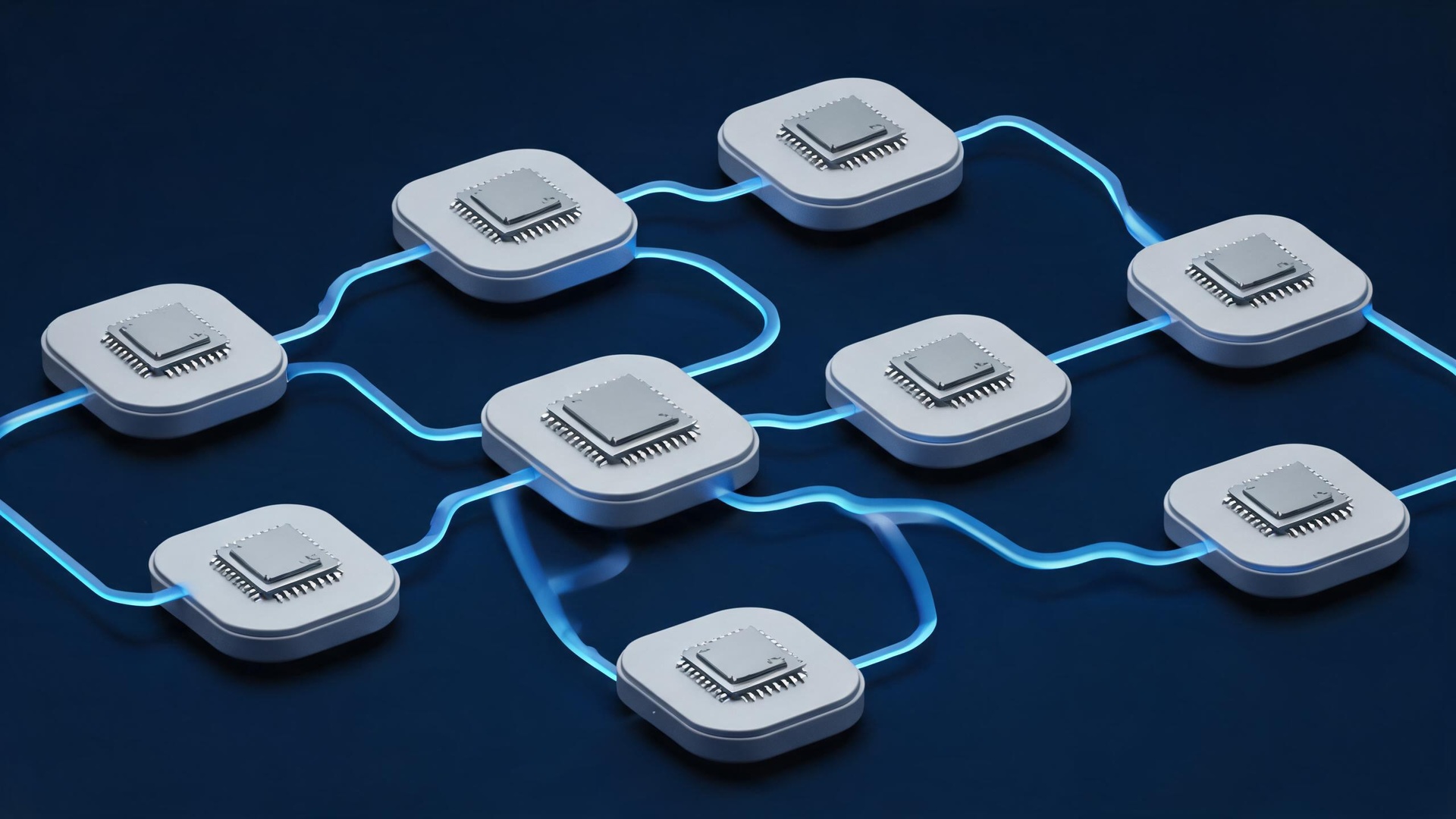
Brief and storyboard, modelling, UV and materials, lighting, animation and rigging, rendering, compositing and output. Each stage's deliverable is the next stage's input, so one non-standard handoff forces rework downstream.
Modelling
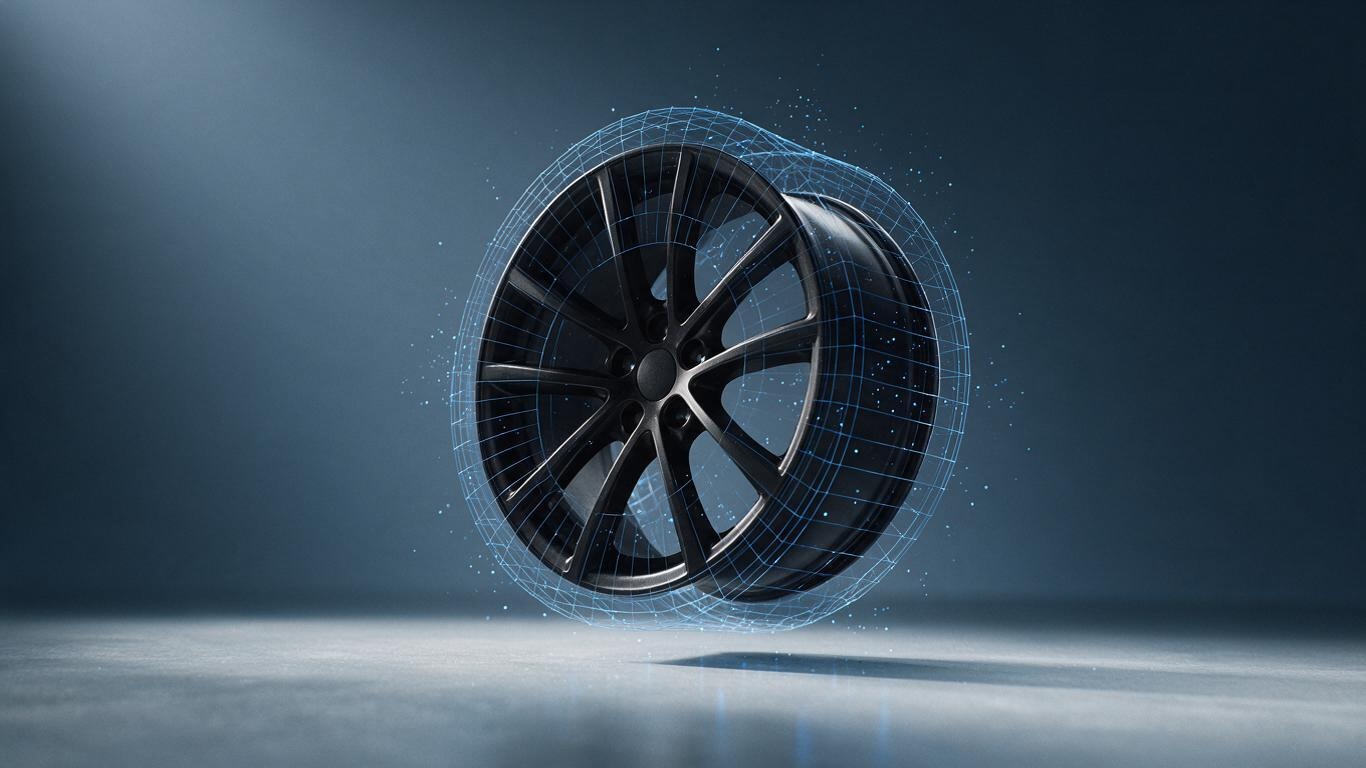
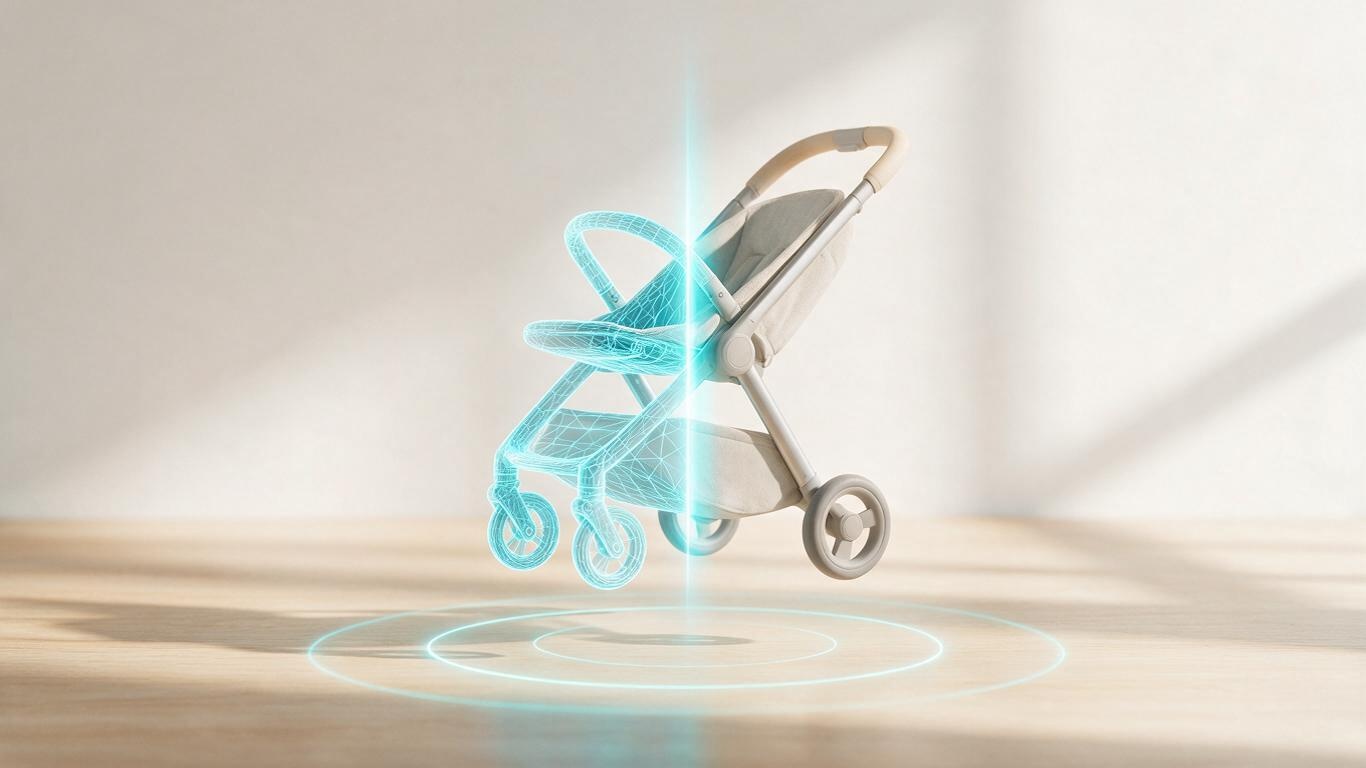
Blender, Cinema 4D, Maya, 3ds Max; industrial projects often start from SolidWorks or Rhino CAD data. The first major pitfall is CAD-to-mesh conversion: solid modelling produces exploding polygon counts and chaotic topology. Retopology is mandatory. Naming discipline matters too — Box001 through Box400 is unusable for an animator.
UV and materials
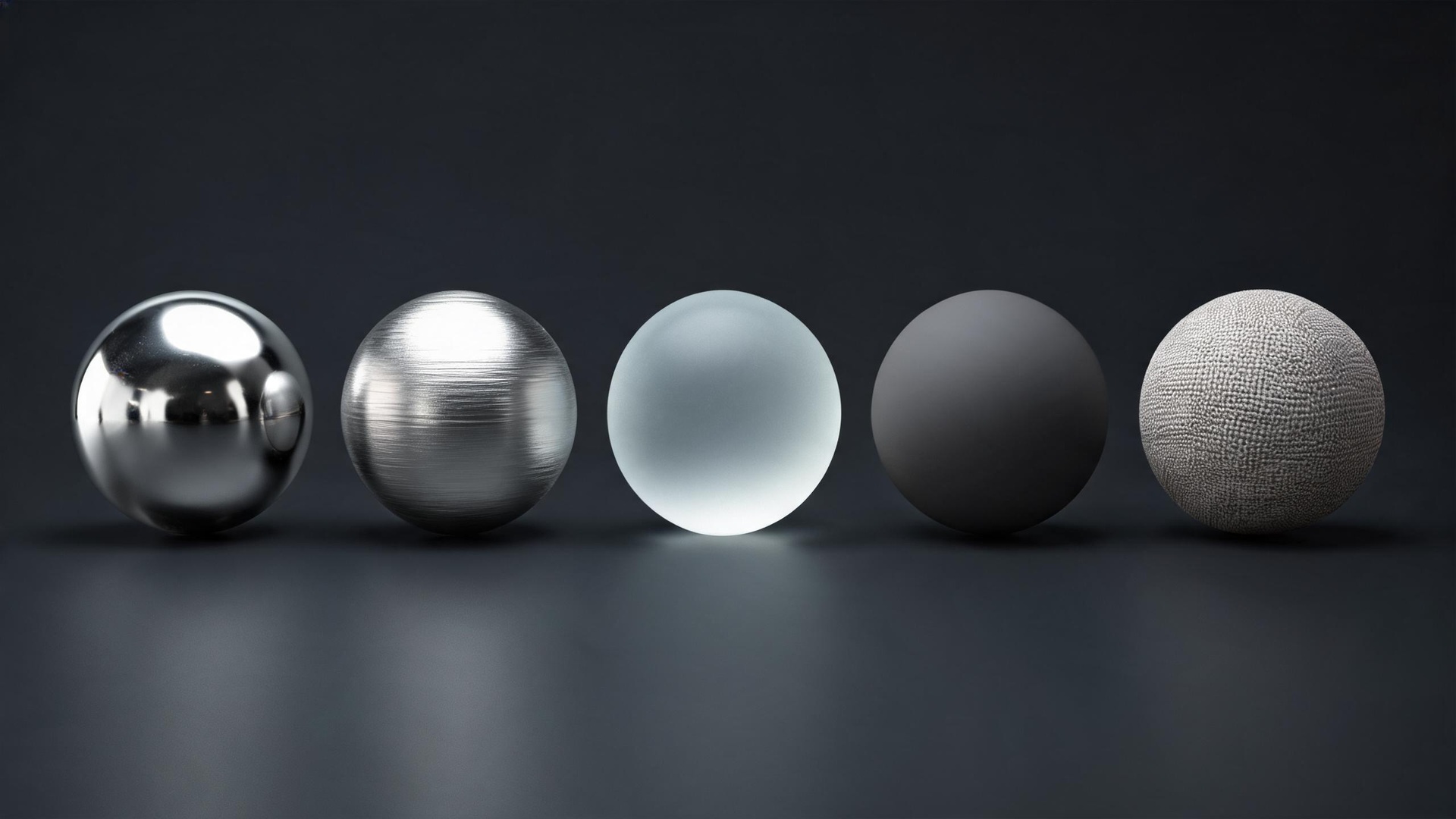
Substance 3D Painter, Blender nodes, Octane and Redshift materials. Materials do not transfer between renderers, so the engine must be locked before material work begins. Real product highlights come from real environments: capture custom HDRI for metal products rather than relying on stock.
Lighting
In 3D you design the reflection, not just light the object. Metal products get their premium feel from the shapes reflected in them, which is why studios build light box and diffusion panel geometry.
Animation and rigging
Mechanical constraints — hinges, slides, gear meshes — matter more than character rigs. Procedural animation (MoGraph, Geometry Nodes) suits repeated motion; hand-keyed animation suits precise camera work.
Rendering
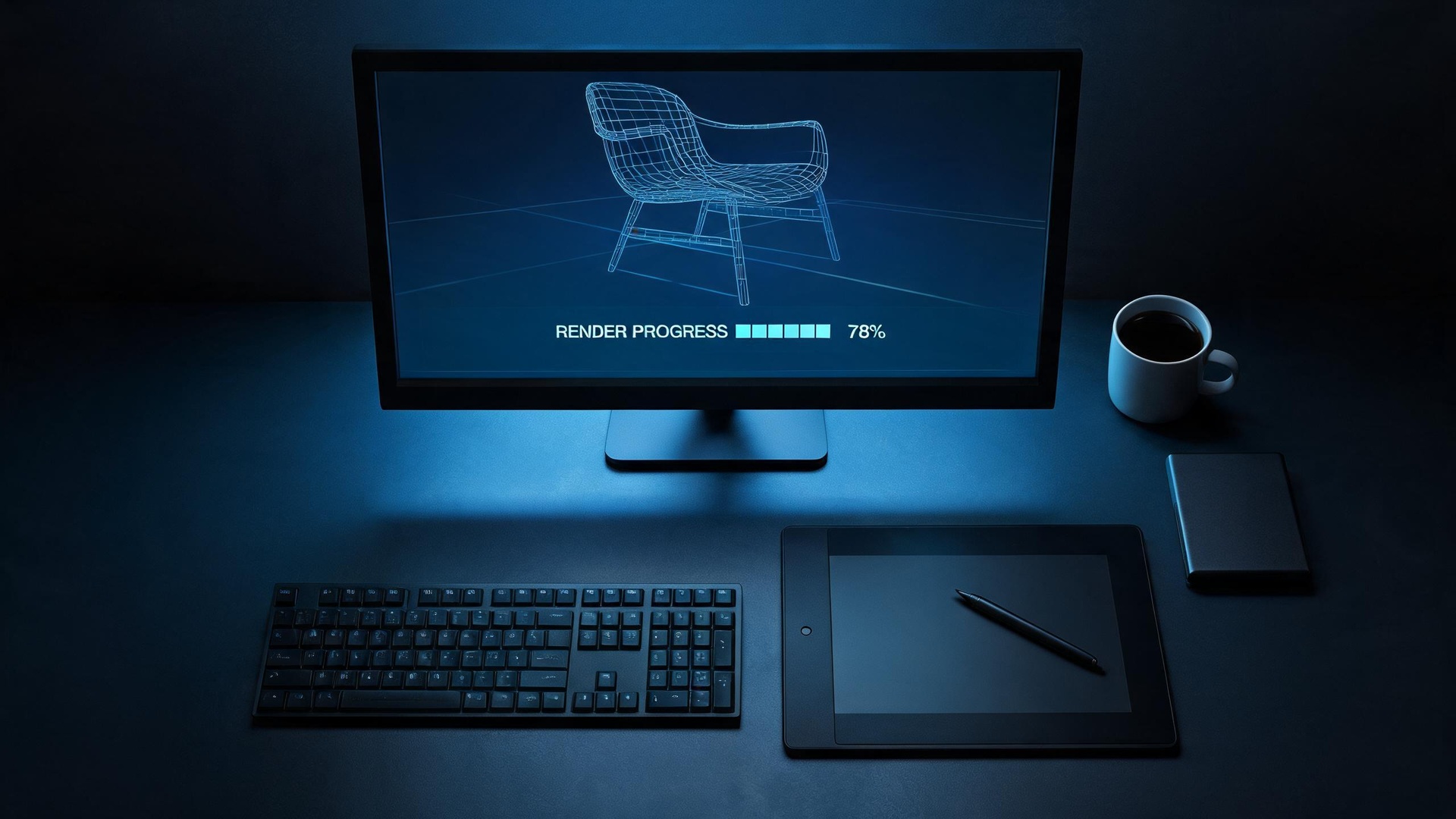
Cycles, Eevee, Octane, Redshift, Arnold. Sample count and denoising are the two settings that cause most problems and have no universal values. Always render image sequences, never straight to video — a bad frame can be re-rendered alone.
Compositing
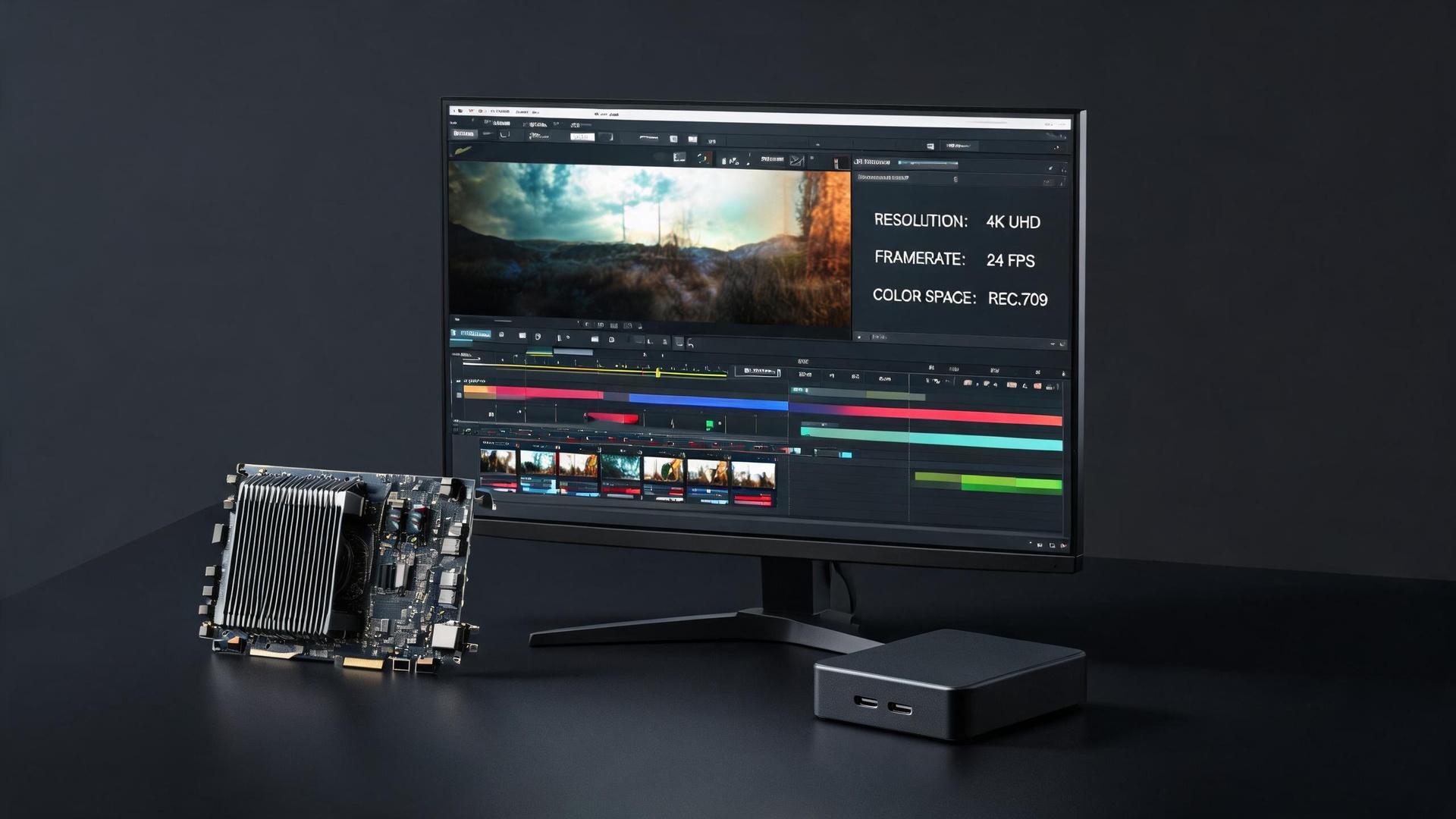
After Effects, Nuke, DaVinci Resolve, Premiere. Color management is the classic break point: EXR is linear, and a wrong transform makes clients say the product color is off when the render was fine.
Three toolchain combinations
All-Blender suits individuals and small teams at zero license cost. C4D plus Octane plus AE is the mainstream in Chinese product animation studios. Maya or Blender with Houdini and Nuke fits film-grade work at higher labor cost.
Three questions to test maturity
Does CAD-to-mesh need retopology? Do you render image sequences or straight video? How do you align color management? Teams that answer all three clearly have a working pipeline.