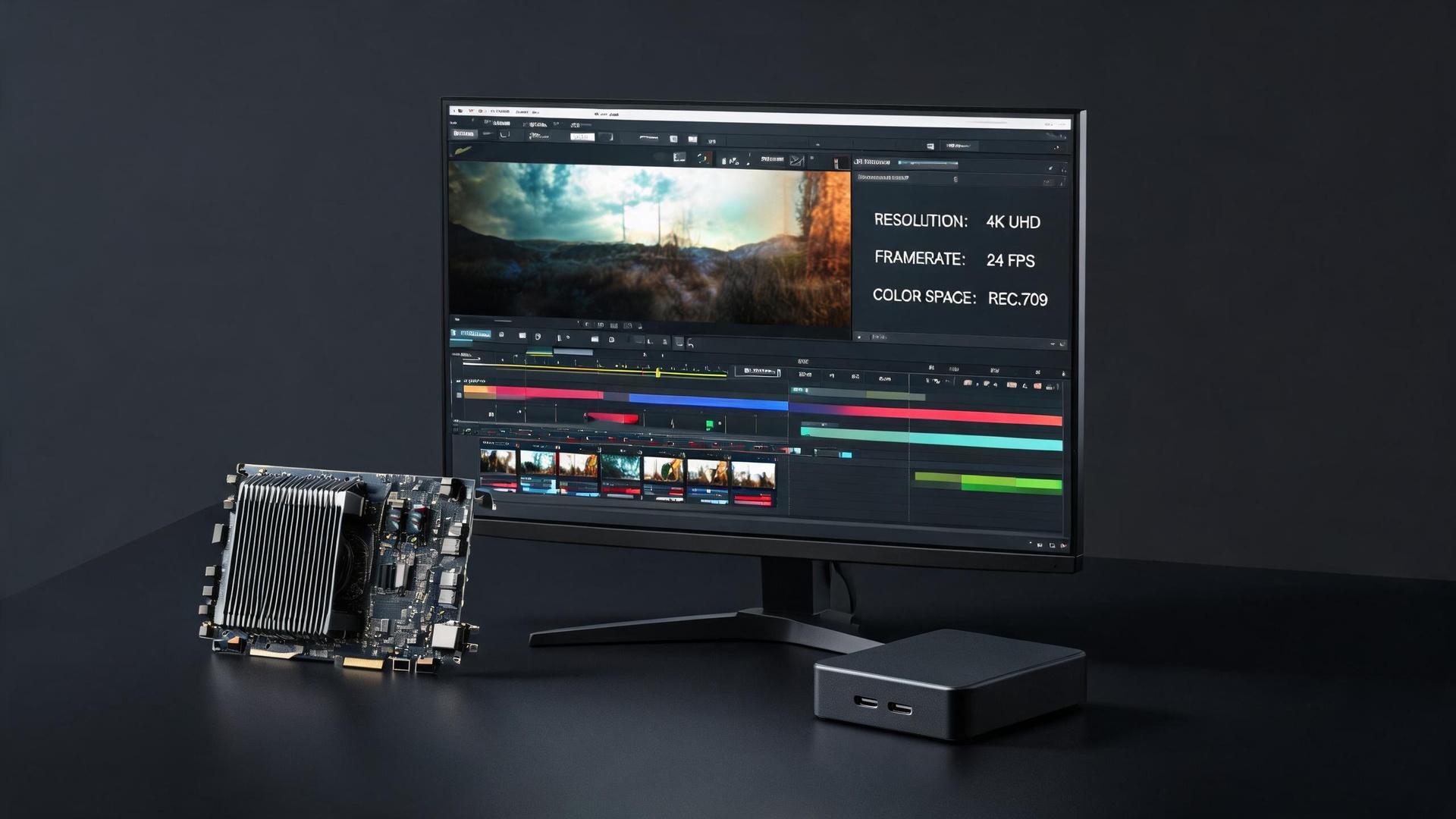
When should delivery specs be locked? Before production starts, not after the render is finished. This article breaks down the seven parameters that decide whether a 3D animation project ships on time: resolution and aspect ratio, frame rate, codec and container, color space, alpha channel and layering, stills and cover frames, and whether source files are included.
Why specs must be fixed up front
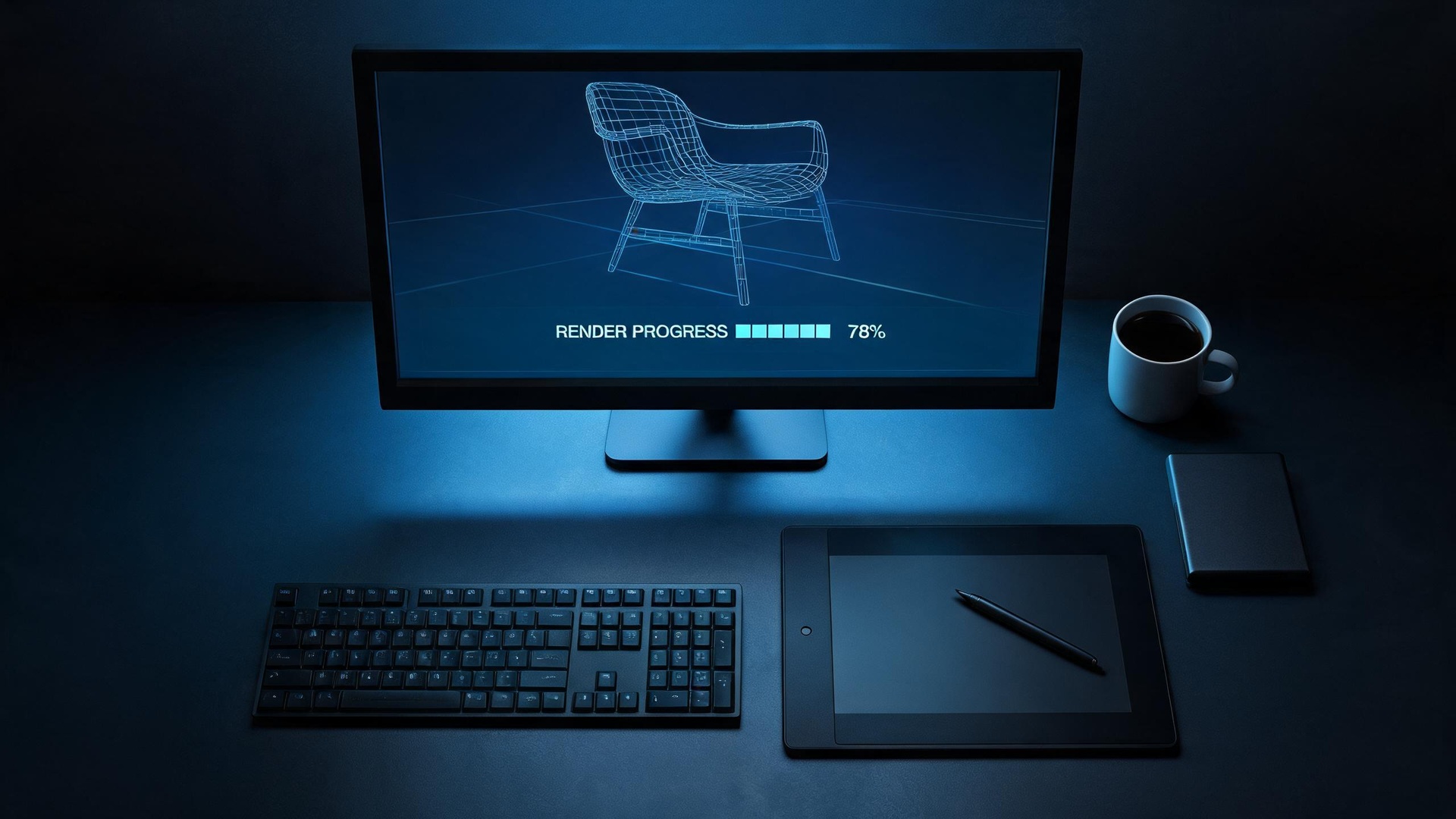
3D rendering is frame-by-frame computation. A 30-second film at 25fps is 750 frames; at 60fps it is 1800 frames, which more than doubles render time. Resolution behaves the same way: 4K carries four times the pixels of 1080p. Aspect ratio is not a crop either — vertical 9:16 requires its own composition, subject placement and subtitle safe area.
Resolution by channel
E-commerce product video: 1920x1080 16:9. Douyin, WeChat Channels and Xiaohongshu: 1080x1920 9:16, separately composed. Website hero banners need matching key stills. Trade show LED walls depend on the actual pixel grid and stitching ratio. Product launch main screens should be 4K minimum.
Frame rate
25 or 30fps covers most product animation. Raise it to 60fps for fast rotation, liquid splashes, mechanical speed or footage the client will slow down in post. Frame rate is not the same as smoothness — motion curve tuning matters more than the number.
Codec and container
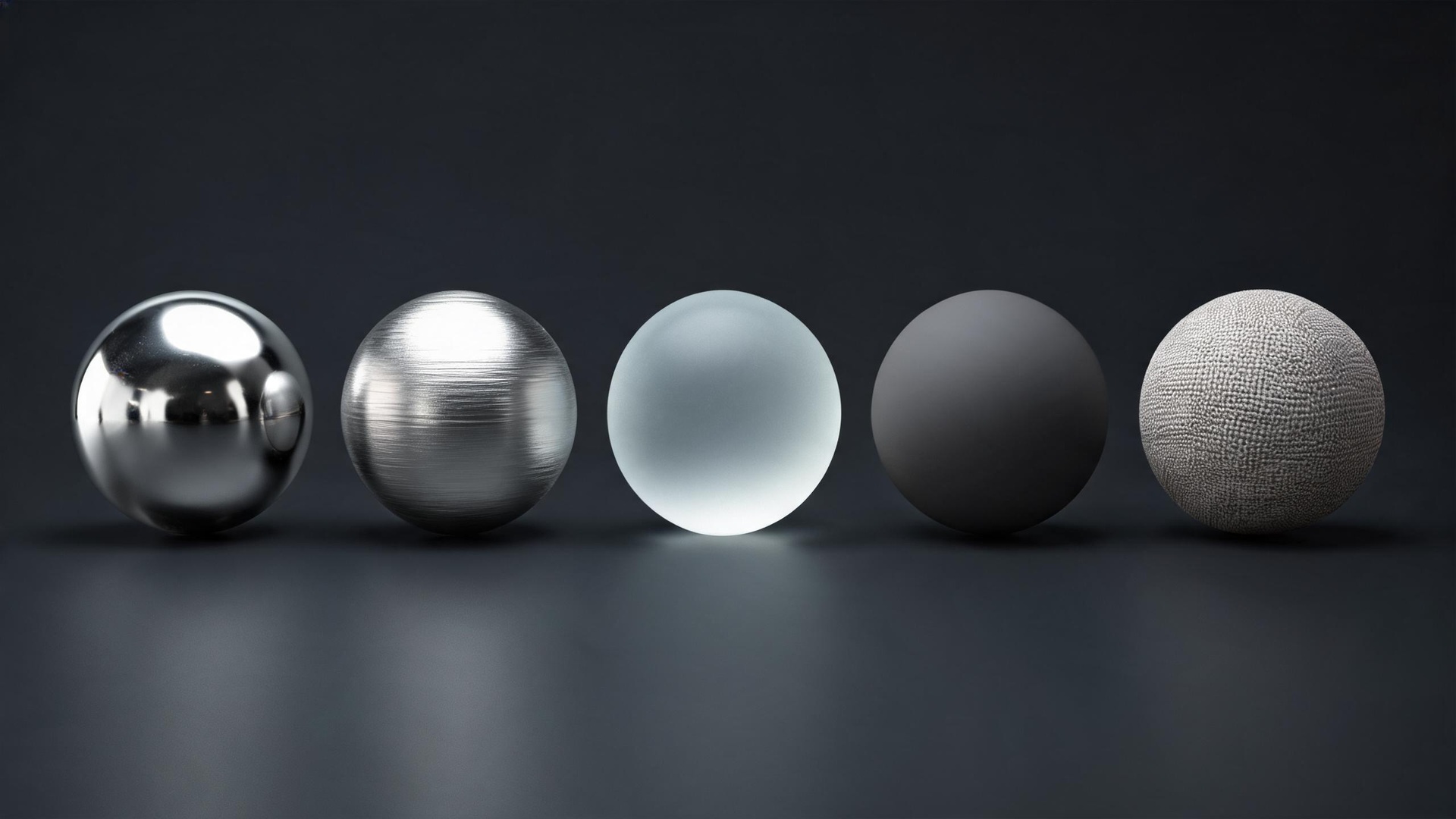
Deliver masters as ProRes 422 HQ or DNxHR HQ for editing and grading. Deliver distribution versions as H.264 MP4: 8-12 Mbps at 1080p, 35-50 Mbps at 4K. Lower bitrates cause visible banding in metal highlights and gradient backgrounds — the most common client complaint in product animation.
Color space
Render in linear space, output to Rec.709/sRGB for standard delivery, DCI-P3 or Rec.2020 for premium brand work. If a client says the red is wrong, it is usually a color management mismatch, not a render problem. Collect brand color values and confirm them at the sample-frame stage.
Alpha and layering
If the animation will be composited over a layout, webpage or livestream background, deliver with alpha: ProRes 4444, PNG sequences, or WebM with alpha. Layered output must be requested before rendering; it cannot be split afterwards.
Stills and cover frames
Export key stills directly from the 3D project rather than grabbing frames from the video. Resolution can reach 4K and quality is far better. Standard delivery includes three to five key stills.
Source files
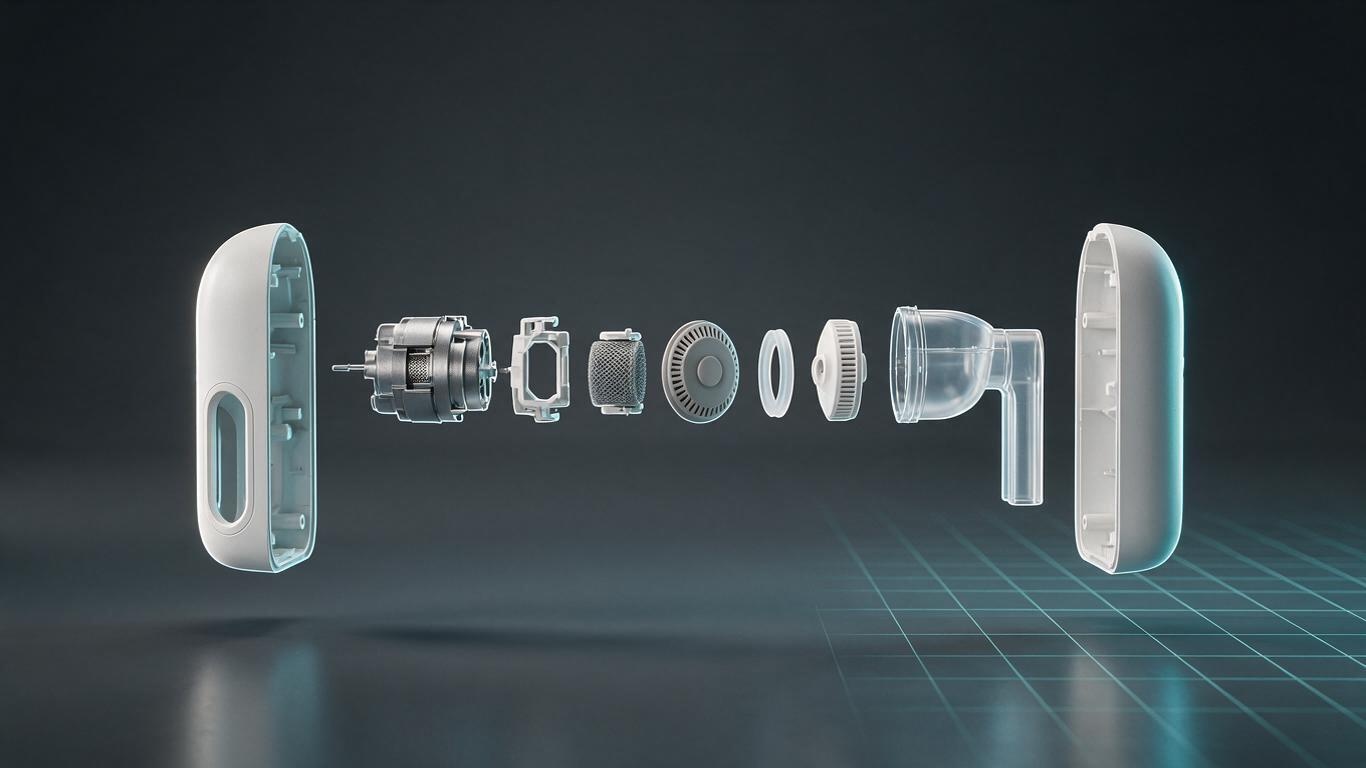
Project files contain modeling, materials, lighting and animation — core production assets. Industry practice is not to include them with the finished film. If required, price them separately or deliver baked models.
Fast delivery is an input problem
Projects with specs locked before kickoff averaged 1.2 revision rounds; projects that changed specs mid-production averaged 3.4. The difference is input certainty, not production capability.