
A client once sent a voice message at eleven at night: "This is version nine. The boss looked at it and said version one was still the best."
Then, a few seconds later, the question underneath it: "So what exactly were we doing for two months?"
Nobody on that project was lazy, and the renders were genuinely good. What was missing was a set of decisions that should have been made before production started — and that is where nearly every list of product animation mistakes to avoid actually begins. 3d animation production is a serial pipeline: every frame downstream pays for a decision made upstream, and it pays by the hour. Fix the intent on day two, or re-render on day forty.
So this article skips the technical showmanship and covers six places where projects genuinely go wrong, plus the one-page check a brand can run before anything is built.
Mistake 1: Treating a feeling as a brief
"We want this kind of vibe." Then three competitor videos land in your inbox.
The problem is that a vibe cannot be accepted or rejected. The studio sees pacing and transitions, the founder sees the background colour, the product manager sees the camera angle on the hero shot — and none of them say it out loud. When the first cut arrives, all three feel something is off, nobody can name it, and the project enters blind revision mode.
The fix is unglamorous and works almost every time: translate the vibe into tick boxes. Total shot count, duration per shot, the specific product angles that must appear, background brightness, presence or absence of people, cutting rhythm, whether there is an end card. One page is enough, and it turns an argument into a checklist.
- Which versions are needed: marketplace main image, product detail page, paid social
- The three selling points the product must communicate, in priority order
- Accessories, packaging or gifts that must be on screen
- What the film must not resemble — the most underrated line in any brief
Mistake 2: Modelling starts before the storyboard is signed
This is where the cost gap is widest. Changing a storyboard costs almost nothing; changing a model can mean starting over, particularly when the product has complex geometry or needs cutaway views of internal structure.
Our approach is a two-step sign-off. First a 2D storyboard to confirm shot logic and narrative order. Then a low-fidelity 3D layout pass to confirm camera speed, product scale within frame and whether the transitions actually work. Only after both are approved does modelling and look development begin, which removes most of the rework. If you want the full picture of how those stages compare with a traditional live-action shoot, our breakdown of the live-action versus AI+3D workflow comparison walks through time allocation at each node.
One rule: sign-off means something written down. A thumbs-up emoji is not sign-off.
Mistake 3: Writing "revisions until satisfied" into the contract
It reads as client-friendly and behaves like a trap for both sides. The studio cannot schedule, the brand has no boundary, and the project becomes a bottomless pit where nobody ends up satisfied.
A workable structure looks like this: N rounds included; round one covers structural changes such as shot order, duration and asset replacement; rounds two and three cover detail polish such as colour, pacing and text placement; anything beyond that is priced incrementally. Add two operational clauses — feedback is delivered in one consolidated batch, and the brand names a single point of contact so conflicting opinions do not land simultaneously.
The purpose of these rules is not to limit the client. It is to protect the schedule and the quality ceiling of the project.
Mistake 4: The delivery list is incomplete until launch day
The film is finished, then the media team asks for a 9:16 vertical cut. Then performance marketing wants a six-second bumper. Then e-commerce wants three stills for the main image. Then the overseas channel needs a clean version without subtitles. Every "one more thing" is another render and another edit.
Build the delivery list at kickoff, not at wrap:
- Aspect ratios: 16:9, 9:16, 1:1 — each framed properly, not simply cropped
- Duration cuts: 30s hero, 15s cutdown, 6s bumper
- Subtitles: burned-in version, clean version, editable caption file
- Stills: three to five key frames exported for detail pages
- Technical specs: MP4 / H.264, bitrate, Rec.709 or sRGB
- Platform safe zones: the right-side button column on Douyin, the caption area on Xiaohongshu, main-image whitespace rules on marketplaces
Category matters here too. In a food and beverage project we documented previously (the food 3D animation case that tripled Amazon conversion), the biggest lift did not come from the hero film. It came from three stills and a six-second cut extracted from it.
Mistake 5: Licensing gets handled the day before delivery
Commercial font licences, music licences, the terms of service for AI-generated assets, whether the client actually owns the product photography supplied, third-party brands or talent appearing in frame — these usually fall outside a studio's default scope, but the brand carries the risk.
Attach a simple asset-source table to the contract. For each asset, record the source, licence type, permitted scope (online, retail screen, overseas) and duration. Half an hour of admin here saves weeks of trouble later.
Mistake 6: The render outshines the real product
This is the most damaging mistake and the quietest one. Beautiful lighting and premium material settings can make a matte plastic housing look like brushed aluminium, or shift a colour half a shade away from reality. The gap a customer feels when they open the box shows up directly in reviews and return rates.
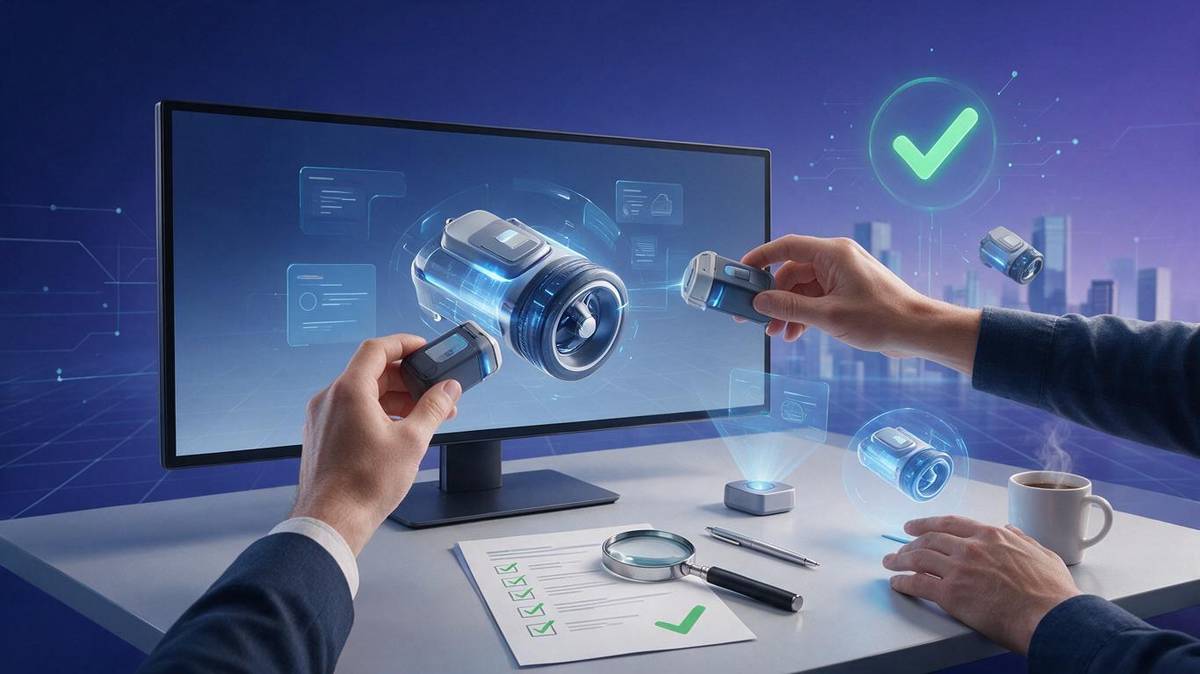
Control it with physical references: a production sample, a Pantone or RAL standard, and side-by-side comparison between real photographs and renders at key angles. For translucency, metal reflection and fabric texture — the three materials most likely to be flattered — err on the conservative side. When accuracy is critical, a hybrid of real photography and 3D compositing keeps the product honest.
The goal of good product animation is not to make the product look better than it is. It is to make the unboxing feel exactly like the video.
A one-page pre-production checklist
- Has the brief been translated into tick boxes rather than a vibe?
- Is there an explicit "must not resemble" note?
- Are both the storyboard and the 3D layout signed off?
- Are revision rounds, scope per round and overage pricing written down?
- Is a single client-side point of contact named?
- Are all aspect ratios, duration cuts and still counts listed?
- Are font, music, AI asset and product photography licences verified?
- Do you have a physical sample or colour standard?
- Is there a live-action plus 3D fallback plan?
- Is acceptance measurable — selling points visible, duration on spec — rather than "looks good"?
If you are currently evaluating studios, the four dimensions in how brands choose an AI+3D animation vendor pair naturally with the checklist above.
In the end, 3d animation production is an industry that works best when uncertainty is absorbed early. Two extra days of clarity before kickoff is always cheaper than two extra weeks of rework afterwards. If you have a project stuck on version three or four, send us the brief — we will run this checklist with you before we talk about whether to make anything at all.