
The Quote Says $200, but You End Up Paying $800?
Our team recently handled an after-sales inquiry from a client—not for a new animation, but for help sorting out a mess. They had a 3C product animation done by another vendor, with an initial quote of $200. Halfway through, they were told "the model needs fine-tuning," added $150; then "rendering requires a VIP renderer," added $100; then "revisions needed," added another $100. By delivery, the total was $800. The client was stunned: how deep is this rabbit hole?
This isn't an isolated case. Based on feedback from 300+ cross-border e-commerce clients we've worked with, over 60% of sellers pay 50% more than the initial quote on their first product animation purchase. What traps are hidden in product animation pricing? Today, as an animation veteran with four years in the trenches, I'll lay out the secrets that no one tells you.
Trap #1: Per-Second Pricing Without a Clear Definition
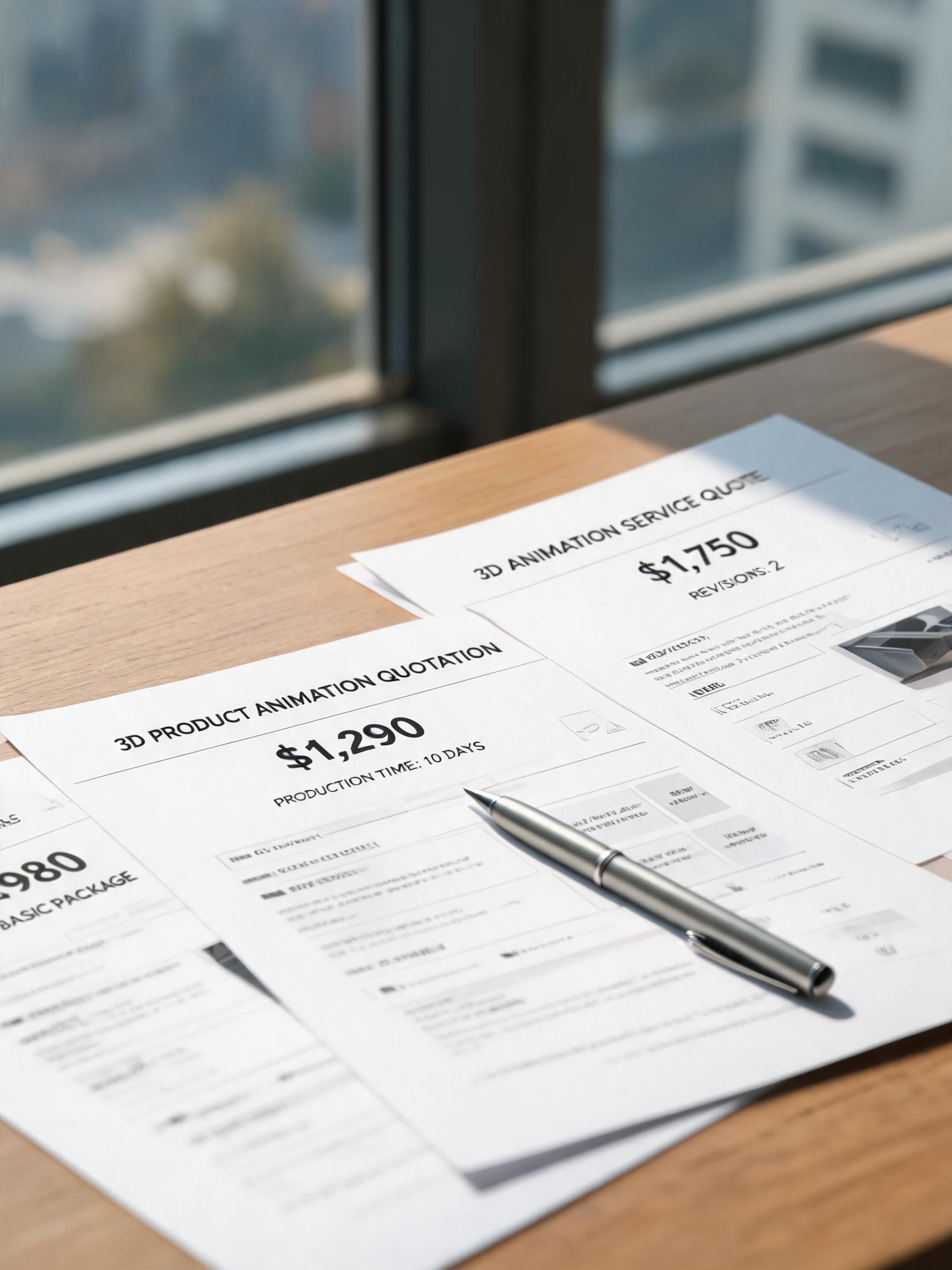
The most common trick: you ask for a price, and the sales rep quickly replies, "$10 per second." Sounds cheap—$150 for a 15-second animation? Wait, what does $10/sec include? Modeling? Textures? Lighting? Animation? Rendering? Post-production? They don't say. After you sign, you find out $10/sec only covers a basic turntable spin—no camera movement, no environment, no effects, not even fine details. Want a 360° rotation? Extra charge. Want to show internal structure? Extra charge. Want two shot versions? Extra charge. In the end, the usable final product may cost $60 per second.
How to avoid: Demand a clear definition. Ask them to write down exactly what's included in the per-second price: modeling, high-res textures, number of revisions (first 2 free?), final render output. Break "per second" into itemized categories: modeling + animation + rendering + post-production. Remember, any per-second price without a breakdown is a trap.
Trap #2: Separating Modeling Fees from Animation Fees—Paying Twice for the Same Model
Some vendors split "3D modeling" and "product animation" into two independent projects. You only wanted a 30-second animation—they build the model, charge you a modeling fee (typically $400-$800), then use that model for the animation and charge you again an "animation production fee." Worse, after finishing, the model belongs to them—next time you want to update the animation, you have to pay a "model rental fee" again. It's like Russian nesting doll pricing.
We had a humidifier client who paid $800 for modeling at Company A, then $1,500 for animation at Company B—and the model formats were incompatible, wasting both costs. How to avoid: Look for vendors that offer an all-in-one price covering modeling + animation + rendering. Make sure the contract states "deliverables include the final model source files." Then you own the model and can reuse it later if you switch vendors or update your animation, avoiding duplicate modeling charges.
Trap #3: Rendering Costs—The "Technical Service Fee" That Never Ends
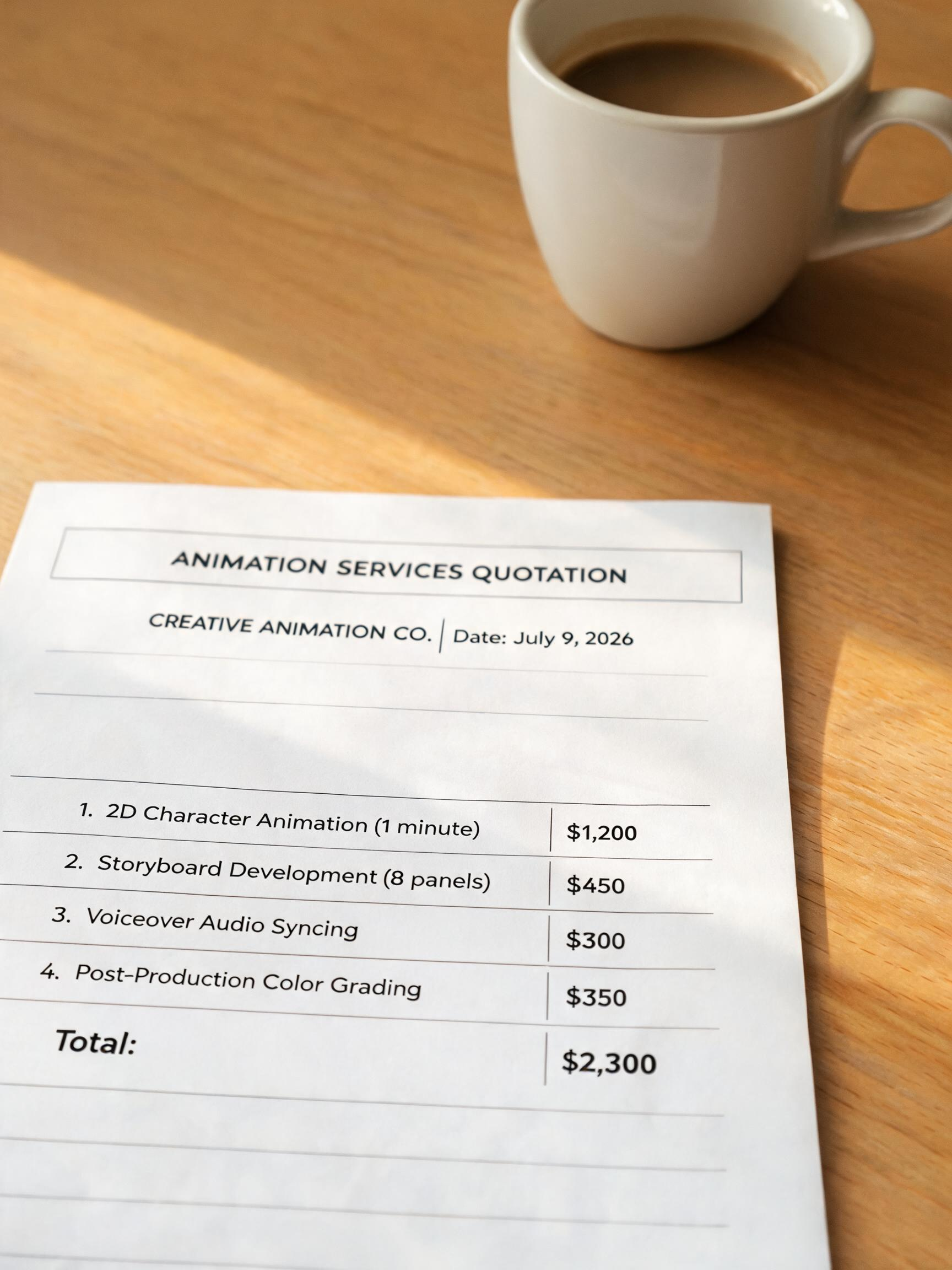
Rendering is where the most hidden charges lurk. Some vendors use local machines but bill you for "cloud rendering services," adding 20-30% extra. Others require specific render engines (e.g., Octane, Redshift) that have licensing fees—they pass these costs to you without telling you upfront, and only when a rendering issue arises do they say "need to upgrade to a VIP rendering node," costing another $100-$300.
Even sneakier: "pay-per-render-time." It sounds reasonable, but a typical 15-second product animation might take 10 hours on a local machine, or 2 hours in the cloud. However, the bill is calculated as "render time × rate × number of nodes," potentially reaching $500. How to avoid: Insist on a fixed rendering fee. Ask which render engine is used, whether it's included, and if the output is 1080p or 4K. Add a clause in the contract: "no extra charges for rendering beyond the agreed scope."
Trap #4: Unlimited Revisions—a False Promise
Some vendors advertise "free unlimited revisions." Sounds great, but in practice? The first revision is indeed free—but they respond slowly, or drag the turnaround to a week. You can't wait, so you compromise. More common: "free 3 revisions" where each revision is narrowly defined—changing one color counts as one, editing one line of copy counts as one, adjusting a product angle counts as one. Before you know it, your quota is exhausted, and each extra revision costs $50.
How to avoid: Define revision scope and timeline in the contract. For example, include 3 structural revisions (camera, rhythm, core visuals) and unlimited minor adjustments (text, colors). Also set a feedback SLA: the vendor must deliver an updated version within 24 hours after receiving your comments, otherwise the revision is considered approved. This protects your schedule and pushes them to be efficient. At Artsky Studio, we offer "3 major revisions + unlimited minor tweaks" to give clients flexibility without endless timelines.
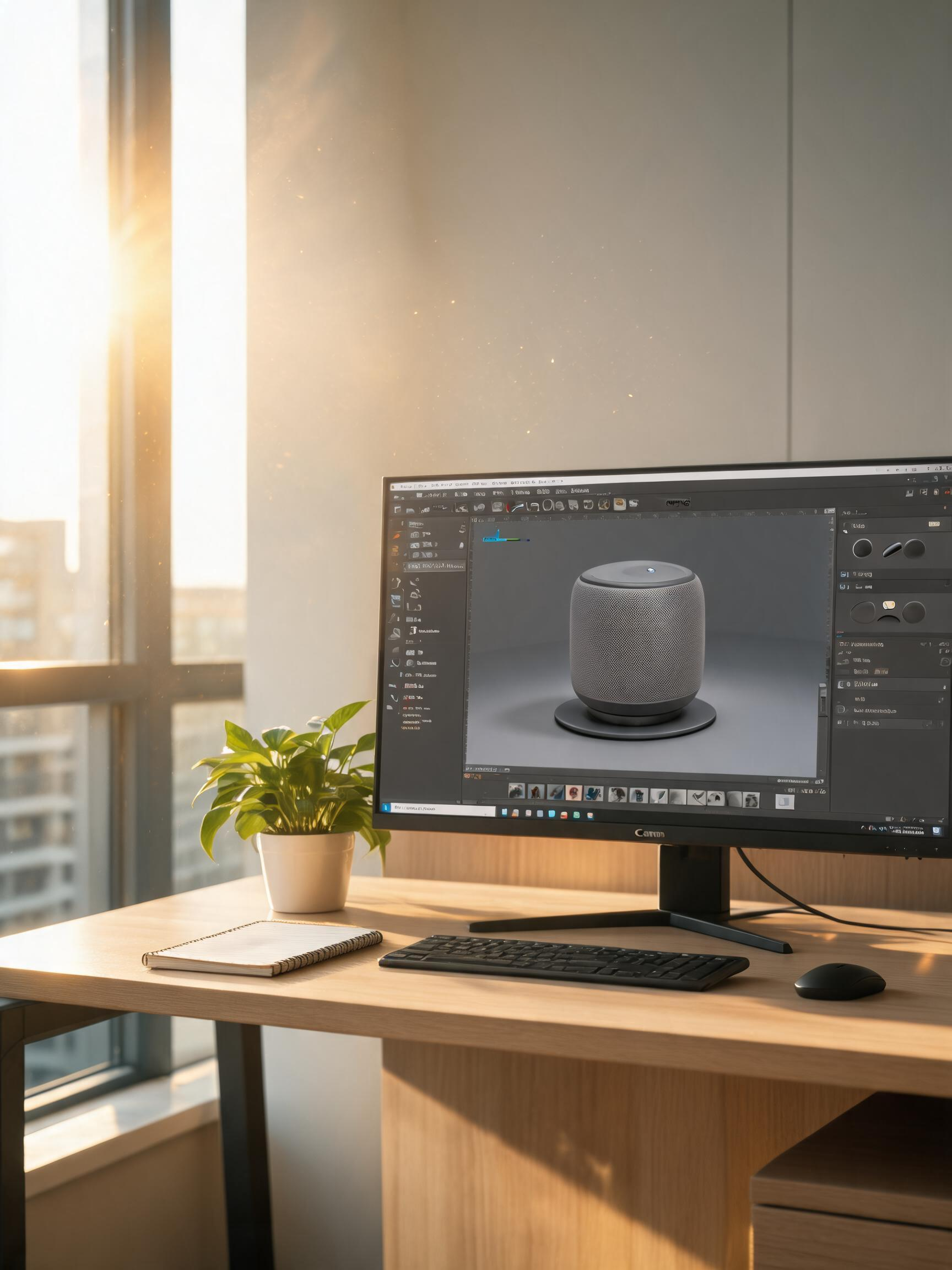
Trap #5: Final Deliverables—Want the Source Files? Pay Extra!
You paid for an animation, and what do you get? An MP4 file and an invoice. Later, you want to add subtitles, change the background music, or swap the product color—sorry, no source files. When you go back to the vendor, they tell you "source files are our core intellectual property and must be purchased separately," often costing 30-50% of the original production fee.
This is classic vendor lock-in. A reliable vendor should include source files (models, textures, scene files, project files) as default deliverables. At Artsky Studio, after payment, clients get all source files for free, plus 3 months of free file consultation. How to avoid: Confirm the deliverables list before signing. At a minimum, include: final video (high-res and platform-optimized versions), project source files (specify format: Blender .blend / C4D .c4d), texture assets (PSD or PNG), and any necessary font or third-party licenses. If they refuse to provide source files, walk away—even if the price is lower.
Final Word: Don't Buy for Price, Buy for Value
I'm not trying to make you lose faith in the industry. I just want you to know that while the "water" in product animation pricing is artificially murky, you can clear it with transparent communication. If you're vetting a vendor, take this article and ask them: Can you itemize every cost in writing? Will you include the model source files in the deliverables? How are revisions counted? Is the rendering fee fixed? The more evasive they are, the more you should be cautious.
If you've fallen into similar traps, feel free to share your story in the comments—let's help others avoid them. If you're about to commission a product animation, check out our earlier article 5 Pitfalls in Product Animation for Cross-Border E-commerce (90% of People Have Stepped Into). Combining both guides will give you a solid defense.
Here's the honest truth: product animation quality and price are generally proportional. But price and transparency are not. Your best bet is to find a vendor that delivers both—transparency and quality. That's the long-term win.