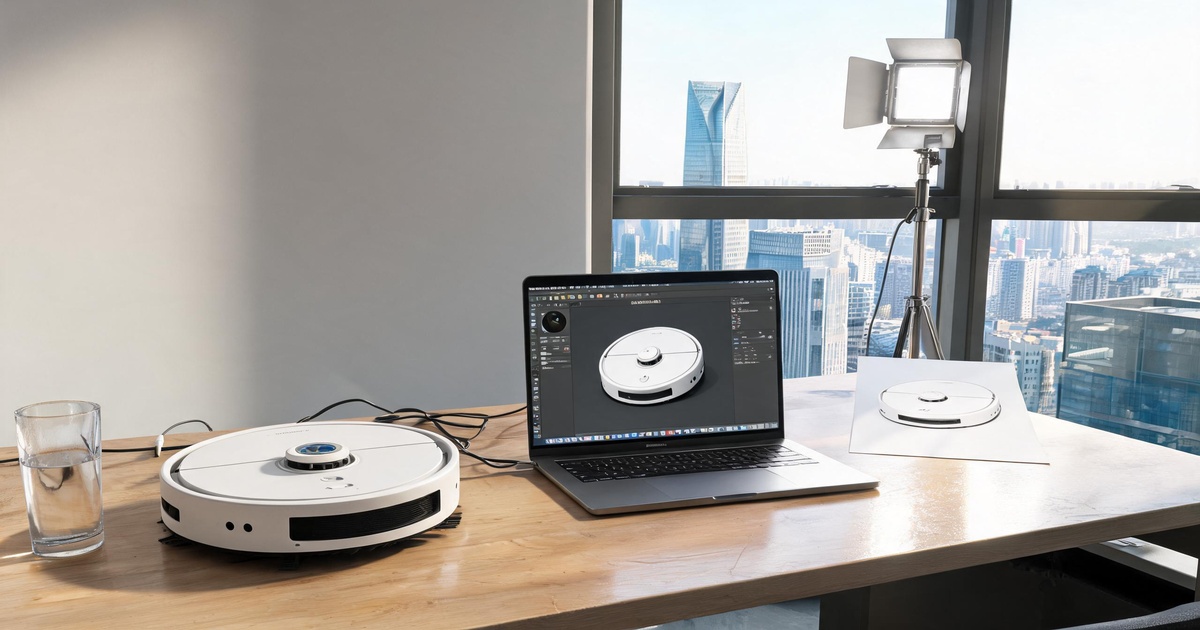
A few days ago, a client added me on WeChat and opened with:
"I need a 30-second product animation. Can you deliver in two days?"
I asked if he had product images.
He sent one — a screenshot from a Taobao product listing, 400x400 pixels, with a watermark on it.
I asked if he had other angles.
He said: "No. Isn't your AI pretty powerful? Can't it turn one image into 3D?"
Me: ...
Okay, so today let's talk about the 5 most common pitfalls in product animation. How many have you fallen into?
Pitfall #1 | Expecting an animation from a single image
This is the most ridiculous — and the most common — one.
The typical scene: A client sends a random web image (or a photo of their product, shot from one angle) and says, "This is the product. Make me a 30-second animation."
Dude. One image can't show thickness, back details, or material layers. What am I supposed to do with that?
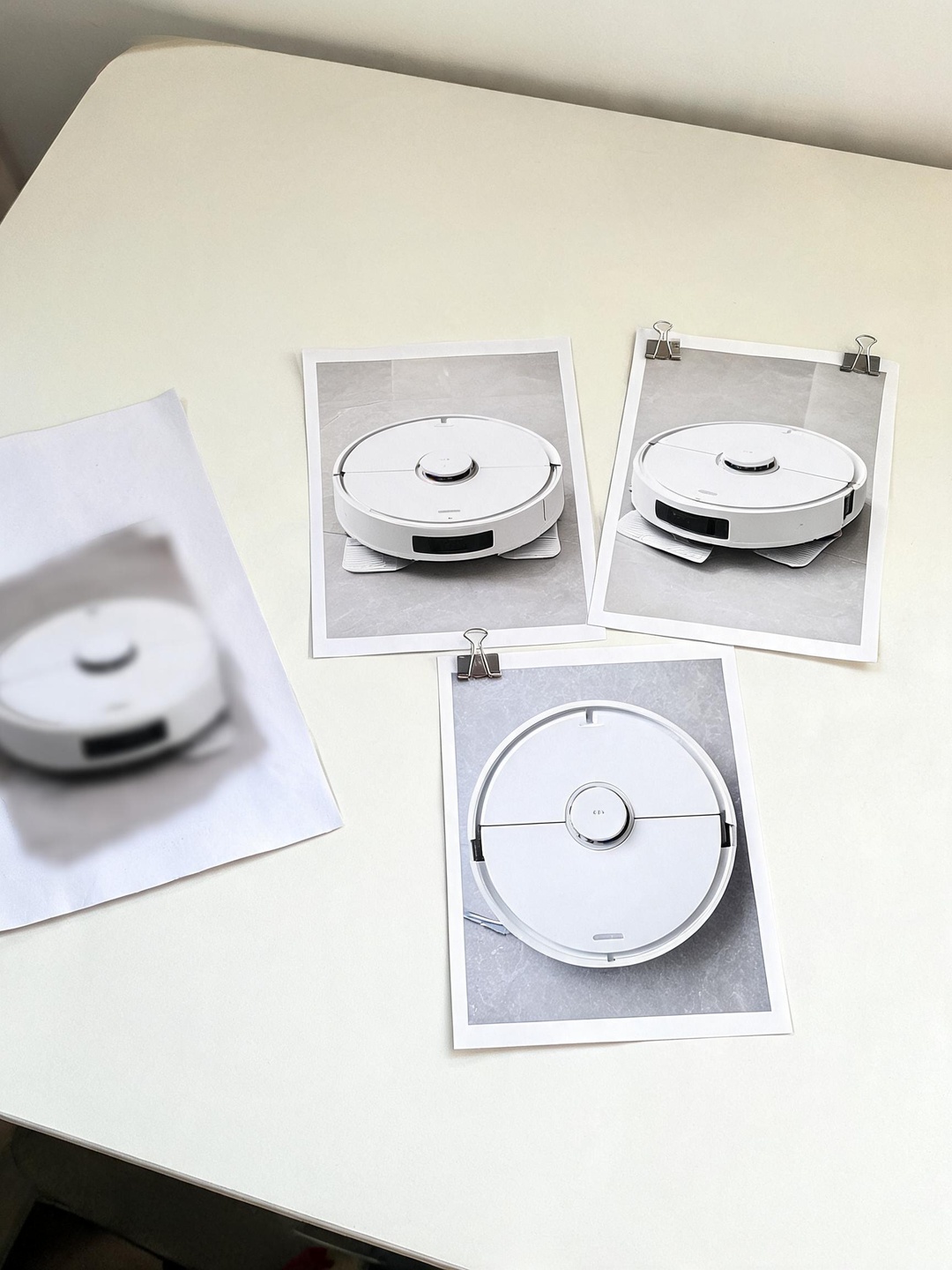
The right way: Provide at least 3–5 high-resolution angles of your product: front, side, 45°, back, and detail close-ups.
Even easier? Send us a physical sample. We'll shoot it ourselves.
Pitfall #2 | Making an animation without considering the platform
Some people come in and say, "Make me a premium product showcase video."
I ask: "Where will it be used?"
They say: "Everywhere."
TikTok viewers and people browsing a product page? The patience levels aren't even close.
- TikTok / Short-form video: Hook within 3 seconds. Fast pacing, strong visuals.
- Website product pages: Viewers are actively exploring. Complete info, clear selling points.
- Trade show displays: People glance as they walk by. Visual impact comes first.
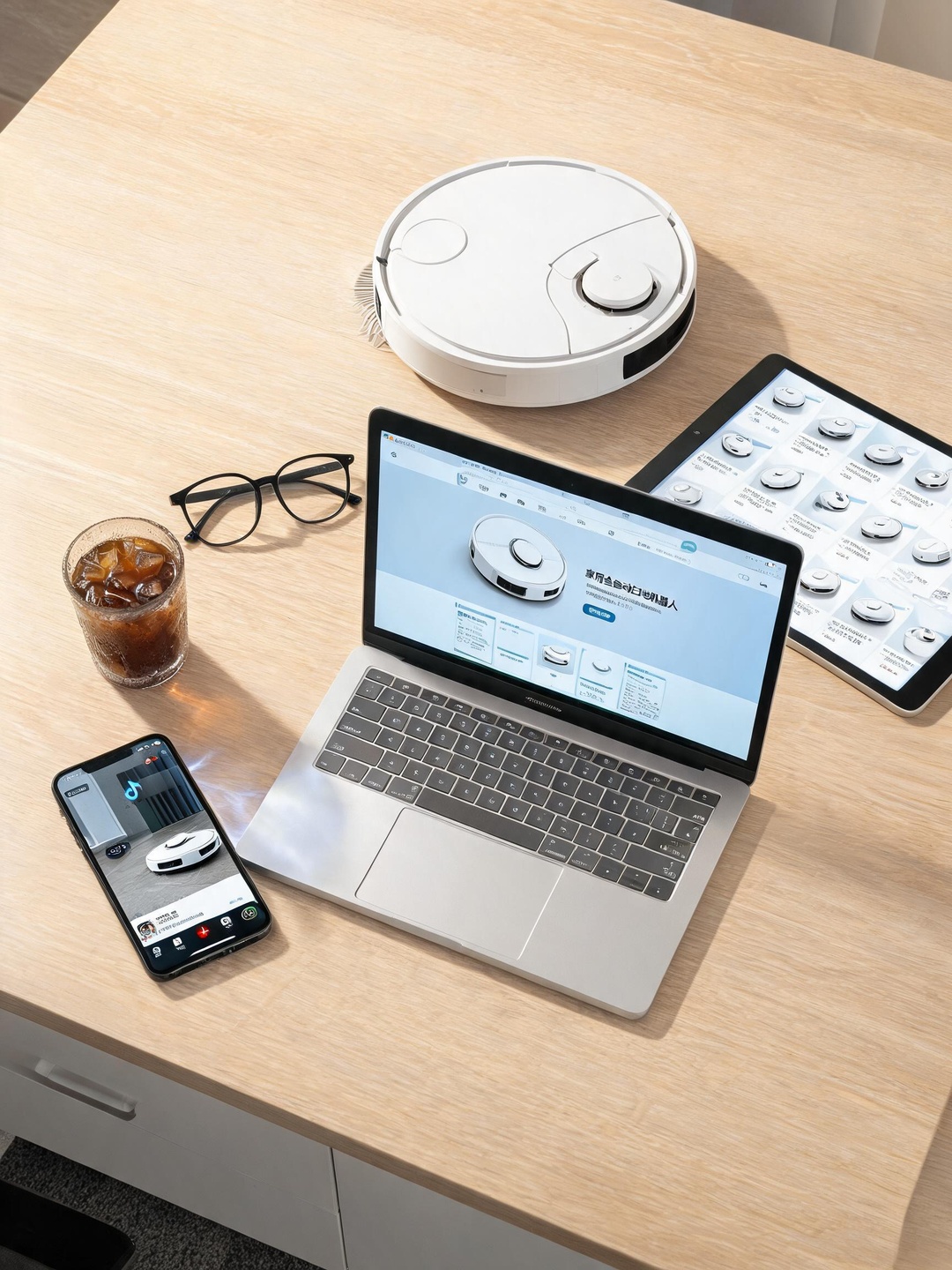
- Amazon listings: Shoppers are comparing. Clear feature breakdown wins.
Shoot one "master film" first, then edit versions for each platform. That gives you the best return.
Pitfall #3 | Assuming AI can output a finished video in one click
AI video tools have been flooding the market for two years now. "Type text, get your product video in 30 seconds!" Honestly, clients bought it.
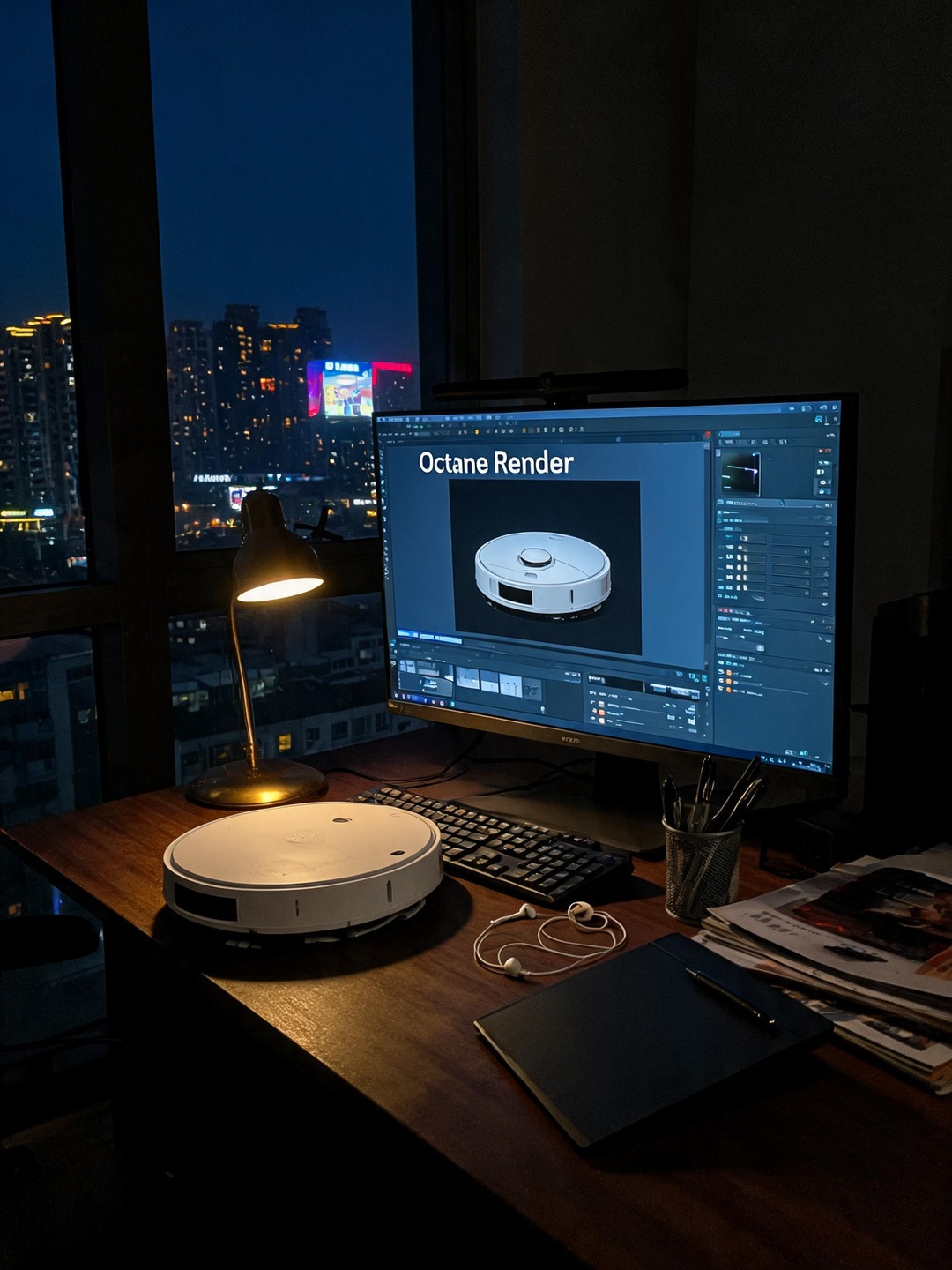
Yes, AI is impressive. But AI-generated models need manual polish, materials need manual tuning, animation needs manual pacing, and after rendering, you still need human post-production.
AI draws the sketch. The rest still requires people.
Look closely at those "one-click" videos — the text is garbled, the product is distorted, the lighting is physically wrong. Would you really use that to sell your product?
Pitfall #4 | Budget and expectations on different planets
Budget and quality usually fall into three tiers:
- Basic tier: We can do it, but don't expect cinematic quality.
- Mid tier: What most sellers choose. Quality that matches the price.
- High-end tier: Every detail dialed in. Pause any frame and it could pass as a product photo.
The worst case? A basic-tier budget with high-end-tier expectations. Ask for the budget range up front. If it works, we move forward. If not, no hard feelings.
Pitfall #5 | Revisions that never end
"It looks good, but the style isn't quite right."
"Let's try another color."
"Can you add a transition?"
"My wife doesn't like this shot. Swap it."
Why does this happen? Because the plan wasn't locked down early.
The right process: Storyboard approval → color and style approval → lock the quote → production → limited revisions → delivery
Take one day up front to lock the storyboard and visual direction. Use AI-generated concept frames as references. Once both sides sign off, start production. Changes after that? That's called a change order.
Summary
- One image to make an animation? → Provide multiple angles or send a sample
- Making animations without a target platform? → Decide the channel first, then the style
- Expecting AI to handle everything? → Understand what AI can and can't do
- Budget doesn't match expectations? → Talk budget first, then the plan
- Endless revisions? → Lock storyboard approval before production starts
Product animation can feel complex — modeling, materials, animation, rendering, post — dozens of steps. Or it can be simple: state your needs clearly, state your budget clearly, state your expectations clearly, and leave the rest to the professionals.
ARTSKY Studio
Specializing in AI + 3D product animation videos
Crafting cinematic product visuals for global e-commerce brands